
Using Your Apple Watch to Monitor Weather Conditions for Pet Walks
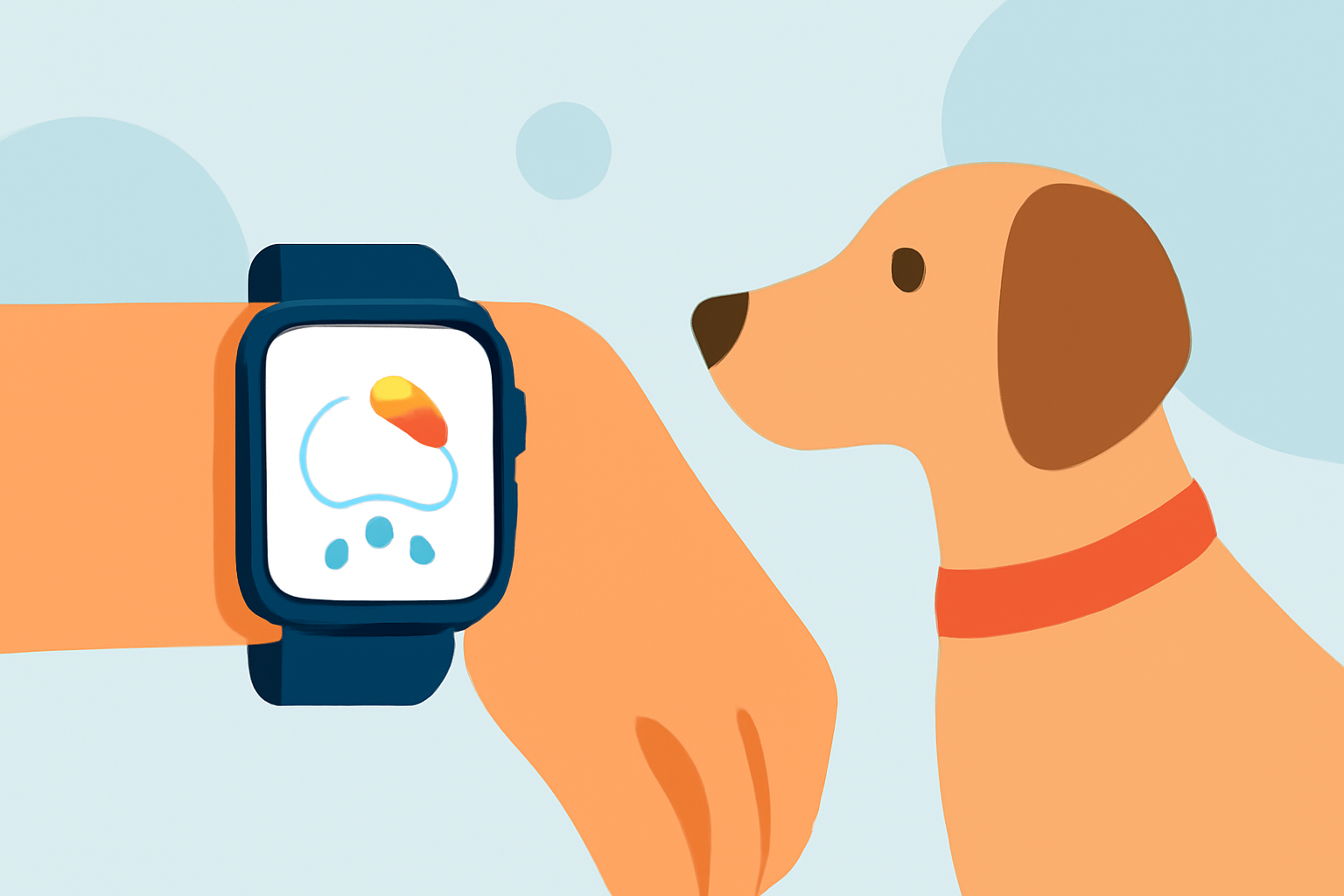
Taking your pet for a walk is a delightful way to bond and keep them active. However, unfavorable weather can make these outings less enjoyable or even unsafe. Your Apple Watch can be a valuable tool in assessing weather conditions before heading out.
How Can I Check the Weather on My Apple Watch?
The Apple Watch offers several methods to access current and forecasted weather information:
-
Weather App: Open the Weather app on your Apple Watch to view current conditions, hourly forecasts, and a 10-day outlook. (support.apple.com)
-
Siri: Activate Siri by saying, "Hey Siri," followed by your weather-related question, such as "What's the weather like today?" (support.apple.com)
-
Complications: Add a weather complication to your watch face for at-a-glance updates. (watch.skydocu.com)
What Weather Conditions Should I Consider for Pet Walks?
When planning a walk with your pet, consider the following weather factors:
-
Temperature: Extreme heat or cold can be harmful to pets.
-
Precipitation: Rain or snow can make surfaces slippery and uncomfortable for pets.
-
Wind: Strong winds can be unsettling and may pose risks.
-
Humidity: High humidity can lead to overheating in pets.
How Can I Use My Apple Watch to Monitor These Conditions?
Your Apple Watch provides detailed information to help you assess these factors:
-
Current Conditions: View real-time data on temperature, humidity, wind speed, and precipitation. (support.apple.com)
-
Hourly Forecasts: Check upcoming conditions to plan your walk during favorable times. (support.apple.com)
-
Severe Weather Alerts: Receive notifications about adverse weather conditions that may affect your walk. (support.apple.com)
Can I Receive Weather Alerts on My Apple Watch?
Yes, your Apple Watch can notify you about severe weather events, such as thunderstorms or extreme temperatures, helping you make informed decisions about your pet's walk. (support.apple.com)
Are There Third-Party Apps for Weather on Apple Watch?
Yes, several third-party apps offer enhanced weather features on your Apple Watch:
-
Weathergraph: Provides visual hour-by-hour forecasts, including temperature, rain, wind, UV, sunshine, clouds, and dew point. (weathergraph.app)
-
Weathercaster: Displays forecasts as interactive line charts, showing temperature, cloud cover, precipitation probability, wind speed, and lightning risk. (weathercaster.app)
-
Paws Weather: Designed for pet owners, offering current weather and forecasts for up to ten days, including conditions, temperature, precipitation, humidity, and wind. (apps.apple.com)
How Do I Add a Weather Complication to My Apple Watch Face?
To add a weather complication:
-
Press firmly on your watch face to enter customization mode.
-
Swipe left to select the complication area.
-
Turn the Digital Crown to choose the Weather complication.
-
Press the Digital Crown to save your changes. (watch.skydocu.com)
Can I Change the Default Weather Location on My Apple Watch?
Yes, to change the default location:
-
Open the Settings app on your Apple Watch.
-
Scroll down and tap on Weather.
-
Tap on Default City and select your preferred location. (guidingtech.com)
Conclusion
Utilizing your Apple Watch to monitor weather conditions can enhance the safety and enjoyment of your pet walks. By staying informed about the weather, you can ensure a comfortable experience for both you and your pet.