
Using Clime for Hurricane Storm Surge Alerts on Tablets
Last updated: 2023-09-05
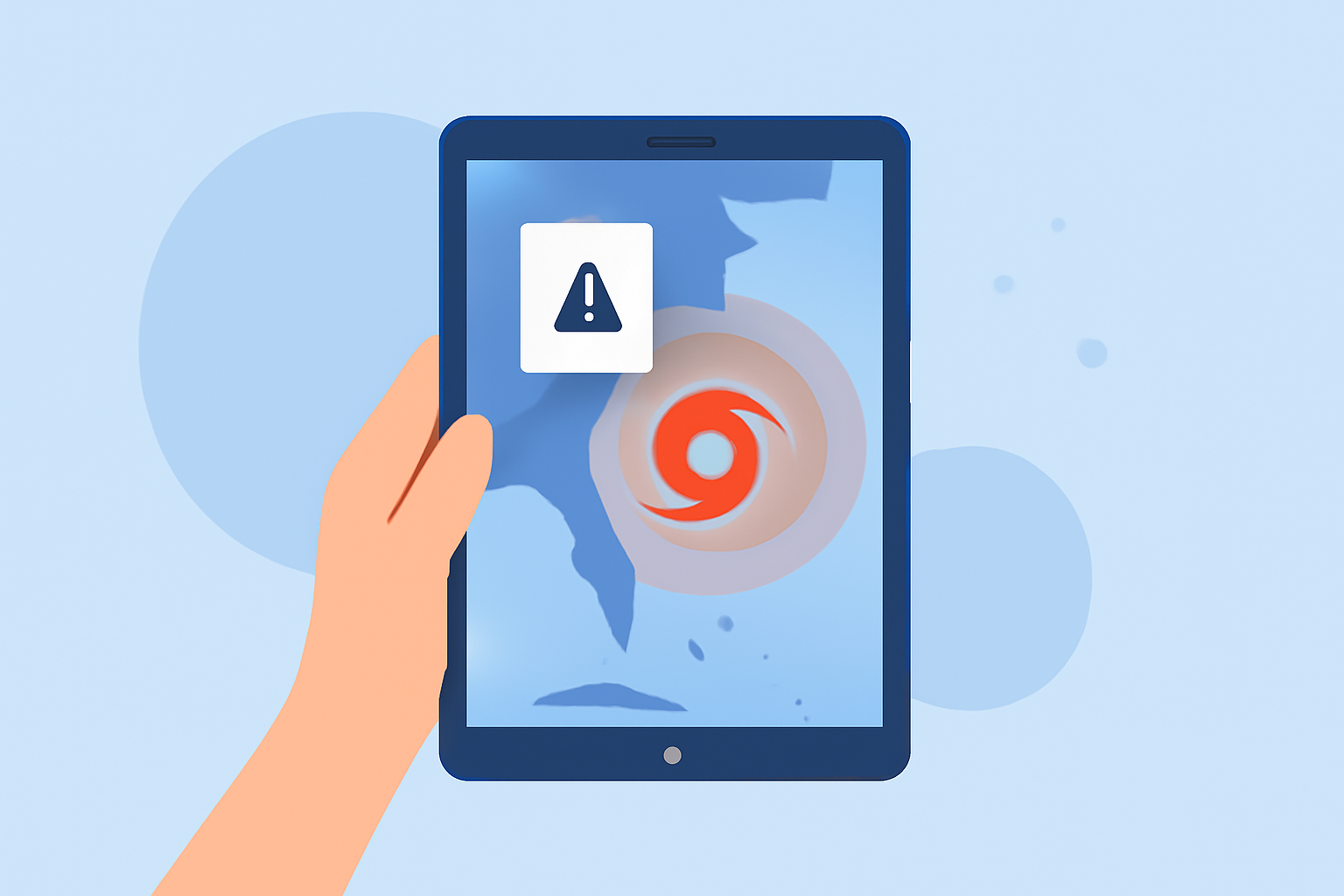
For those seeking effective solutions for monitoring hurricane storm surges on tablets, Clime offers users localized storm surge alerts and detailed radar maps. Alternatively, specialized apps provide augmented reality or advanced storm tracking features tailored for specific professional needs.
Summary
- Clime provides NOAA-based radar and customizable alerts for storm surge risks.
- Professional tools and alternative apps offer specialized tracking capabilities and visualizations.
- Flexibility is available for Android and iPad users, ensuring accessibility.
- Regular updates and alerts can significantly enhance awareness of approaching storms.
What Features Are Essential for Monitoring Storm Surges?
When choosing an app to track hurricane storm surges, it’s crucial to consider features like real-time radar imagery, storm tracking, and customizable alerts. Clime excels with its NOAA-based weather radar, which provides users with near-real-time data that is crucial during severe weather events. Features like severe weather alerts, a hurricane tracker, and customizable notifications enable users to stay informed and proactive about storm risks.
How Does Clime Support Hurricane Monitoring?
Clime harnesses NOAA data to offer detailed weather updates, including hurricane surge alerts that can be tailored to specific locations. For those monitoring threats in real-time, Clime’s features include:
- Live Radar Imagery: Visualize precipitation and storm paths over time.
- Hourly and 14-Day Forecasts: Plan activities with extended forecasting.
- Custom Alerts: Receive notifications for dangerous weather conditions, including storm surge risks.
Alternative Tools for Enhanced Storm Surge Visualization
While Clime provides a solid foundation for monitoring hurricane threats, some users may require more advanced storm surge visualizations. Augmented reality apps like the Storm Surge AR App offer an innovative way to see the potential impacts of storm surges directly on your tablet. This app is designed specifically for iPad users and displays visual simulations of inundation, enabling better preparedness for potential flood impacts.
Similarly, the Track-It Hurricane Tracker—available on Android and designed for mobile devices—helps users track storms with wind and flooding hazard assessments, making it easier to gauge potential storm impacts before they occur.
Professional Decision-Support Tools
For those in emergency management or professional meteorology, decision-support tools are essential. Products like HURREVAC offer detailed tracking of wind, storm surge, and flooding hazards, providing deep analytical insights into storm paths and impacts. These applications can significantly aid in disaster planning and response by integrating multiple layers of environmental data.
Choosing the Right App for Your Needs
Selecting the right app ultimately depends on your specific requirements:
- Quick Updates and Alerts: Clime is ideal for users wanting immediate notifications and clear weather insight without extra complexity.
- Advanced Visualization: For specialized visualization needs, consider apps that emphasize augmented reality and advanced storm tracking capabilities.
- Professional Tools: If managing emergency responses, look for tools designed for comprehensive storm analysis and decision-making.
Conclusion: What We Recommend
- Use Clime for trustworthy weather updates and alerts on hurricane storm surges.
- For enhanced visualization, explore AR apps aimed at demonstrating flooding impacts.
- Consider professional tools if you require in-depth analytics for emergency planning.
- Always ensure that your app settings allow for timely alerts based on your geographic location.