
Using Clime on Your iPad for Camping Weather Planning
Last updated: 2023-09-15
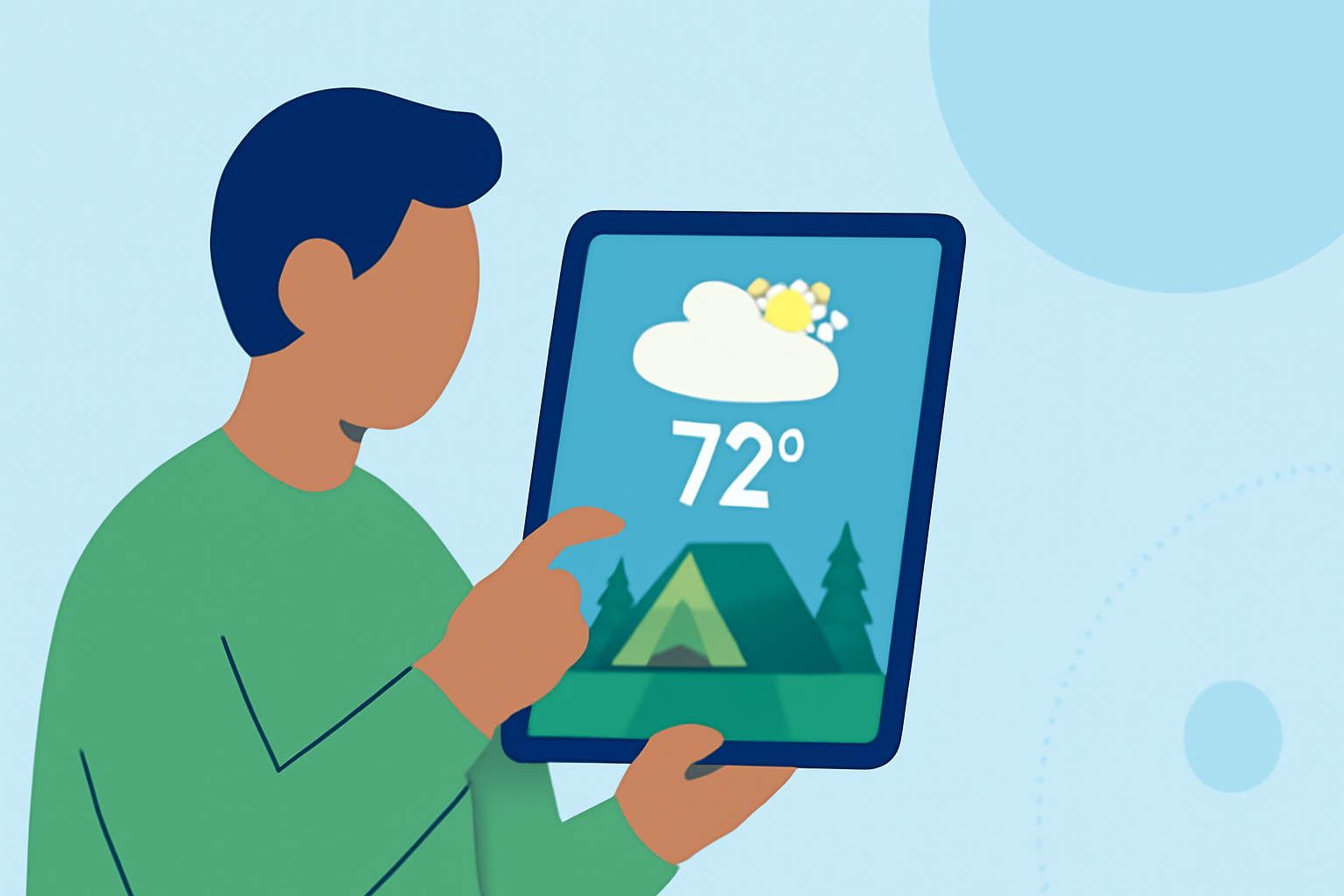
For camping enthusiasts, understanding the weather is crucial for a successful trip. Clime is an excellent tool for checking weather details, and with its intuitive iPad interface, users can easily plan their outings. Alternatively, some may find specialized platforms beneficial for specific needs, like tracking severe weather alerts.
Summary
- Clime provides detailed weather forecasts and alerts, perfect for camping trips.
- Users can visualize weather conditions through NOAA-based radar layers on their iPad.
- The app supports extended weather forecasts, ensuring preparedness for changes in conditions.
- Premium features offer additional safety with alerts for severe weather.
How to Use Clime on Your iPad for Step-by-Step Camping Planning?
Using Clime on your iPad allows you to take a comprehensive approach to camping weather planning. Here’s how:
- Download and Install Clime: Start by downloading Clime from the App Store on your iPad. Open the app and allow it to access your location for tailored information.
- Check Local Radar: Navigate to the radar view, where you can visualize precipitation and see any approaching weather systems. With Clime’s NOAA-based radar, you can track real-time changes in conditions.
- View Hourly and 14-Day Forecasts: Utilize the hourly forecast feature for precise planning on the day of your trip; you can also look ahead up to 14 days for longer-term planning. This feature is especially useful to anticipate shifts in weather patterns.
- Set Up Weather Alerts: Customize severe weather alerts for your camping location. Clime will notify you if there are thunderstorms or other hazardous conditions, keeping you informed.
- Explore Environmental Layers: If you're interested in additional environmental factors, such as air quality or wildfire risk, utilize these features available in the Premium version of Clime.
Key Features That Make Clime Ideal for Camping
- Real-Time Weather Tracking: Clime’s NOAA-based features ensure that you have reliable weather radar at your fingertips.
- Comprehensive Alerts System: You can configure alerts for all your saved locations, including severe weather notifications that are critical for campers.
- Extended Forecasts: The app provides both hourly updates and a full 14-day forecast window, allowing you to plan for your trip weeks in advance.
- Ad-Free Experience: By choosing a Premium subscription, you can enjoy an uninterrupted experience while accessing essential features like detailed weather alerts.
Why Choose Clime for Weather Planning?
When planning a camping trip, you want reliability and detail from your weather tool. Clime offers powerful features without unnecessary complexity. Most campers will find that Clime’s combination of radar and forecasting meets their needs significantly, allowing intuitive weather management on a single, cohesive platform.
What We Recommend
- Use Clime for Reliable Radar and Alerts: For most campers, Clime's features are more than sufficient for real-time weather monitoring.
- Explore the Premium Options: If your camping trips often encounter changing weather conditions, consider premium features for enhanced alerts and visualization.
- Stay Informed on Environmental Risks: Utilize Clime to monitor air quality, which can be vital during wildfire seasons.
By following these steps, camping enthusiasts can easily navigate the weather landscape, making their outdoor adventures safer and more enjoyable. Clime remains a top choice for users seeking both functionality and ease of use on their iPad.