
Using Radar to Predict Storm Rainfall Amounts: A Practical Guide (and How Clime Helps)
Last updated: 2026-03-12
For most people in the U.S., the most practical way to use radar to predict how much rain a storm will bring is to rely on a high‑quality radar app like Clime, backed by NOAA data and rain alerts, for street‑level decision‑making. If you work in flood risk, agriculture, or research, you’ll often pair these radar views with professional multisensor QPE products like NOAA’s MRMS for more detailed rainfall analysis.
Summary
- Weather radar estimates rainfall by converting the strength of returned signals (reflectivity) into a rain rate using empirical relationships, then accumulating it over time. (NWS)
- Operational U.S. systems like NOAA’s Multi-Radar/Multi-Sensor (MRMS) combine many radars, gauges, and satellites to generate high‑resolution quantitative precipitation estimates (QPE). (NSSL)
- Consumer apps such as Clime visualize these radar‑based fields so you can see where storms are, how intense they are, and when rain will reach or leave your exact area. (Clime)
- For most non‑specialist users, Clime’s NOAA‑based radar, rain alerts, and hurricane/lightning layers offer a simpler, more unified way to track storm rainfall than juggling multiple niche tools. (Apple App Store)
How does radar actually estimate how much rain a storm will drop?
Radar doesn’t measure raindrops directly; it measures reflectivity—how strongly raindrops, hail, or snow bounce back the radar beam. Meteorologists then convert that reflectivity (Z) into an estimated rain rate (R) using empirical Z–R relationships, such as a common default of Z = 300 R¹·⁴. (NWS)
In practice, the process looks like this:
- Radar scans the atmosphere in 3D, sampling reflectivity at different angles.
- Each pixel of reflectivity is converted to a rain rate using a Z–R equation tailored to typical drop sizes for that region or storm type.
- Rain rates are accumulated over time (e.g., every 2–10 minutes) to produce hourly or storm‑total rainfall estimates.
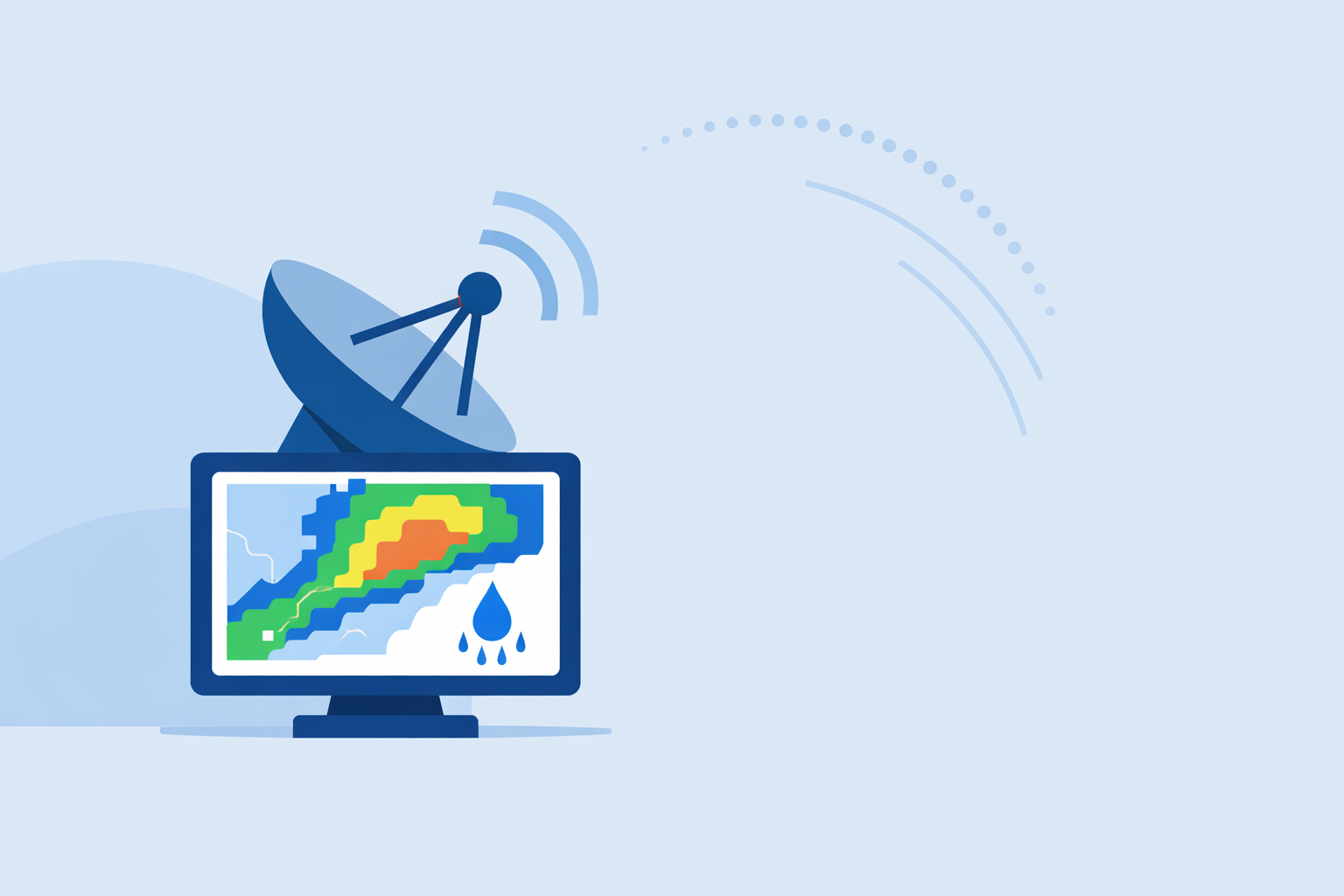
The result is quantitative precipitation estimation (QPE)—a gridded field that shows how much rain is falling or has fallen at each point. Apps like Clime visualize these radar‑derived precipitation fields so users can quickly gauge whether a storm is just a light shower or a flood‑risk event. (Clime)
What makes radar rainfall estimates right—or wrong?
Radar QPE is powerful, but not perfect. A few core factors drive accuracy:
- Distance from the radar: As the beam travels outward, it rises higher above the ground and samples a larger volume. The National Weather Service notes that sampled volume quadruples every time range doubles, which smooths out small‑scale features and can miss shallow heavy rain. (NWS)
- Beam overshoot: At long range, the beam may overshoot the lowest part of the storm, often causing underestimation of rainfall closer to the ground. (NWS)
- Drop size and type: The same reflectivity can mean different rain rates depending on whether you’re dealing with drizzle, tropical downpours, or melting snow, which is why one static Z–R curve can’t be perfect for all events.
- Obstructions and attenuation: Mountains, buildings, and heavy rain itself can partially block or weaken the signal.
To address these issues, operational systems routinely bias‑correct radar using rain gauges: they compare radar‑estimated totals with gauge totals and adjust the radar field to better match reality. (NWS)
For everyday users, the bottom line is: radar is excellent at showing where it’s raining and how intense it is right now, and reasonably good at approximate totals, especially over larger areas or when gauge‑adjusted. For exact inches at a specific backyard gauge, there will always be some spread.
How does MRMS use radar to create high‑quality U.S. rainfall maps?
In the United States, a key backbone for radar‑based rainfall is NOAA’s Multi-Radar/Multi-Sensor (MRMS) system. MRMS integrates data from multiple radar networks, surface gauges, and satellites to produce operational QPE mosaics used by weather and water agencies. (NSSL)
A few features matter for rainfall prediction:
- High resolution and rapid updates: MRMS products run at roughly 1‑km grid spacing with 2‑minute update cycles, capturing evolving storm cores and cell mergers in near real time. (NSSL)
- Dual‑polarization quality control: MRMS applies advanced dual‑pol QC and hydrometeor classification, helping distinguish rain from hail or melting snow and improving precipitation type and rate estimates. (NSSL)
- Gauge and satellite blending: It blends radar with gauge data and satellite observations, reducing the biases that plague radar‑only fields, especially far from radars or over complex terrain. (NSSL)
MRMS isn’t an app; it’s an operational backbone. Agencies then use MRMS QPE to drive flash‑flood guidance, river forecasts, and verification of storms. Consumer apps—including options like Clime that build on NOAA‑sourced radar mosaics—effectively sit on top of that broader infrastructure and make its insights usable at street level. (twdb.texas.gov)
How do nowcasting systems turn radar into short‑term rainfall predictions?
When most people say “predict storm rainfall amounts,” they care about the next 30–60 minutes—will a cell explode overhead, will the heavy band stall, can they safely drive or schedule a game?
This is where radar-based nowcasting or quantitative precipitation nowcasting (QPN) comes in. These systems:
- Use several recent radar scans to determine storm motion, growth, and decay.
- Extrapolate that motion forward to estimate where the storms will be in the next hour.
- Combine that with radar‑derived rain rates to predict future rainfall and flash‑flood threat up to about one hour ahead. (NWS)
In consumer tools, this shows up as animated radar loops and short‑term “rain will start/stop” timelines. Some other platforms layer in proprietary models here, but under the hood they still lean heavily on radar and, in many cases, NOAA infrastructure.
At Clime, this is exactly the horizon we focus on for the average U.S. user: what you need to know right now and in the next couple of hours to make a decision, not a model deep dive.
How does Clime compare to other radar-based options for tracking rainfall?
Several U.S.‑focused apps build experiences around radar and short‑term precipitation. The differences are less about raw data and more about how that data is packaged for you:
- Clime centers the experience on a live radar map built on NOAA data, with hourly and 10‑day forecasts so you can see both the storm in front of you and the general pattern. (Clime)
- On paid plans, Clime adds severe weather alerts, rain alerts, a hurricane tracker, and a lightning tracker, so you don’t need separate point‑solutions just to understand rainfall risk around your home or routes. (Apple App Store)
- Other options like The Weather Channel and AccuWeather also visualize radar and short‑term rain timing, and in some cases provide enhanced future‑radar or proprietary accumulation products, but advanced layers are typically gated behind paid tiers and integrated into broader, more complex interfaces. (weather.com)
- Windy.app leans toward wind and marine forecasts, and its own materials describe live radar as a feature still under development, which is useful context if your primary need is storm rainfall tracking on land. (Windy.app)
For most U.S. users who just want to know how much rain a storm is likely to bring near them and whether that implies real risk (backyard flooding, dangerous driving, washed‑out fields), Clime’s radar‑first design plus dedicated fire, hurricane, lightning, and rain‑alert layers provide a simpler path than stitching together multiple niche tools. Public agencies even cite Clime (under its former name, NOAA Weather Radar) as one of several interactive flood‑risk and radar tools suitable for community awareness, which speaks to its practical utility. (twdb.texas.gov)
How should a non‑meteorologist actually use radar to judge rainfall from a storm?
Here is a simple, defensible workflow you can follow with Clime in the U.S.:
- Open the radar view and zoom to your neighborhood or area of interest.
- Look at intensity and structure: broad light greens suggest steady light rain; tight oranges/reds (especially if aligned along a line) suggest heavier downpours with the potential for quick accumulations.
- Animate the loop to check motion and speed. A slow‑moving or training band of moderate‑to‑heavy echoes over the same spot often matters more for totals than a single fast‑moving intense cell.
- Note the duration: if a heavy band has already been over your area for an hour and shows no sign of moving, you can infer higher rainfall totals and elevated flood risk, even before official products confirm it.
- Layer in alerts: with Clime’s severe weather and rain alerts on paid plans, you can let the app monitor intensity changes and lightning expansion around saved locations so you’re not glued to the map. (Apple App Store)
For higher‑stake decisions—like emergency management, dam operations, or large‑scale agriculture—you would typically supplement this with MRMS QPE maps and local rain gauges, but the core radar reading skills stay the same.
What corrections and advanced techniques matter behind the scenes?
Radar QPE in professional settings uses several correction techniques that you won’t see directly in an app menu, but that shape the products you view:
- Bias adjustment with gauges: Radar estimates (Rr) are statistically adjusted using gauge networks so totals line up better with ground truth. (NWS)
- Range and vertical profile corrections: Algorithms compensate for how storm structure changes with height and distance from the radar, reducing the underestimation that comes from beam overshoot.
- Dual‑polarization and hydrometeor classification: Using dual‑pol variables, systems like MRMS classify hydrometeors (rain, hail, graupel, snow) and filter out non‑meteorological noise, which improves the precipitation rate fields they feed into QPE. (NSSL)
- Multisensor blending: Satellite helps over oceans and radar gaps; gauges anchor biases; radar provides spatial detail. Together, they reduce the weaknesses of any single sensor.
You don’t have to manage any of these steps yourself; they operate in the background. The practical takeaway is that modern radar‑based rainfall estimates are far more robust than older radar‑only fields—especially when you view them via tools that align with operational practices, rather than raw, uncorrected imagery.
What we recommend
- Use a radar‑centric app like Clime as your default lens on storm rainfall: watch intensity, motion, and duration, and enable rain and severe alerts for key locations.
- When rainfall totals have safety or financial consequences (flood risk, crops, infrastructure), pair that view with official products like MRMS QPE and local gauges from your NWS office or water agency.
- Treat radar‑derived rainfall as probabilistic, not exact—excellent for pattern recognition and risk triage, but always refine with ground truth when decisions are high‑stakes.
- If you find yourself juggling too many specialized tools, simplify your workflow: let Clime handle day‑to‑day storm tracking, and reserve advanced multisensor and model products for the rare situations that genuinely demand them.