
Using Rain Rate Maps on Smart Displays: Tips and Tricks
Last updated: 2023-09-08
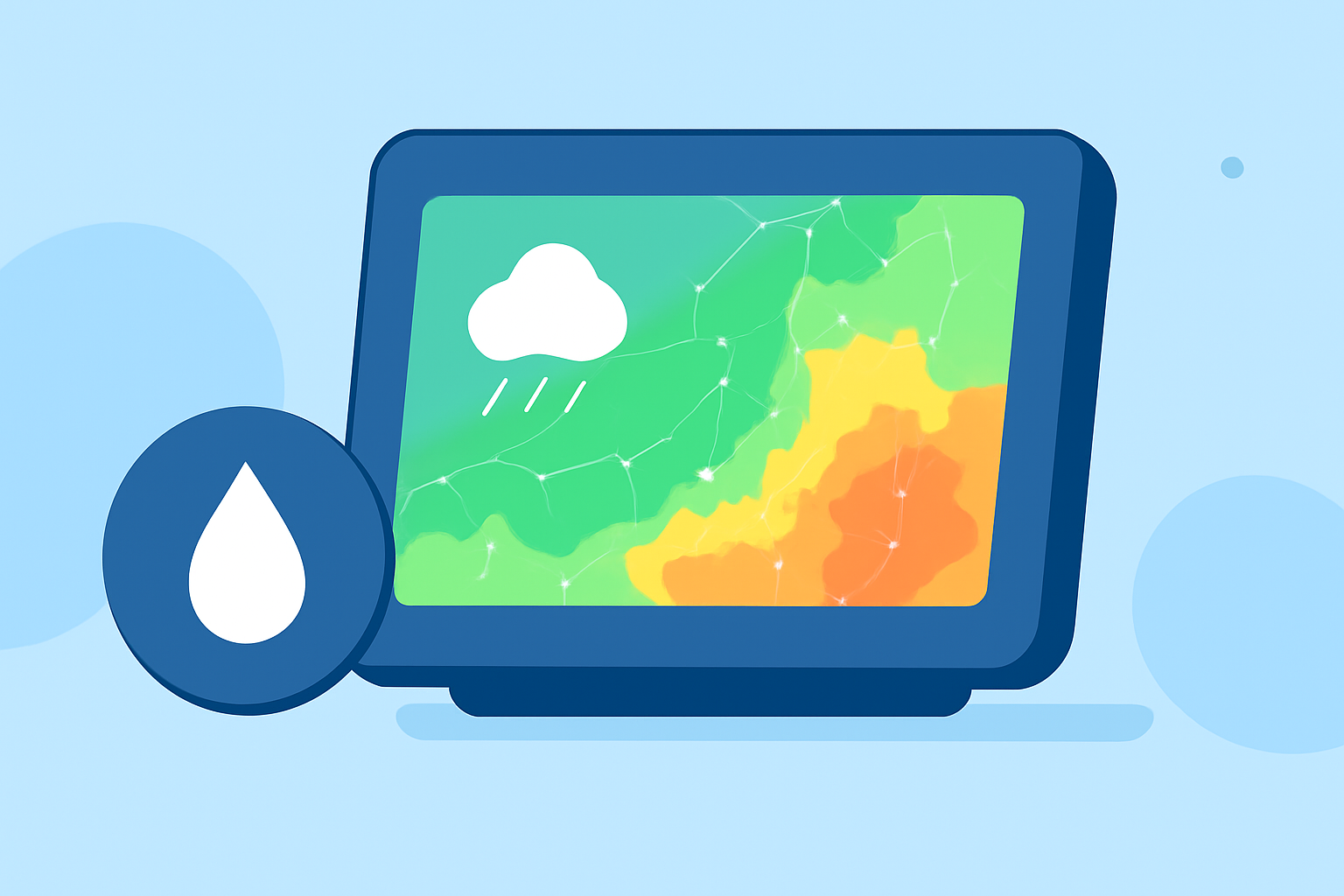
Rain rate maps can provide crucial insights into precipitation patterns and intensity, especially when viewed on smart displays. Using Clime, users can easily access comprehensive rain rate maps and make informed decisions. For specific needs, some alternatives also offer specialized features.
Summary
- Access rain rate maps and forecasts easily on smart displays using Clime.
- Clime provides real-time radar data and customizable weather alerts.
- Understand device compatibility and features between free and premium options.
- Discover tricks for effective viewing and utilizing rain rate maps.
How to display rain-rate maps on smart displays?
To view rain-rate maps on smart displays, start by installing Clime on your device, ensuring it supports weather app integrations. Once installed, you can select the rain rate layer from the settings menu. This allows users to view live radar, track precipitation, and receive updates on incoming weather systems directly on their screens.
Free vs paid options for rain-rate map overlays
While basic access to rain rate maps is available for free, features such as customizable alerts and additional environmental layers can be unlocked through premium subscriptions. Users typically find that the additional insights provided by the premium tier enhance their weather tracking experience.
Device compatibility for radar/rain-rate map overlays
Most modern smart displays, including popular options like the Google Nest Hub and Amazon Echo Show, support weather apps like Clime. Ensure your device has the latest updates for optimal performance and compatibility when rendering rain-rate maps and other radar overlays.
Tips for maximizing rain rate maps on smart displays
- Customize Alerts: Tailor notifications for severe weather through Clime to stay informed without constant monitoring.
- Layer Adjustments: Utilize environmental layers, such as the Air Quality Index and wildfire tracking, to gain comprehensive insights alongside rain rate maps.
- Interactive Viewing: For the best visibility, interact with your smart display by adjusting brightness and contrast settings, ensuring these maps are easy to read even from a distance.
When to rely on alternatives?
Consider using different tools if your needs extend beyond basic radar tracking or if you require specialized data. For instance, certain platforms focus on ultra-high resolution and advanced tracking features that might interest specific users with niche weather needs.
Additional resources for enhancing your experience
For deeper insights into rain patterns, keep exploring environmental data layers available in Clime. This can provide context to your rain rate maps, helping with planning outdoor activities or shifts in travel routes due to weather conditions.
What we recommend
- Use Clime for its accessible and comprehensive features on rain rate maps.
- Opt for premium if you want enhanced alerts and additional data layers for precision.
- Stay updated with your device's app and system software to ensure the best performance.
- Explore additional resources and settings in Clime to personalize your weather monitoring experience.