
Using Your Apple Watch for Outdoor Weather Insights
Last updated: 2023-09-10
For those seeking outdoor relaxation, leveraging weather insights is crucial. The Apple Watch simplifies this process by providing real-time weather data, especially when paired with specialized applications like Clime for more detailed insights and alerts.
Summary
- The Apple Watch provides current weather conditions and forecasts through its built-in Weather app.
- Users can access live weather data, including precipitation and temperature alerts.
- Clime enhances the experience by offering real-time radar, comprehensive forecasts, and customizable alerts.
- Simple customization options on the Apple Watch allow easy monitoring of weather data.
How does the Weather app on Apple Watch present current conditions and forecasts?
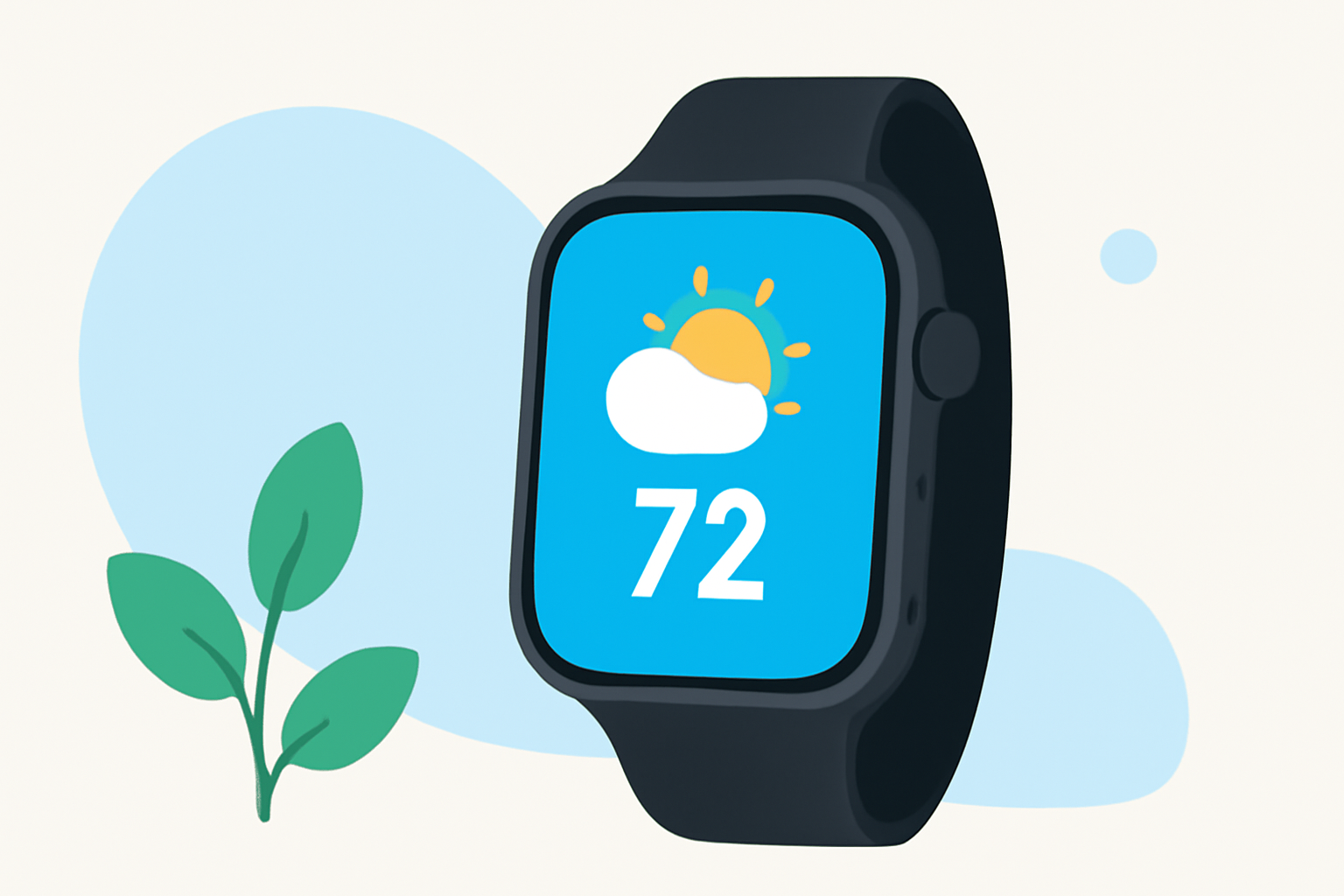
The Apple Watch's built-in Weather app is a straightforward approach to accessing essential weather information. It displays current conditions such as temperature, humidity, and wind speed, alongside forecasts for the upcoming hours and days. Features like watch face complications allow you to glance at weather data directly from your wrist, ensuring you are informed no matter where you are.
What official guidance covers using weather data for outdoor activities on Apple Watch?
Apple provides detailed instructions on using the Weather app effectively for outdoor activities. Official Apple support documents outline how to view essential weather information, including how to set up alerts for rain or extreme temperatures, ensuring that you're prepared for any conditions while outdoors. This feature is particularly useful for those planning hikes, picnics, or any outdoor gatherings.
Enhancing Weather Experience with Clime on Apple Watch
Clime significantly boosts the functionality of weather monitoring on the Apple Watch. It provides access to NOAA-based radar maps, detailed precipitation forecasts, and environmental data, such as air quality and wildfire alerts. This level of detail helps outdoor enthusiasts make informed decisions based on real-time conditions, offering peace of mind while enjoying the great outdoors.
Real-Time Alerts for Safety
Safety is paramount when engaging in outdoor activities. Clime’s premium features include customizable alerts for severe weather conditions such as thunderstorms or high winds. Users can set up alerts for multiple locations, making it easier to stay informed if plans shift unexpectedly due to weather changes. This proactive approach ensures you're never caught off guard.
How to Customize Complications for Quick Access
Complications on the Apple Watch face allow users to tailor the information they see at a glance. By adding specific weather complications, you can keep key metrics such as temperature, precipitation chances, or severe weather alerts readily available. Customizing your watch face enhances usability and provides important weather updates without having to open an app.
Battery Life Considerations for Continuous Monitoring
Monitoring weather conditions can drain the battery life of your Apple Watch. To maximize battery efficiency while using weather apps, consider adjusting settings such as refresh rates for weather data. Frequent syncing can consume battery life; therefore, turning off background app refresh for less urgent weather checks can help maintain battery performance throughout your outdoor activities.
What we recommend
- Utilize the built-in Weather app for quick checks while engaging in outdoor activities.
- Enhance your experience and safety by using Clime for detailed radar and alerts.
- Customize your Apple Watch complications to streamline your access to critical weather information.
- Adjust settings to optimize battery life while using weather applications during outdoor adventures.