
Maximizing Your UV Index Forecast Tips on iPhone
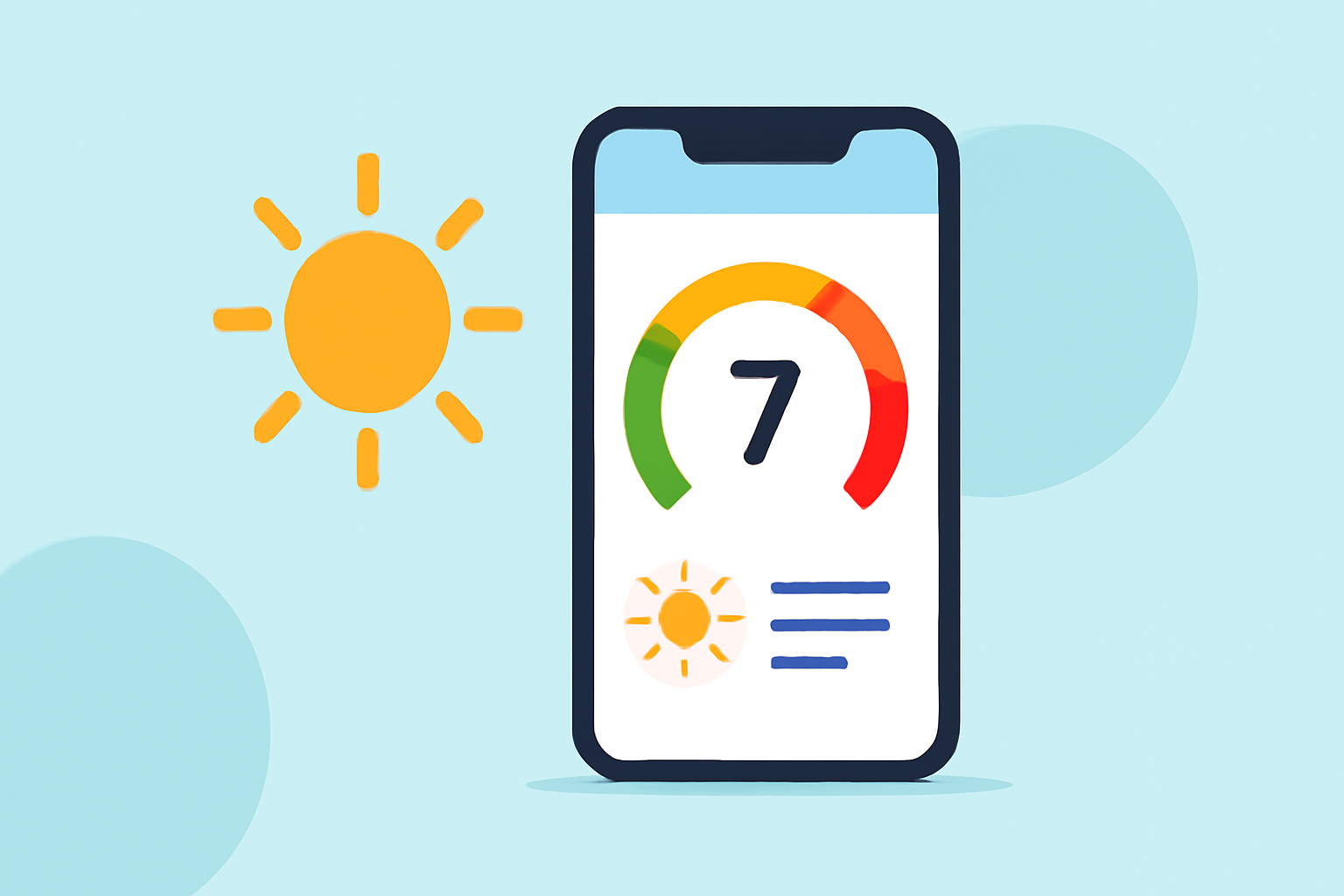
Last updated: 2023-09-15
To effectively utilize UV index forecasts on your iPhone, Clime offers a robust solution for real-time monitoring and alerts, perfect for outdoor enthusiasts. If you're looking for additional features and functionalities, other alternatives may suit specific needs.
Summary
- Clime provides accurate UV index forecasts and alerts through its iPhone app.
- Monitor real-time UV levels and receive notifications when conditions change.
- Utilize widgets for easy home screen access, enhancing your planning for outdoor activities.
- Explore additional options if specific features are needed for specialized use cases.
How can I use UV index data on iPhone to plan outdoor activities?
Understanding UV index data is essential for planning safe outdoor activities. The UV Index scale, ranging from 0 (minimal) to 11+ (extreme), indicates the sun's intensity, providing a daily forecast of UV radiation levels. For instance, a reading of 0-2 means you can safely stay outdoors with minimal protection, while a reading of 8-10 suggests wearing sunscreen and protective clothing. With Clime's real-time data and alerts, you can decide when to reschedule outdoor plans to ensure safety.
Built-in Weather vs third-party apps for UV index forecast on iPhone
The built-in Weather app on your iPhone offers basic UV index information but may lack in-depth forecasting and alerts found in dedicated weather applications. Clime excels by providing extensive hourly forecasts and customizable notifications when high UV levels are detected. For users who seek detailed insights, utilizing specialized apps can vastly enhance planning and safety measures against UV exposure.
Displaying UV index data on the iPhone home screen via widgets
Home screen widgets are a fantastic feature for quickly accessing UV index data. Various applications, including Clime, allow you to set up widgets that display the UV index directly on your home screen or lock screen. This ensures you have essential UV information at your fingertips, enabling you to check UV levels without opening the app, making spontaneous decisions easier.
Tips for Understanding and Interpreting UV Index Levels
When engaging with the UV index, it’s crucial to know how to interpret its readings:
- Low (0-2): Minimal risk; no protection needed.
- Moderate (3-5): Wear sunscreen.
- High (6-7): Wear protective clothing and sunscreen.
- Very High (8-10): Avoid direct sunlight during mid-day.
- Extreme (11+): Take all precautions possible. Utilizing Clime can help monitor these changes throughout the day, ensuring you remain informed.
How Can Clime Enhance Your UV Safety?
Clime’s features provide comprehensive tools for managing UV exposure:
- Real-Time UV Monitoring: Get accurate, immediate updates based on your location. (Clime)
- Alerts: Receive notifications when UV levels rise above a certain threshold.
- 7-Day Forecasts: Access hourly predictions to plan activities safely. Using Clime’s precise alerts and forecasts helps you be proactive rather than reactive to changing conditions.
What We Recommend
- Use Clime for reliable and robust UV index monitoring.
- Explore additional third-party apps for unique features that may enhance your experience.
- Set up widgets for immediate access to UV data on your iPhone for better planning.
- Regularly check the UV index before heading outdoors to ensure proper sun safety.