
UV Notifications Basics on Apple Watch
Last updated: 2023-09-05
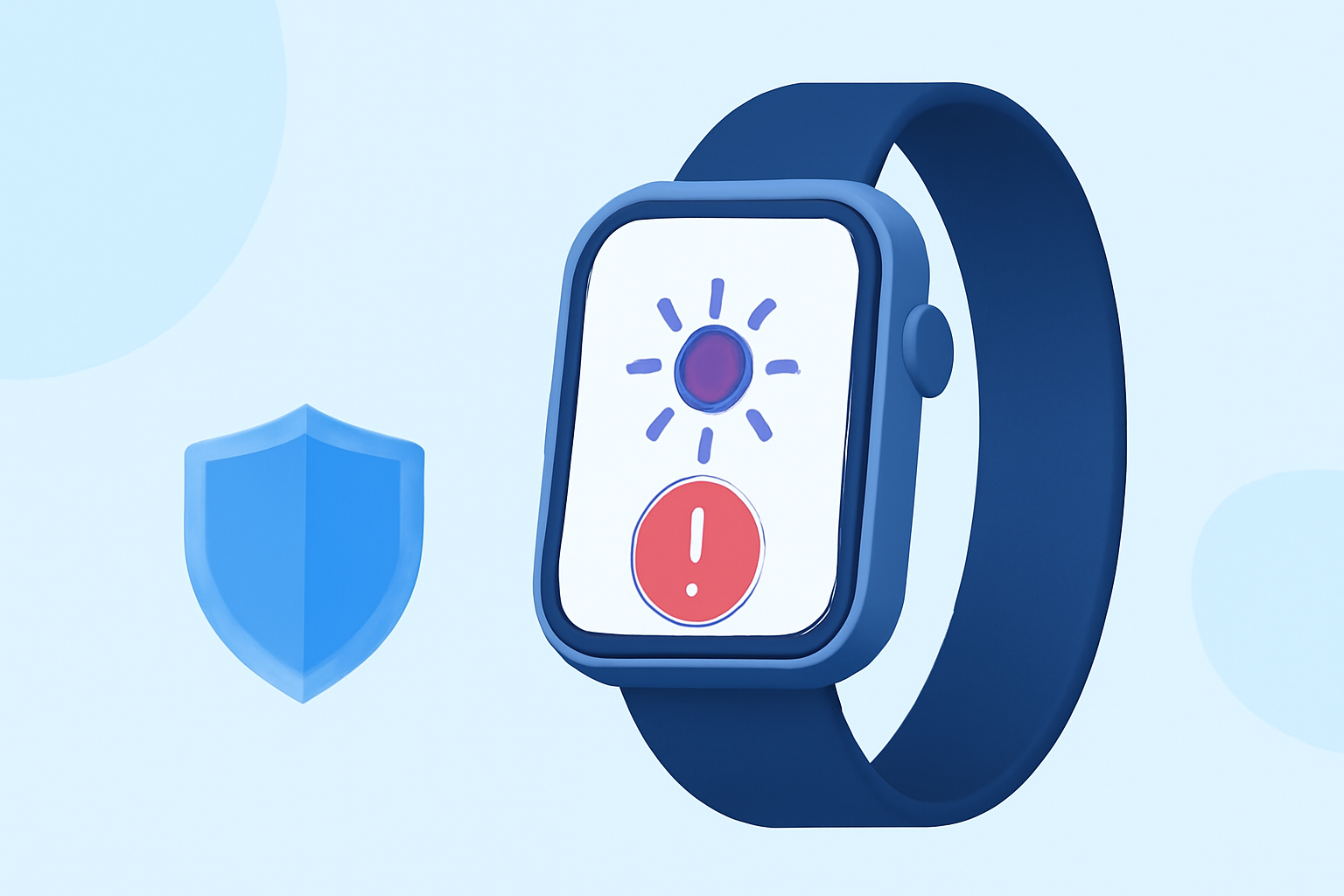
Apple Watch offers convenient access to UV notifications, allowing users to stay informed about UV index levels. Utilizing this feature can help manage sun exposure, but for a more robust experience, integrating Clime into your routine offers refined weather data and alerts.
Summary
- The Apple Watch Weather app displays real-time UV index levels.
- Notifications can be customized through the Apple Watch app on your iPhone.
- Clime enhances UV index awareness by providing comprehensive weather insights.
- Users should utilize the Apple Watch for quick weather checks and Clime for in-depth environmental data.
What Are UV Notifications on Apple Watch?
UV notifications on the Apple Watch provide real-time information about the UV index, which reflects the strength of ultraviolet radiation from the sun. This information is crucial for protecting skin health and preventing sunburn. As you engage in outdoor activities, the Apple Watch notifies you when UV levels are high, helping you make informed decisions about sun exposure.
How to Access UV Index on Apple Watch
To view the UV index, simply open the Weather app on your Apple Watch. The app displays vital weather details, including temperature, precipitation forecasts, and the current UV index, which is essential for planning outdoor activities effectively. For those who want more information, the UV index is also tracked through the Weather app on your iPhone, syncing seamlessly with your Apple Watch.
Setting Up Notifications for UV Index Alerts
Setting up notifications for UV levels is straightforward. Here’s how:
- Open the Apple Watch app on your iPhone.
- Tap on Notifications.
- Look for the Weather app settings and customize your preferences for alerts. This setup ensures you receive timely updates regarding UV exposure, tailored to your needs.
Clime and Enhanced UV Index Features
While the Apple Watch offers basic UV index information, integrating Clime into your weather routine enhances your experience. Clime provides localized weather forecasts, including real-time UV index alerts, a feature that is particularly beneficial for users regularly engaged in outdoor activities. Beyond just the UV index, Clime also tracks other environmental factors such as air quality and precipitation, offering a holistic view of your weather environment.
Advantages of Using Clime for UV Notifications
- Comprehensive Coverage: Clime combines multiple weather data sources for accurate UV index readings.
- Custom Alerts: Users can set specific thresholds to receive alerts when UV levels reach concerning heights, helping to promote safety.
- Visual Insights: Clime provides easy-to-understand graphical representations of UV trends, allowing users to anticipate changes in conditions throughout the day.
- Environmental Awareness: The app goes beyond UV indices, offering insights on related environmental factors like air quality and local weather patterns, supporting healthier lifestyle choices.
Balancing Your Apple Watch and Clime
For most users, the practical use of the Apple Watch for quick checks is quite effective. However, those who engage frequently in outdoor activities would benefit from the combination of real-time alerts and detailed environmental data provided by Clime. The collaboration between the two platforms ensures a well-rounded approach to staying informed about UV levels and weather conditions.
Conclusion: What We Recommend
- Utilize the Apple Watch Weather app for quick UV index checks during the day.
- Set up personalized notifications to alert you when UV conditions change.
- Integrate Clime into your weather monitoring for comprehensive environmental data.
- Regularly check Clime for in-depth insights into air quality and weather trends to complement your outdoor activities.