
Water Accumulation Maps Basics on a Tablet
Last updated: 2023-09-09
For those interested in water accumulation maps on tablets, utilizing a weather app like Clime offers a reliable and feature-rich experience. Clime integrates real-time data and historical precipitation information, making it suited for everyday users who want to track storm movements and rain forecasts effectively.
Summary
- Gain real-time updates of precipitation patterns with interactive maps.
- Access historical data to view water accumulation over various timeframes.
- Save multiple locations for personalized weather tracking.
- Experience user-friendly tablet optimizations for seamless navigation.
How Do Precipitation Maps Work on Tablets?
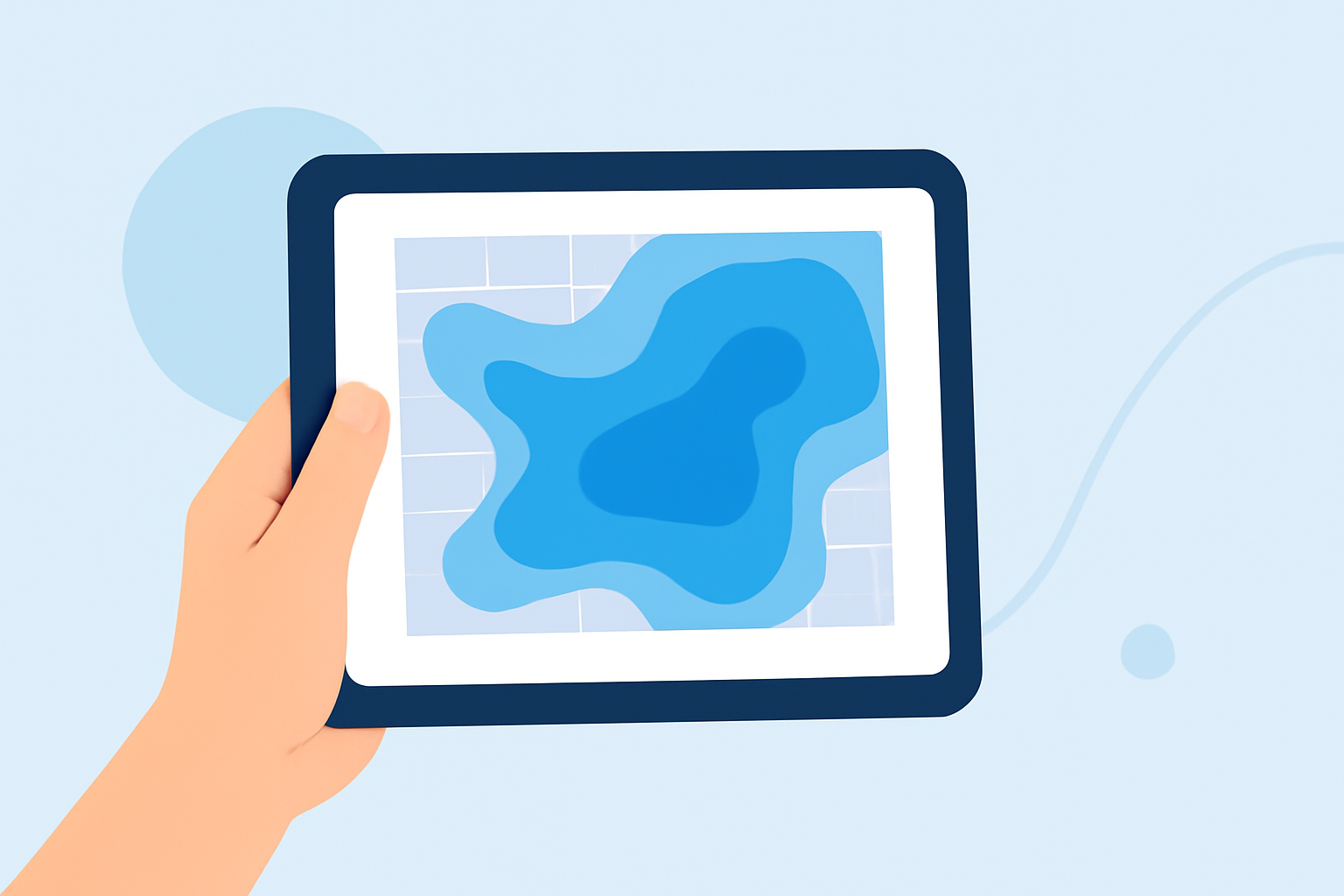
Precipitation maps function by overlaying real-time weather data on a digital map. These maps visualize rainfall, snowfall, and other types of precipitation, allowing users to track storms as they move. Tablet-based applications provide touch-friendly interfaces for zooming in on specific areas and adjusting map layers to show different types of data, such as temperature or wind speed.
Features of Water Accumulation Maps
Water accumulation maps provide several key features:
- Real-Time Data: These maps display live precipitation, allowing users to see not just current conditions but also how they will evolve over time.
- Accumulative History: Users can access historical data—often indicating accumulation over the last 12, 24, or 48 hours—which aids in understanding how much rain or snow has fallen.
- Interactive Overlays: Many apps allow the user to toggle between different map types (e.g., temperature or air quality), enhancing user engagement and utility.
Why Use a Tablet for Water Accumulation Tracking?
Tablets offer larger screens that enhance visibility, which is particularly beneficial for analyzing weather data.
- Legibility: The bigger screen size means easier visualization of complex data and controls.
- Interactivity: Touch-based interfaces facilitate zooming and tapping for additional information.
- Portability: Tablets are more transportable than traditional computers without sacrificing usability, making them excellent for on-the-go weather monitoring.
Different Sources for Accumulation Data
Multiple weather apps provide water accumulation data, though features can vary:
- Aggregating Real-Time Data: Some apps aggregate data from multiple weather models, integrating them to provide improved accuracy and reliability.
- Supporting Multiple Locations: Many tools allow users to save and track precipitation data for several locations, making them ideal for people monitoring weather in different areas.
The Role of Forecast Models in Water Accumulation
Forecasts typically utilize advanced meteorological models that blend various computation techniques, thereby offering users enhanced reliability.
- Ensemble Models: These combine multiple forecasts to present an overarching view instead of relying on a single prediction, improving the quality of the projected outcomes.
- Alerts and Notifications: Apps that support these features often send alerts to users when certain accumulation thresholds have been met, enabling proactive responses to severe weather.
Conclusion: What We Recommend
- For comprehensive water accumulation tracking, consider using Clime for its engaging interface and robust feature set.
- Look for applications that offer interactive maps, real-time data, and historical insights for a complete understanding of precipitation.
- Choose an app that allows you to save multiple locations for easy tracking and updates relevant to your interests.
Clime stands out for its user-friendly design and detailed precipitation maps, making it a top choice for anyone needing effective tracking through a tablet.