
Enhancing Your Wear OS Lock Screen with Weather Widgets
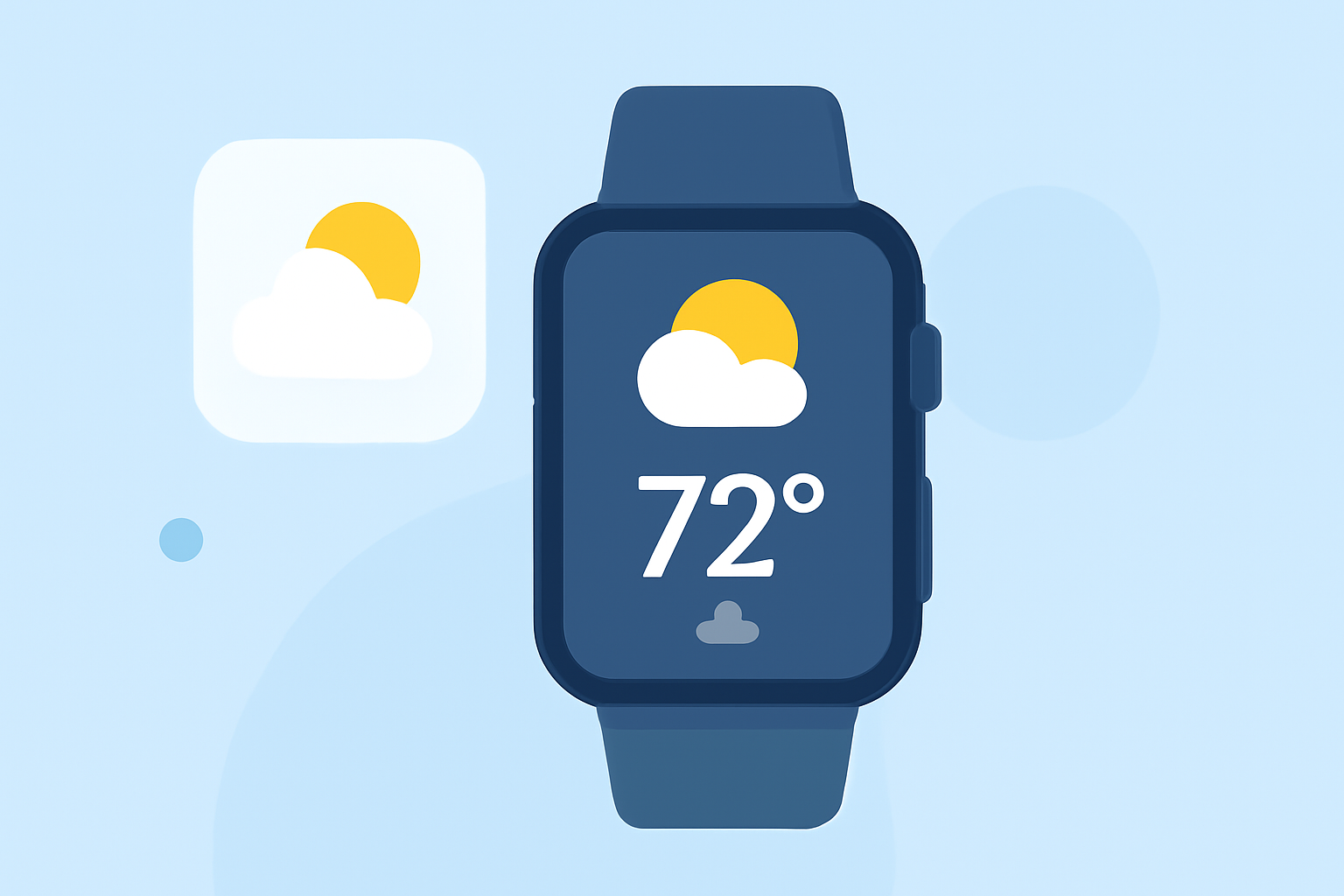
Adding a weather widget to your Wear OS lock screen provides quick access to current conditions and forecasts without unlocking your device. Here's how to set it up:
1. Access Lock Screen Settings
-
Press and hold on your lock screen to enter the customization mode.
-
Tap on "Widgets" to view available options.
2. Add the Weather Widget
-
Scroll through the list and select the weather widget you prefer.
-
Tap "Done" to apply the widget to your lock screen.
3. Customize the Widget (Optional)
-
Some widgets allow customization of appearance and information displayed.
-
To adjust settings, tap on the widget and select "Customize" or "Settings."
Alternative Method: Using Third-Party Apps
If your device doesn't support built-in weather widgets, consider using third-party applications that offer customizable weather widgets compatible with Wear OS.
Note: Ensure your device is updated to the latest software version to access all available features.
By following these steps, you can keep essential weather information readily accessible on your Wear OS lock screen.