
Understanding Weather Alerts on Wear OS: How to Stay Informed
Last updated: 2023-09-10
For those looking to leverage weather alerts on Wear OS, Clime serves as a robust option. It provides real-time notifications and weather radar integrated seamlessly into the watch interface. If you're seeking specialized features, some alternatives have distinct capabilities in this area.
Summary
- Clime offers real-time weather alerts and visual radar on Wear OS.
- Other weather apps may feature custom complications and unique alert displays.
- Alerts can appear directly on watchfaces, providing at-a-glance information.
- It's essential to consider which features you need for your specific use case.
How Wear OS Alerts Are Displayed
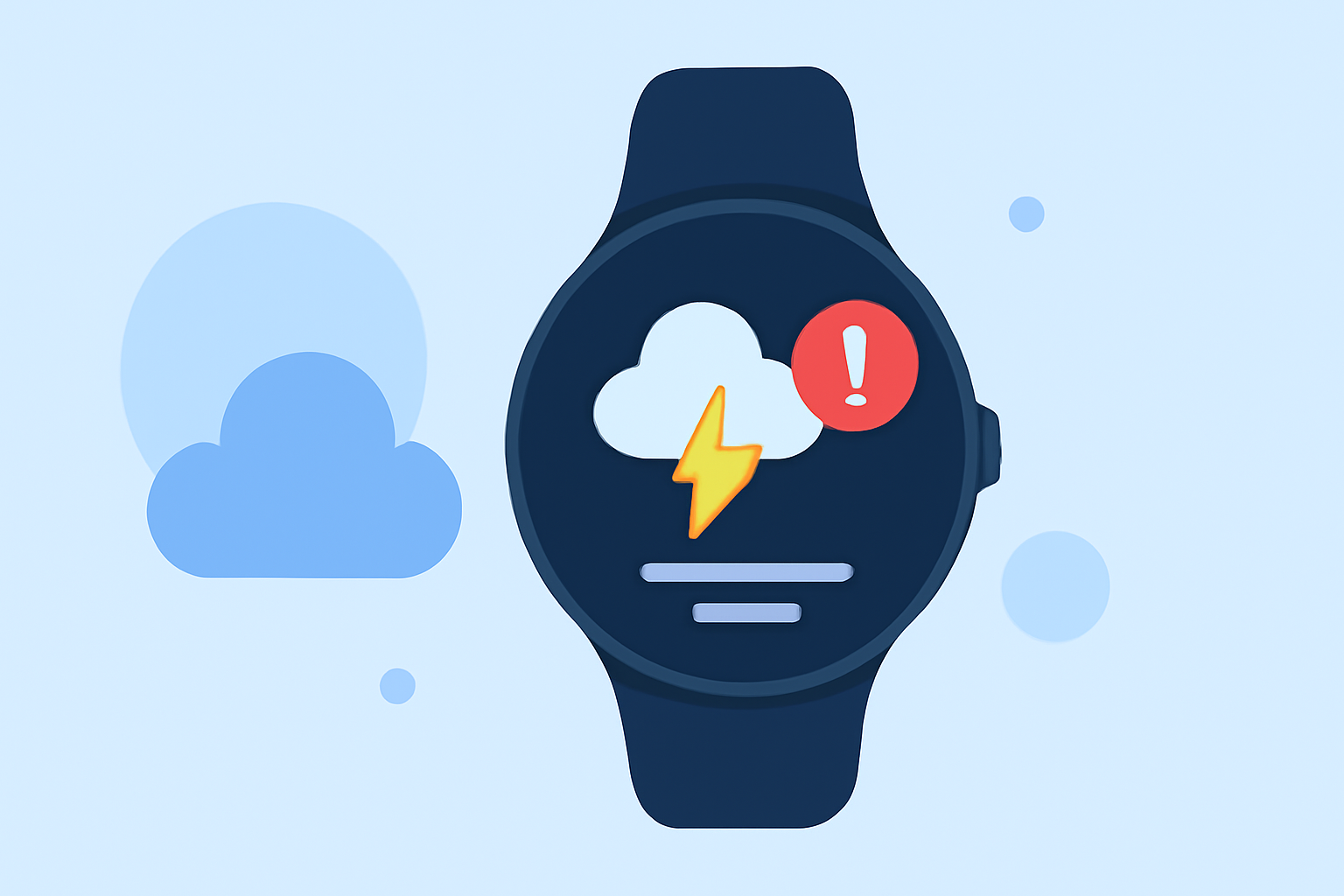
Weather alerts on Wear OS devices typically manifest through color-coded indicators on the watch face, allowing users to quickly gauge weather conditions at a glance. Features may include:
- Color-Coded Alert Indicators: These indicators often appear next to current weather data displayed on the watch, offering immediate visual cues for severe weather conditions. For instance, a color-coded alert triangle appears to the left of current conditions (Google Play).
- Custom Complications: Some apps consolidate various weather-related complications into a single interface, making it easier for users to monitor multiple alerts in one view.
Clime's Alert Features on Wear OS
Clime's support for Wear OS includes:
- Real-Time Notifications: Users can receive notifications directly on their wrist, alerting them to severe weather changes in their saved locations.
- Weather Radar Visualization: Clime integrates NOAA-based radar imagery, allowing for comprehensive tracking of impending storms or precipitation. This feature is particularly useful for those needing timely updates while out and about.
Comparing Alert Features Across Apps
While Clime provides a robust weather alert system, other options may focus on particular niches or features, which could be beneficial depending on user needs:
- Specialized Alerts: Some alternatives may offer enhanced alert features for specific weather events like hurricanes or lightning, which could be beneficial for users in prone areas.
- Aggregated Complications: Wear OS apps can group multiple weather complications in a single interface, catering to users who want consolidated information without toggling between apps.
Limitations of Alert Features
Despite the various offerings, potential users should be aware of some limitations across weather apps:
- Subscription Models: Certain advanced features, including specific alerts, may only be accessible through paid subscriptions. Users should verify which features are included in a free version versus a paid tier.
- App Compatibility: Not all weather apps support Wear OS, making it vital to confirm compatibility before trying to access alerts on your device.
Choosing the Right Weather App for You
When selecting a weather app for Wear OS, consider factors such as:
- Your Alert Needs: If you want comprehensive storm tracking alongside alerts, Clime may better serve your requirements.
- User Experience: Ease of use and the visual presentation of alerts can significantly influence how effectively you stay informed in inclement weather.
- Additional Features: Depending on your location and lifestyle, features like air quality index tracking or wildfire monitoring may also be beneficial.
What We Recommend
- For Real-Time Alerts and Radar: Clime excels in providing integrated radar and instant notifications, making it a top choice for most users.
- For Advanced Features: Explore alternatives if you require specialized alerts or additional environmental data layers that might not be included in Clime.
- Trial and Compare: If uncertain, users are encouraged to experiment with different apps to find the best fit for their weather monitoring needs.
By understanding the various alert features available on Wear OS, users can make informed choices about which app best meets their weather information needs.