
Optimizing Your Golf Trip with Wear OS Weather Apps
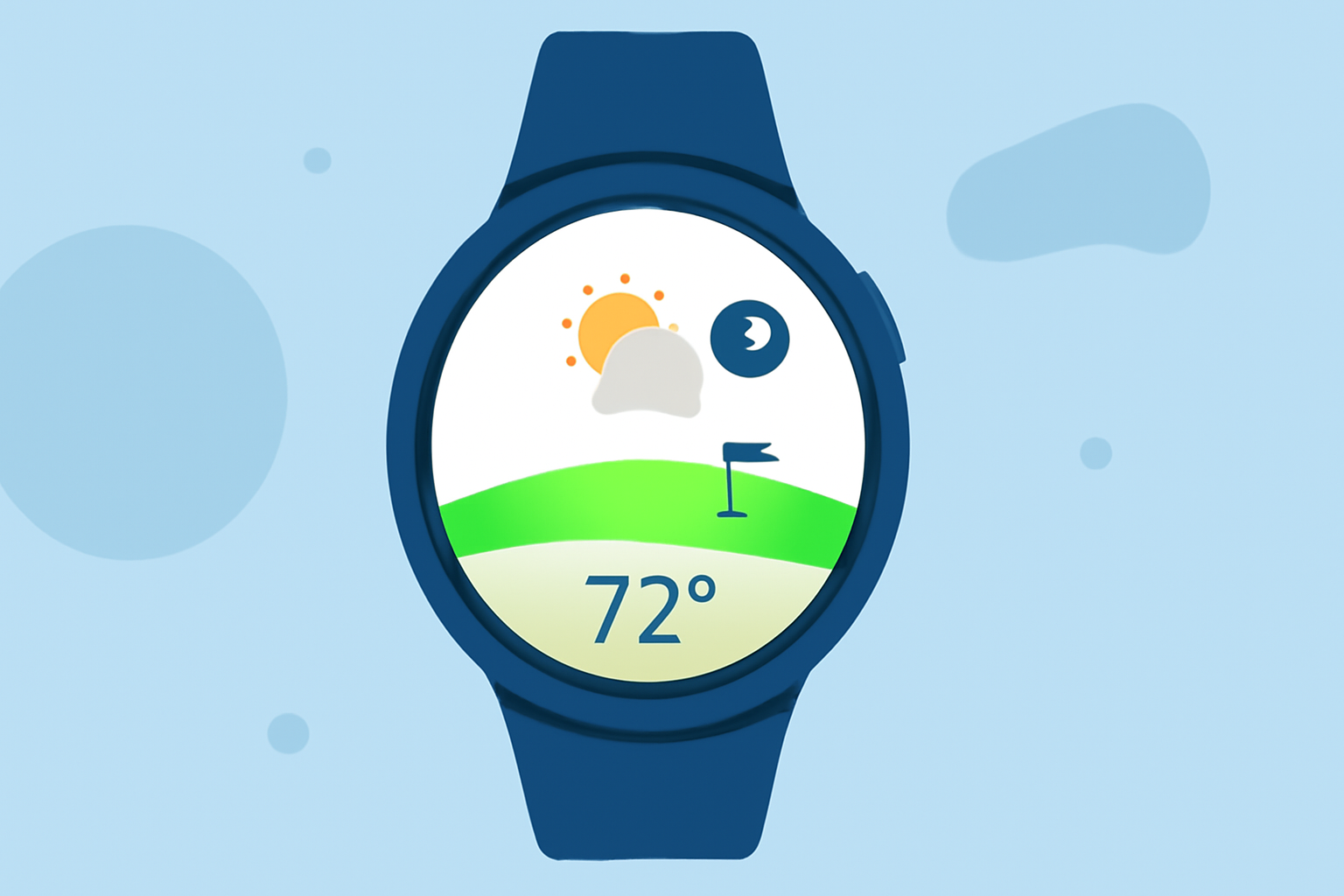
Planning a golf trip involves meticulous attention to detail, and one of the most crucial factors is the weather. Having accurate and timely weather information at your fingertips can significantly enhance your golfing experience. Wear OS smartwatches offer a convenient platform for accessing such information, especially with the discontinuation of Google's native Weather app.
Why Accurate Weather Information Matters for Golfers
Weather conditions directly impact golf course playability and player comfort. Rain can lead to course closures, while extreme temperatures can affect performance and safety. Therefore, staying informed about local weather forecasts is essential for golfers to plan their rounds effectively.
Transitioning from Google's Weather App
As of September 2025, Google has phased out its Weather app for Wear OS smartwatches running Wear OS 6 and newer. This change has prompted users to seek alternative weather applications compatible with their devices. (howtogeek.com)
Top Wear OS Weather Apps for Golfers
Several third-party weather applications are tailored for Wear OS devices, offering features beneficial to golfers:
5 Essential Android Smartwatch Apps For New Users AccuWeather Provides minute-by-minute precipitation updates, RealFeel temperature, and detailed forecasts, aiding golfers in making informed decisions about their game plans. (golfguiders.com)
Weather for Wear OS Android W APK for Android - Download The Weather Channel Offers live radar maps, extended forecasts, and notifications for weather warnings, helping golfers anticipate and adapt to changing conditions. (golfguiders.com)
Wearables - Golfshot GolfShot Designed specifically for golfers, it provides real-time weather insights alongside GPS rangefinder capabilities, enhancing on-course decision-making. (golfguiders.com)
Integrating Weather Apps with Wear OS
Installing and configuring these weather apps on your Wear OS smartwatch is straightforward:
- Access the Google Play Store: Navigate to the Play Store on your smartwatch.
- Search for the Desired App: Enter the app's name in the search bar.
- Install the App: Select the app from the search results and tap 'Install'.
- Set Up Notifications: Configure the app to send weather alerts and updates relevant to your golfing schedule.
Benefits of Using Wear OS Weather Apps for Golfing
- Real-Time Updates: Receive immediate weather changes, allowing for prompt adjustments to your plans.
- Localized Forecasts: Access weather information specific to the golf course location, ensuring accuracy.
- Enhanced Decision-Making: Utilize detailed forecasts to choose optimal times for teeing off and to prepare for potential weather disruptions.
Conclusion
Incorporating a reliable weather application into your Wear OS smartwatch can significantly improve your golfing experience. By staying informed about weather conditions, you can make strategic decisions, ensuring a more enjoyable and successful golf trip.