
Weather Alert Customization Cheat Sheet for Parents
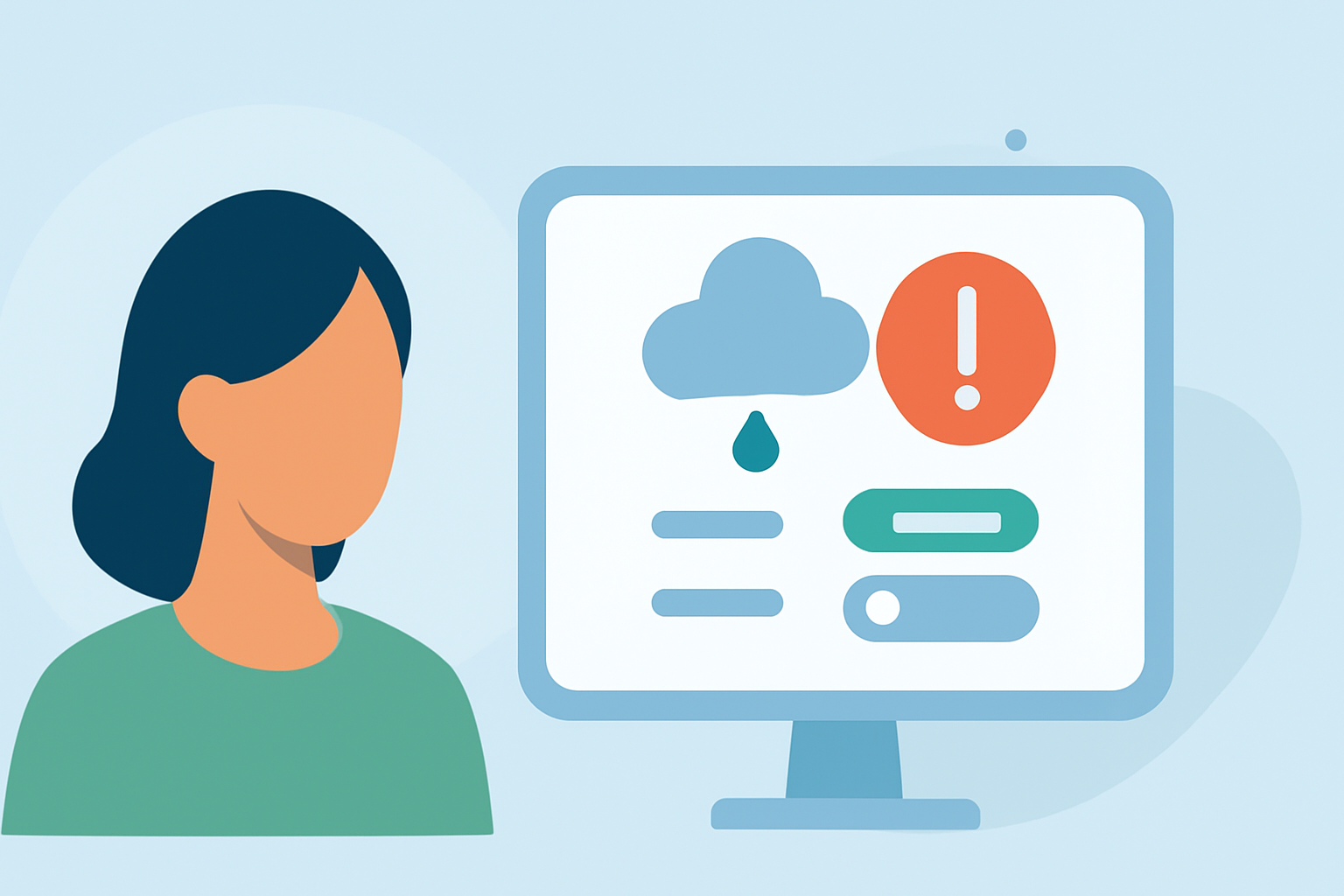
As a parent, staying informed about weather conditions is crucial for your family's safety. Customizing weather alerts ensures you receive timely and relevant information tailored to your specific needs. Here's how you can set up personalized weather alerts:
1. Choose the Right Weather App
Select a weather application that offers customizable alert features. Look for apps that allow you to set alerts based on specific weather conditions, locations, and severities.
2. Set Up Location-Based Alerts
Add locations that matter to you—such as your home, your children's school, or your workplace—to receive alerts pertinent to those areas. This ensures you're informed about weather events that could impact your family directly.
3. Customize Alert Preferences
Tailor your alert settings to match your family's needs:
-
Severity Levels: Decide which levels of alerts you want to receive, from general advisories to severe warnings.
-
Weather Conditions: Choose specific conditions to be alerted about, such as thunderstorms, tornadoes, or extreme temperatures.
-
Time Frames: Set alerts for particular times, like during school hours or when you're commuting.
4. Enable Push Notifications
Allow your chosen app to send push notifications to your device. This ensures you receive real-time updates, even when you're not actively using the app.
5. Review and Adjust Regularly
Periodically assess your alert settings to ensure they remain relevant to your family's current routines and needs. Adjust thresholds and preferences as necessary to maintain optimal safety and convenience.
By customizing your weather alerts, you can stay ahead of potential weather-related issues and make informed decisions to protect your family.
(apps.apple.com)