
Weather Alert Customization Explained in the Car
Last updated: 2023-09-04
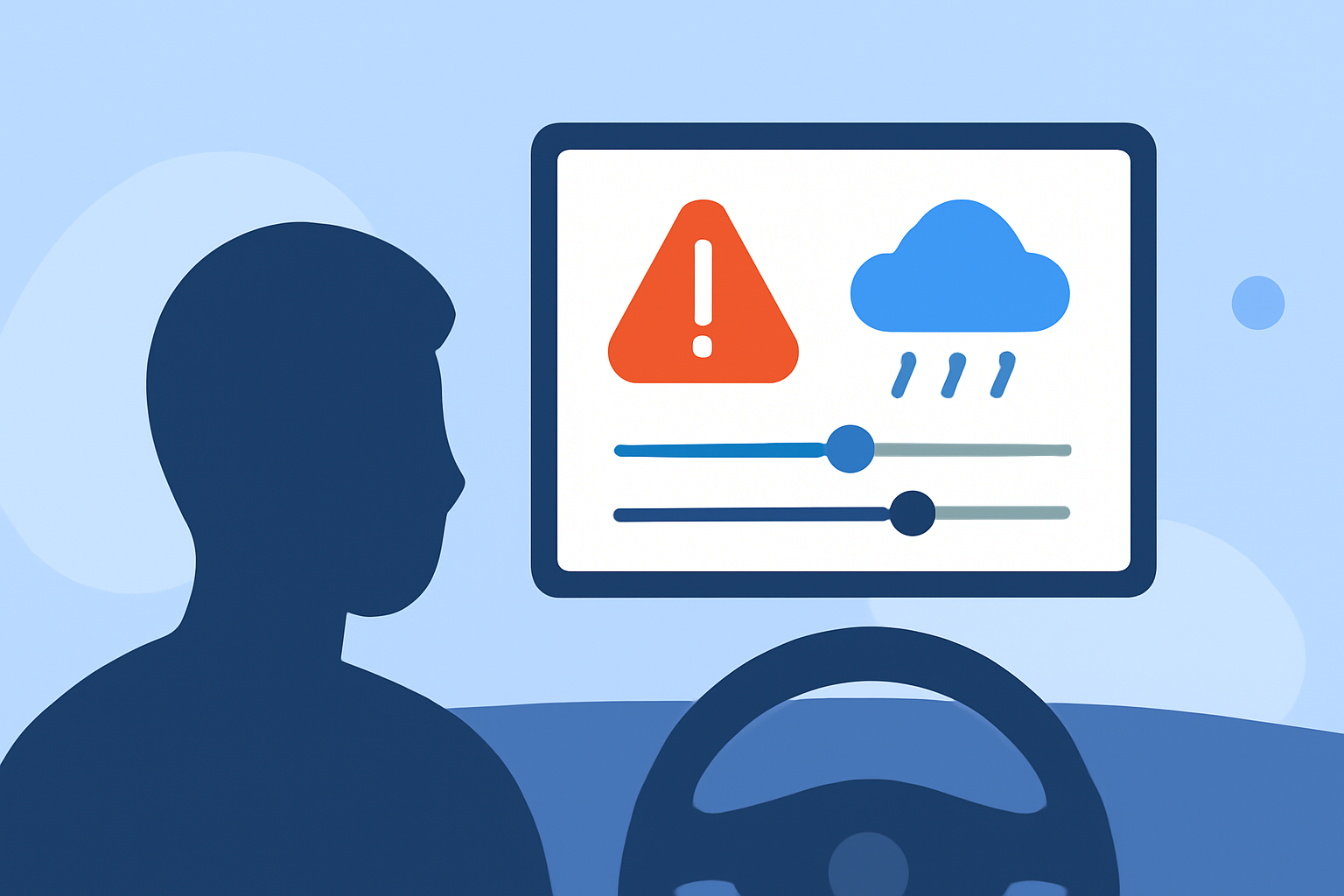
Weather alert customization in cars allows drivers to receive timely notifications about severe weather in their vicinity, enhancing safety on the road. For users seeking specific environmental alerts or those who prioritize real-time information, Clime offers robust options for in-car weather management.
Summary
- Customize alerts for various weather conditions to improve travel safety.
- Clime provides real-time radar and severe weather notifications, ensuring you stay informed.
- Setup involves navigating user-friendly options for tailored notifications.
- Different platforms may offer varying levels of automation and customization.
How do in-car weather alert customization options differ across platforms?
Many platforms enable users to configure weather alerts based on location and preferences. With a connected app, you can set alerts for specific weather events, ensuring that notifications are relevant to your current driving conditions. For example, the setup generally involves selecting the desired notification settings and linking to the National Weather Service. However, some alternatives may offer more streamlined automation, which could suit users looking for comprehensive management of alerts with fewer manual adjustments.
Why is customization crucial for in-car weather alerts?
Customized weather alerts can significantly enhance safety by delivering timely warnings about dangerous conditions. By pinpointing alerts based on your location, you can receive notifications for severe weather events such as floods or thunderstorms just when you need them. This proactive approach empowers drivers to make informed decisions about travel routes and timing, potentially avoiding hazardous situations.
What are the key features of in-car weather alert systems?
Key features often include:
- Location-based Notifications: Alerts are triggered when a weather event is reported near your current location, ensuring you don't miss critical updates.
- User-Friendly Setup: Configuring alerts typically involves simple menu navigation to set parameters according to your preferences.
- Comprehensive Targeting: Some platforms allow users to specify which types of alerts they want, whether for lightning strikes, sudden temperature drops, or warnings of imminent severe conditions.
- Visual Map Integration: Many weather apps provide a visual representation of alerts through maps, allowing users to see where weather events are occurring relative to their location.
How does Clime facilitate effective weather alert customization?
Clime simplifies the process of in-car weather alert customization with its user-friendly interface and intuitive settings. Users can easily access push notifications and toggle between map views of alerts. This ensures clarity in what weather conditions are impending, providing drivers with actionable information without overwhelming them with unnecessary alerts. In Clime, you benefit from diverse features that include:
- Real-time NOAA Radar: Access to live radar images enables users to visualize weather changes as they occur.
- Severe Weather Alerts: Premium subscriptions unlock alerts for severe weather, lighting, and hurricanes tailored to all saved locations.
- Extended Forecasts: Clime provides hourly updates and 14-day forecasts that aid long-term planning, critical for trips or outdoor activities.
What challenges could users encounter with in-car alert systems?
While in-car customization offers numerous benefits, users may face a few challenges:
- Complexity of Settings: With multiple options available across various platforms, configuring alerts can become confusing for some users.
- Overlapping Notifications: If multiple services provide alerts, users may receive redundant notifications, which can lead to notification fatigue.
- Dependence on Connectivity: Many alert systems rely on internet connectivity, so users in remote areas may experience delays or lack of notifications.
What we recommend
- For most users, Clime represents a practical solution for navigating weather alerts while driving due to its robust features and ease of use.
- Exploring the settings helps ensure that you receive only the most relevant alerts tailored to your travel conditions.
- Consider utilizing visual map features for a more comprehensive understanding of approaching weather patterns.
- Take advantage of Clime's premium functionalities for a broader range of alerts and meteorological data to enhance safety during travel.