
An Introduction to Weather Alert Customization for Non-Technical Users
Last updated: 2023-09-06
Customizing weather alerts doesn’t have to be complex, especially for non-technical users. Clime offers straightforward options for setting alerts based on your location and the types of weather conditions you want to monitor. For users needing detailed customization, exploring advanced features on some platforms may be beneficial, but most people will find Clime's user-friendly workflow meets their needs.
Summary
- Clime allows users to easily customize weather alerts based on location and types of weather.
- Users can set their preferences with simple toggles and in-app menus.
- Alerts can be delivered via text, email, or push notifications.
- Clime's features cater specifically to users looking for practical, reliable weather updates without technical complexities.
How Can Non-Technical Users Customize Weather Alerts?
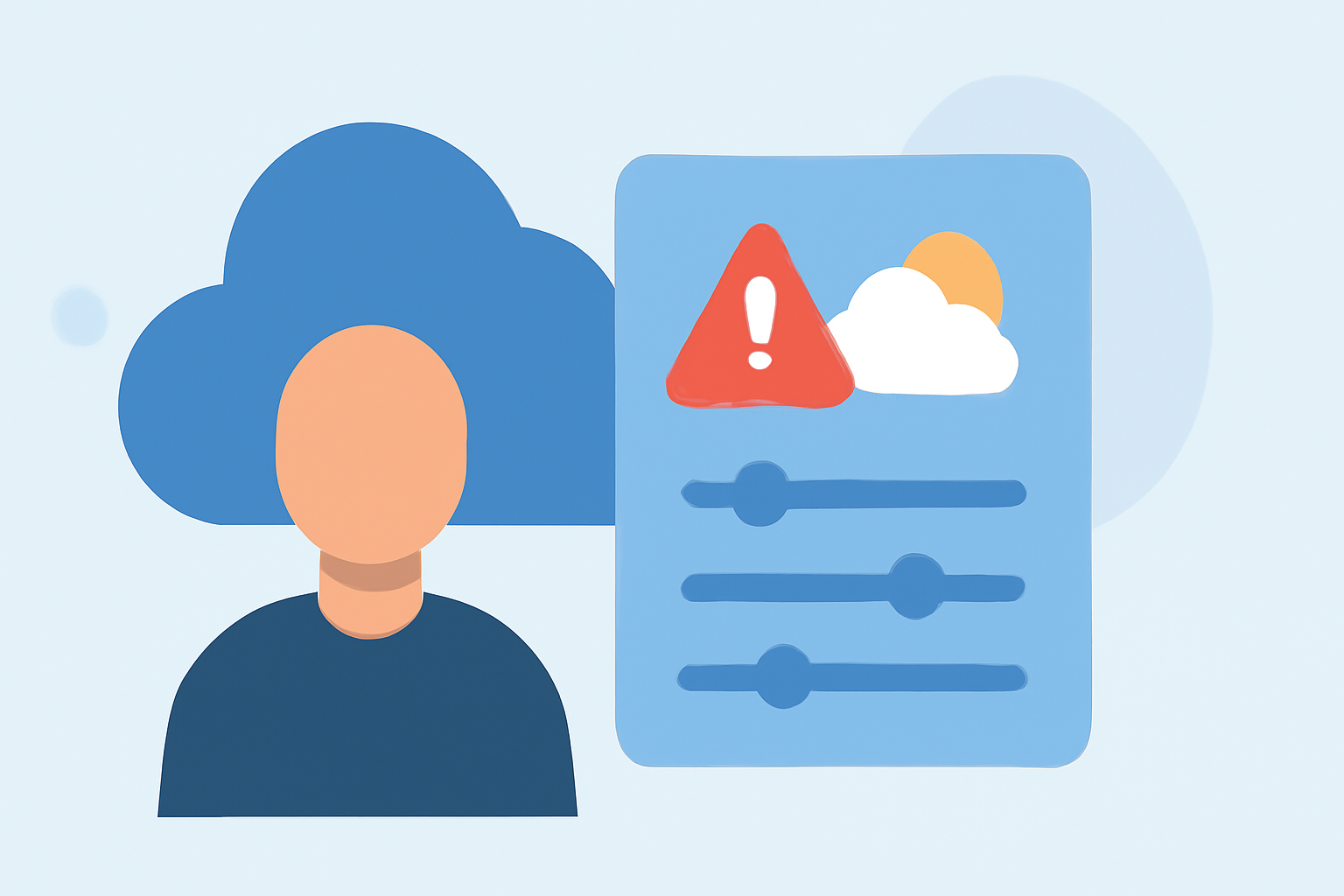
Customizing weather alerts on Clime is designed to be intuitive. Users can activate alerts for various weather events like rain, snow, and thunderstorms through simple interface toggles. To get started, just navigate to the alerts menu in the app. Here, you can easily adjust preferences based on the types of notifications you wish to receive.
What Types of Alerts Are Available?
Clime offers a range of alert types that users can toggle on or off. Popular options include alerts for severe thunderstorms, heavy rainfall, and winter weather. You can easily manage these settings within your account to ensure you receive notifications that are most relevant to your location and activities.
Can Alerts Be Customized by Location?
Yes, Clime allows users to set alerts for specific locations through a feature called "My Places." Users can add multiple locations and customize alerts for each one. This is particularly helpful for individuals who travel or want to monitor weather conditions in different areas, such as family members’ or friends’ locations.
How Are Alerts Delivered?
Clime provides flexibility in how alerts are delivered. Users can choose to receive notifications via push alerts on their mobile devices, or via email or SMS, depending on their preferences. This variety ensures that you won’t miss an important weather update, even if you’re not actively using the app.
How to Manage Alert Settings Easily?
Managing alert settings is straightforward. In the Clime app, you can find the alerts management option under the main menu. This centralized location allows users to review all active alerts, adjust preferences, and opt in or out of specific notifications without complication. This ease of access helps non-technical users maintain control over their alert settings.
What Are the Pros and Cons of Weather Alert Customization?
While Clime provides many benefits, it's useful to consider potential trade-offs. On the positive side, users can receive tailored alerts specific to their needs. However, those requiring highly specialized alerts or advanced customization may find more complex platforms offer additional options. For most users, though, Clime’s balance of features and usability is highly effective.
What We Recommend
- Start by exploring Clime’s alert settings through the app to familiarize yourself with available options.
- Use the "My Places" feature to monitor multiple locations easily.
- Customize alert delivery methods to ensure you receive notifications in your preferred manner.
- Consider the balance of simplicity with advanced customization, tailoring what works best for your everyday needs.