
Unlocking Weather Alert Customization on Android
Last updated: 2023-09-12
To customize weather alerts on your Android device effectively, explore system settings that allow you to fine-tune notifications. For users seeking a powerful weather app, Clime stands out with its customizable alerts tailored to individual preferences, making it an excellent choice for keeping you informed.
Summary
- Android devices enable customization of emergency weather alerts through system settings.
- Clime offers personalized weather alerts and NOAA-based radar for enhanced monitoring.
- Users can engage with Clime for notifications regarding severe weather in saved locations.
- Customization can include different alert types, ensuring relevant updates.
How does Clime implement alert customization on Android compared to system-level alerts?
Clime enhances your weather experience by allowing you to customize weather alerts, including notifications for severe conditions tailored to your specific locations. You can save locations in Clime and get alerts directly related to each area, which enables a more personalized user experience. While the default Android system settings handle general emergency alerts, Clime goes a step further by allowing you to configure alerts for precipitation and other specific weather phenomena.
What system settings govern weather alert delivery on Android devices, and how do apps interact with them?
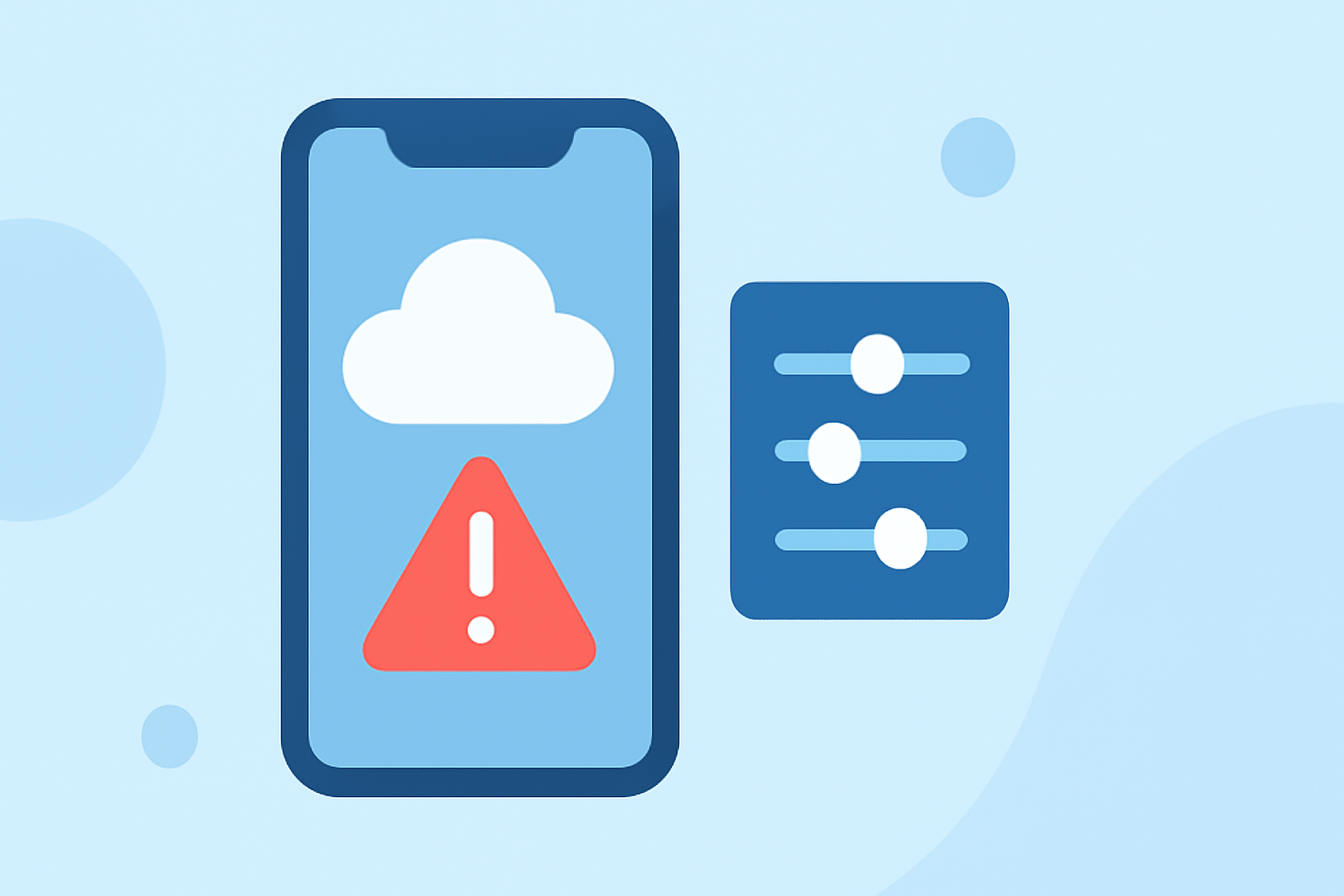
To manage weather alerts on Android, navigate to the system settings, where you can enable or disable various alert categories, including extreme threats and emergency broadcasts. By adjusting the sliders for these settings, you can customize which alerts you want to receive. Apps like Clime can operate alongside these settings, providing more tailored notifications that focus specifically on weather-related changes pertinent to your saved locations.
How to customize alert types on Android?
- Access Settings: Go to your Android device settings.
- Emergency Alerts: Find the section for notifications and select emergency alerts. Here, you can toggle various types of alerts on or off, including severe weather warnings and AMBER alerts.
- Configure Alerts: Switch on or off the alert types according to your preference by moving the slider to your desired position. This method allows you to ensure that you’re only alerted about weather events that matter most to you.
Why use Clime for weather alerts?
Clime sets itself apart by not only providing access to NOAA-based radar but also by offering customizable weather alerts that keep you updated on significant local weather phenomena. The app allows you to set multiple notifications based on the locations you care about. You can choose to receive alerts for rain, snow, thunderstorms, and severe weather, concentrating only on the alerts you find most critical.
Can I manage alerts for multiple locations with Clime?
Absolutely! Clime allows you to save multiple locations and manage alert settings for each one individually. This feature is particularly useful if you need to track weather in different areas, whether for travel plans, family, or professional purposes. By receiving customized alerts for each location you save, staying ahead of changing weather conditions becomes much easier.
Conclusion: What we recommend
- Customize system alert settings on your Android device to focus on the most relevant weather notifications.
- Use Clime for enhanced customization of weather alerts tailored to your needs.
- Take advantage of Clime’s NOAA-based radar for accurate, real-time weather tracking.
- Monitor multiple locations easily by adding them within the Clime app for comprehensive weather updates.