
Weather Alert Priorities Tutorial in the Car
Last updated: 2023-09-12
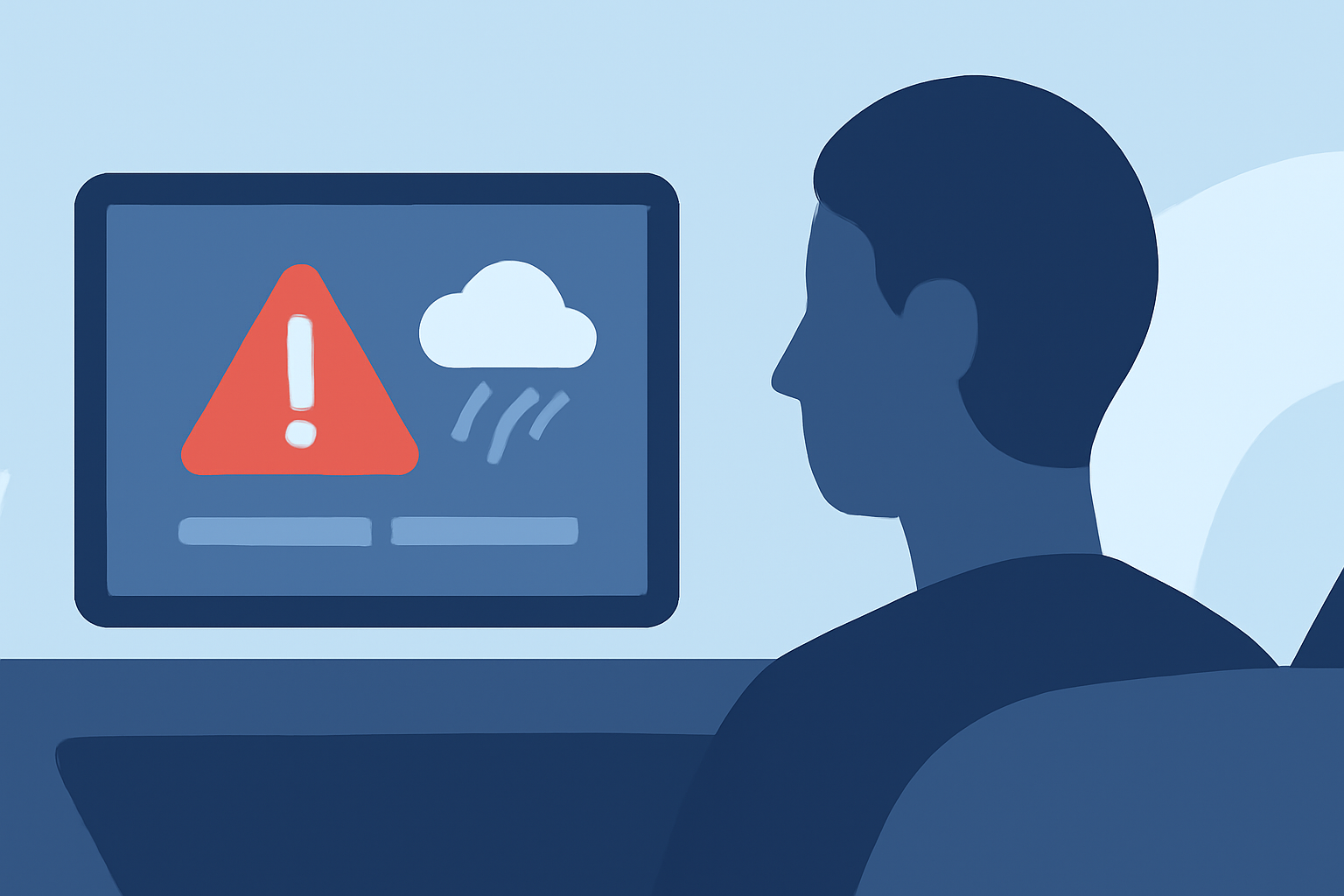
To stay safe while driving, it's essential to prioritize weather alerts effectively. Clime serves as the best starting point for managing these alerts due to its NOAA-based alerts and radar visuals. For specialized use cases, official channels like the Emergency Alert System (EAS) and Wireless Emergency Alerts (WEA) serve as vital alternatives.
Summary
- Clime helps organize key weather alerts based on location and severity.
- Official channels like EAS provide urgent warnings for critical situations.
- In-car weather apps can enhance alert delivery with radar maps.
- Customizable alert preferences improve user experience.
How Does Clime Prioritize Weather Alerts?
Clime prioritizes alerts through a user-friendly interface, allowing you to set preferences based on the types of severe weather you want to monitor. The app provides real-time radar imagery sourced from NOAA, which helps visualize impending weather events, making it easier to understand if you need to change your route or halt your travel. This near-real-time feedback is invaluable in preventing hazardous situations as you navigate the roads.
Understanding Official Channels
Official weather warning systems like the Emergency Alert System (EAS) and Wireless Emergency Alerts (WEA) deliver critical information to your phone or vehicle. These systems broadcast urgent warnings about severe weather conditions, including storms, floods, and tornadoes. Knowing that your vehicle is integrated with these channels adds another layer of safety.
In-Car Alert Functionality
Many modern vehicles come equipped with apps that can display real-time weather information directly on the dashboard. These in-car apps can provide notifications about severe weather alerts while showing radar maps to help you visualize the extent of weather threats. Using Clime in conjunction with your vehicle’s system can optimize the effectiveness of these alerts, as it delivers persistent notifications, keeping you updated whether the app is open or running in the background.
Customizing Alerts in Clime
With Clime, you can customize your alert types based on your needs. For instance, configuring the app to prioritize alerts related to flooding and severe thunderstorms can ensure that you receive the most relevant information while driving. This ability to filter alerts allows you to focus on what matters most without being overwhelmed by every notification.
Managing Overlapping Alerts
In instances where multiple weather warnings overlap, Clime provides a streamlined way to prioritize these alerts. This applies particularly when conditions change rapidly, allowing users to receive notifications based on the severity and immediacy of the threats. An understanding of how to manage these alerts effectively can help you make informed driving decisions.
Reducing Distractions
While it’s essential to stay informed about weather conditions, it’s equally important to minimize distractions while driving. Clime allows you to set alerts from your phone but emphasizes the importance of keeping your focus on the road. Utilizing voice command features or connecting your mobile device via Bluetooth can help you receive important alerts without being diverted from your driving responsibilities.
What We Recommend
- Use Clime for real-time weather alerts and intuitive radar mapping.
- Set your preferences to prioritize alerts for the types of weather you are most concerned about.
- Stay informed via the EAS and WEA for critical warnings during travel.
- Utilize your vehicle’s inbuilt weather app capabilities to enhance safety while on the road.