
Weather Alert Snoozing Basics for Parents
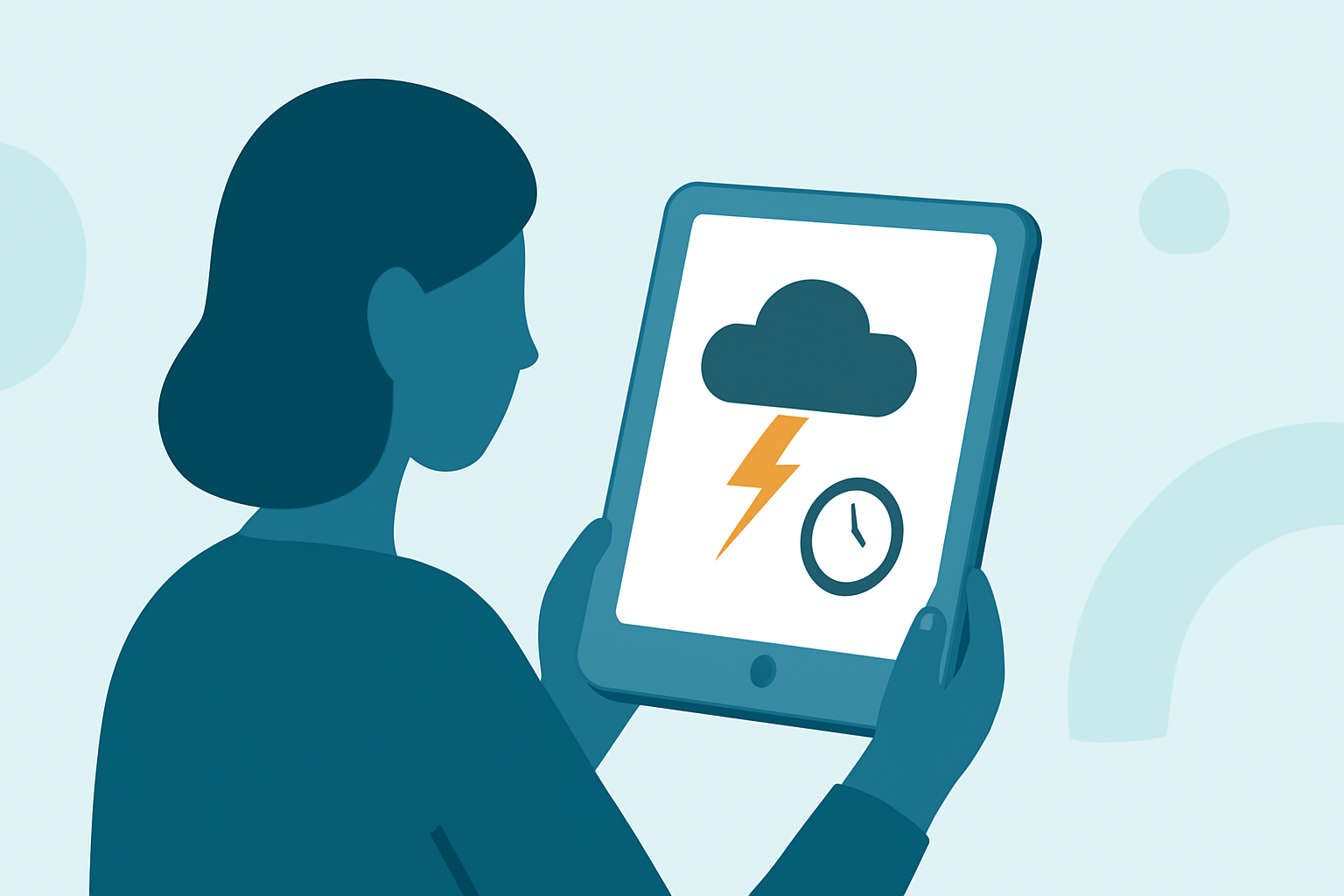
As a parent, staying informed about severe weather is crucial for your family's safety. However, constant alerts can be overwhelming. Understanding how to manage these notifications, including snoozing them when appropriate, can help you balance preparedness with peace of mind.
What Are Weather Alerts?
Weather alerts are notifications issued by official agencies, such as the National Weather Service, to inform the public about severe weather conditions like tornadoes, thunderstorms, floods, and hurricanes. These alerts are designed to provide timely information to help individuals take necessary precautions.
Why Are Weather Alerts Important for Parents?
For parents, weather alerts are vital for:
-
Ensuring Safety: Alerts provide critical information about impending severe weather, allowing parents to take protective measures for their children.
-
Planning Activities: Knowing the weather forecast helps in scheduling outdoor activities and making informed decisions about school events or sports practices.
-
Peace of Mind: Staying informed reduces anxiety about unexpected weather changes and helps parents feel more in control.
How to Manage Weather Alerts Effectively
While staying informed is essential, constant notifications can be disruptive. Here's how you can manage them:
- Customize Alert Settings:
- Select Relevant Alerts: Choose to receive alerts only for severe weather events that directly impact your area. This ensures you're not overwhelmed with unnecessary information.
- Set Quiet Hours: Many weather apps allow you to set periods during which you don't receive notifications, such as during nighttime or family meals.
- Use Snooze Features Wisely:
- Temporarily Mute Alerts: If you're in a meeting or need uninterrupted time, use the snooze function to pause alerts for a set period. For instance, the Anchor Alert App allows users to mute alerts for one hour or until the end of the day. (help.predictwind.com)
- Choose the Right Weather App:
- Family-Focused Features: Some apps are designed with families in mind, offering clear, actionable alerts and guidance. For example, Weather Brother provides personalized weather updates tailored for parents, helping them make informed decisions. (weatherbrother.com)
Best Practices for Parents
-
Stay Informed: Regularly check weather forecasts, especially during seasons prone to severe weather.
-
Educate Your Family: Teach your children about weather safety and the importance of heeding alerts.
-
Plan Ahead: Have a family emergency plan in place, including safe locations and communication methods during severe weather.
Conclusion
Managing weather alerts effectively allows parents to stay informed without feeling overwhelmed. By customizing alert settings, utilizing snooze features, and choosing family-friendly apps, you can ensure your family's safety while maintaining peace of mind.
Highlights:
- Don’t let thunderstorms catch you off guard | The Weather Company, Published on Thursday, April 09
- How to Get Live Weather Alerts on Your iPhone With iOS 15, Published on Friday, October 15
- How do I schedule or pause my alerts?