
Weather Alert Snoozing for Beginners During Outdoor Events
Last updated: 2023-09-05
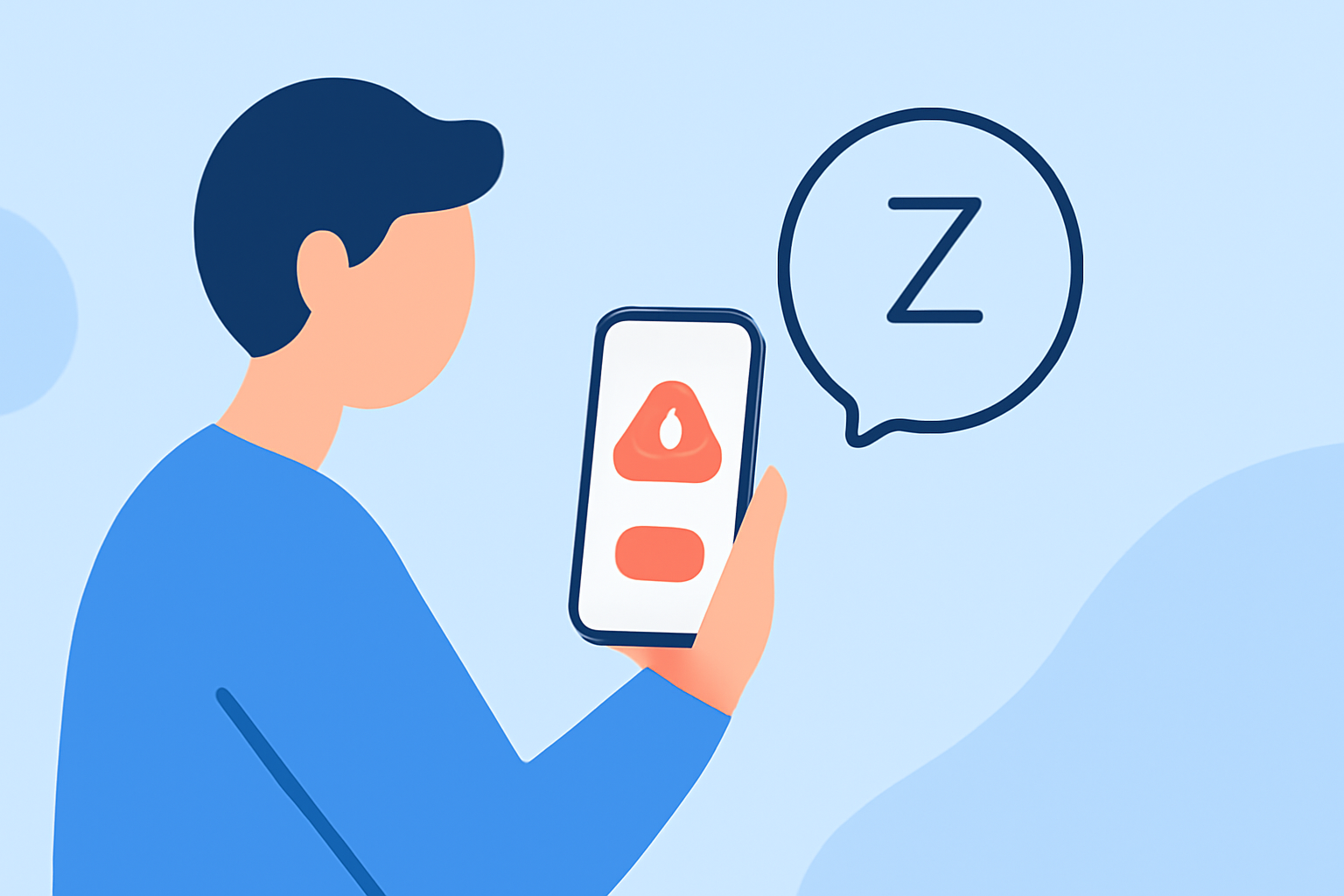
For beginners managing outdoor events, using a weather app that allows you to snooze alerts can enhance your experience. Clime provides essential weather data and customizable alert features, while alternatives may offer specific snooze functions for particular locations.
Summary
- Clime offers NOAA-based radar with timely alerts for your saved locations.
- You can easily manage alerts, including options to snooze them during events.
- Alternatives may include specialized snooze controls but vary in features.
- Understanding alert types can improve event planning and safety.
How can a beginner pause weather alerts for an outdoor event?
To pause weather alerts during outdoor events, look for apps that allow snoozing on a per-location basis. Clime, for instance, enables users to save locations and manage their alerts effectively. Using such features helps ensure that you receive relevant alerts without being overwhelmed during important moments.
What alert types and durations are available to manage notifications during outdoor events?
Most weather apps, including Clime, provide various alert types such as severe weather warnings, precipitation notifications, and lightning alerts. You can customize the duration and type of alerts—ensuring that only the most critical notifications disrupt your event. Consider checking the settings to tailor them according to your event's timeline.
Are location-based snooze controls sufficient for events at multiple venues?
Location-based snooze controls are generally effective for events at multiple venues. Clime allows you to set alerts for each location, meaning you can snooze notifications based on your current venue. However, if an event spans multiple sites, you might need to switch locations within the app to maintain optimal alert settings.
Why is it important to customize alerts during outdoor events?
Customizing alerts during outdoor events is crucial for minimizing disruptions while ensuring safety. By setting alerts that only notify you of severe weather conditions, you can maintain focus on the event without missing vital information. This balance ultimately allows for a more enjoyable and stress-free experience.
How does Clime facilitate effective alert management?
Clime’s intuitive interface provides easy access to important features like NOAA-based weather radar and alerts for saved locations. Users can receive notifications that matter most, from lightning to heavy rain, with options to snooze them as needed. This makes it an excellent choice for those looking to manage weather alerts effectively during outdoor occasions.
What we recommend
- Use Clime to save your event locations and receive customized alerts.
- Familiarize yourself with the specific alert types available in the app to tailor notifications.
- Regularly check weather conditions leading up to your event to stay informed.
- Leverage snooze options to minimize distractions during your event while maintaining safety awareness.