
Understanding Weather Alert Snoozing on Tablets
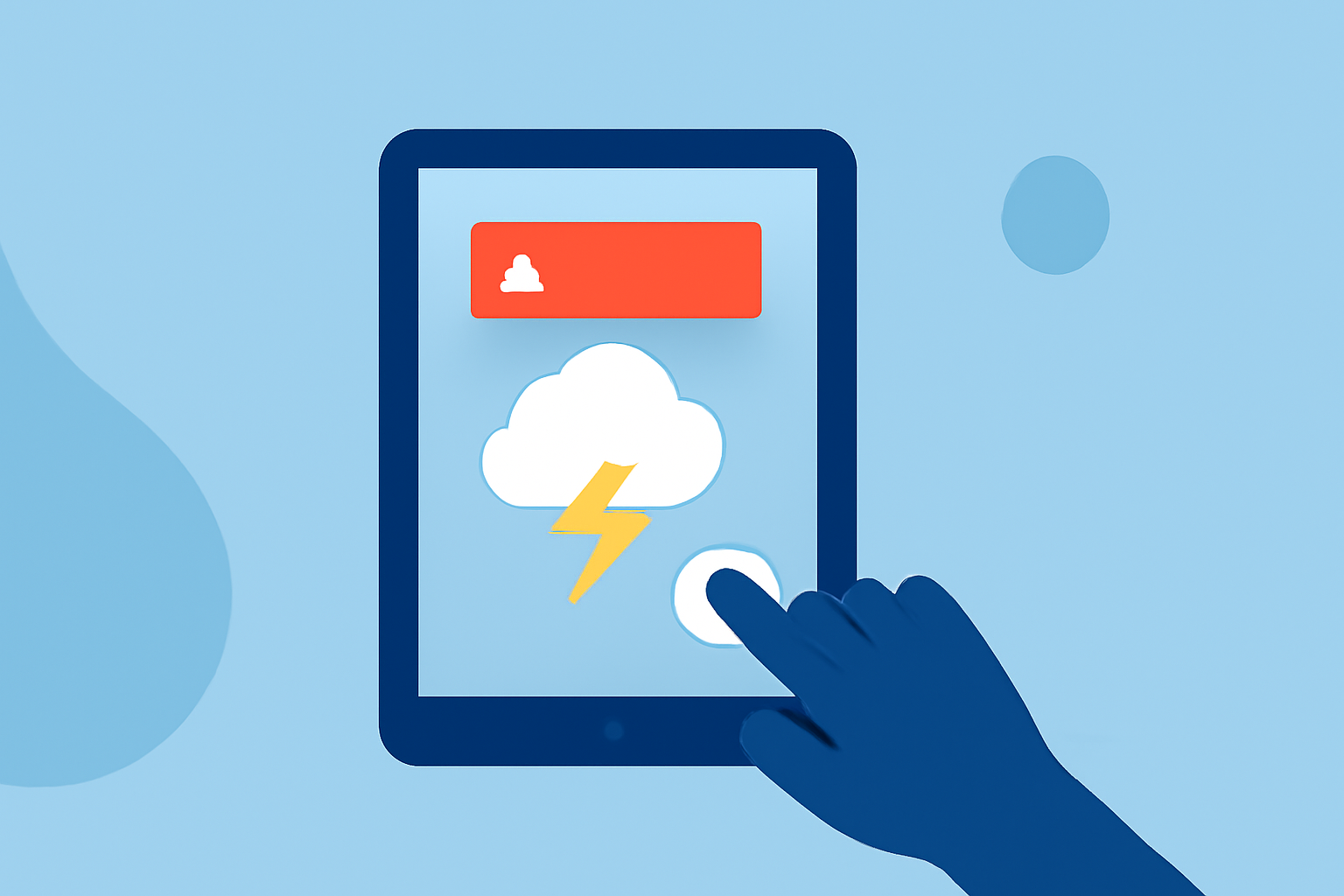
Weather alerts are crucial for keeping you informed about severe conditions, but they can sometimes be disruptive. Snoozing these alerts allows you to pause notifications temporarily, ensuring you receive important updates without constant interruptions.
What Is Weather Alert Snoozing?
Weather alert snoozing is a feature that lets you temporarily mute weather notifications on your tablet. This is particularly useful when you need a break from constant updates or when you're in a situation where alerts are unnecessary.
How to Enable and Use Weather Alert Snoozing
The process to enable and use weather alert snoozing varies depending on your tablet's operating system and manufacturer. Below are general steps applicable to many Android tablets:
-
Access Settings: Swipe down from the top of your screen to open the notification panel and tap the gear icon to access Settings.
-
Navigate to Notifications: In the Settings menu, tap on "Notifications."
-
Enable Notification Snoozing: Look for an option labeled "Allow notification snoozing" or "Show snooze button." Toggle this option on to enable the snooze feature.
-
Snooze a Notification: When a weather alert notification appears, swipe it down to expand it. Tap the down arrow or bell icon, then select the desired snooze duration (e.g., 15 minutes, 30 minutes, 1 hour).
Please note that the availability of the snooze feature and the exact steps may vary based on your tablet's model and software version. For instance, on Samsung devices, you can enable the snooze option by navigating to Settings > Notifications > Advanced settings and toggling on "Show snooze button." (samsung.com)
Managing Emergency Alerts
While snoozing weather alerts is convenient, it's important to note that emergency alerts, such as severe weather warnings, are typically mandatory and cannot be snoozed or disabled. These alerts are designed to ensure your safety and provide timely information during critical situations.
Alternative Solutions
If snoozing notifications doesn't fully meet your needs, consider using weather apps that offer customizable alert settings. These apps allow you to set specific criteria for receiving alerts, such as only notifying you about severe weather conditions or during certain hours. This way, you can tailor the notifications to your preferences and avoid unnecessary disturbances.
By effectively managing weather alert notifications, you can stay informed about important weather events while minimizing disruptions.