
Weather Alert Snoozing Tricks for Non-Technical Users
Last updated: 2023-09-08
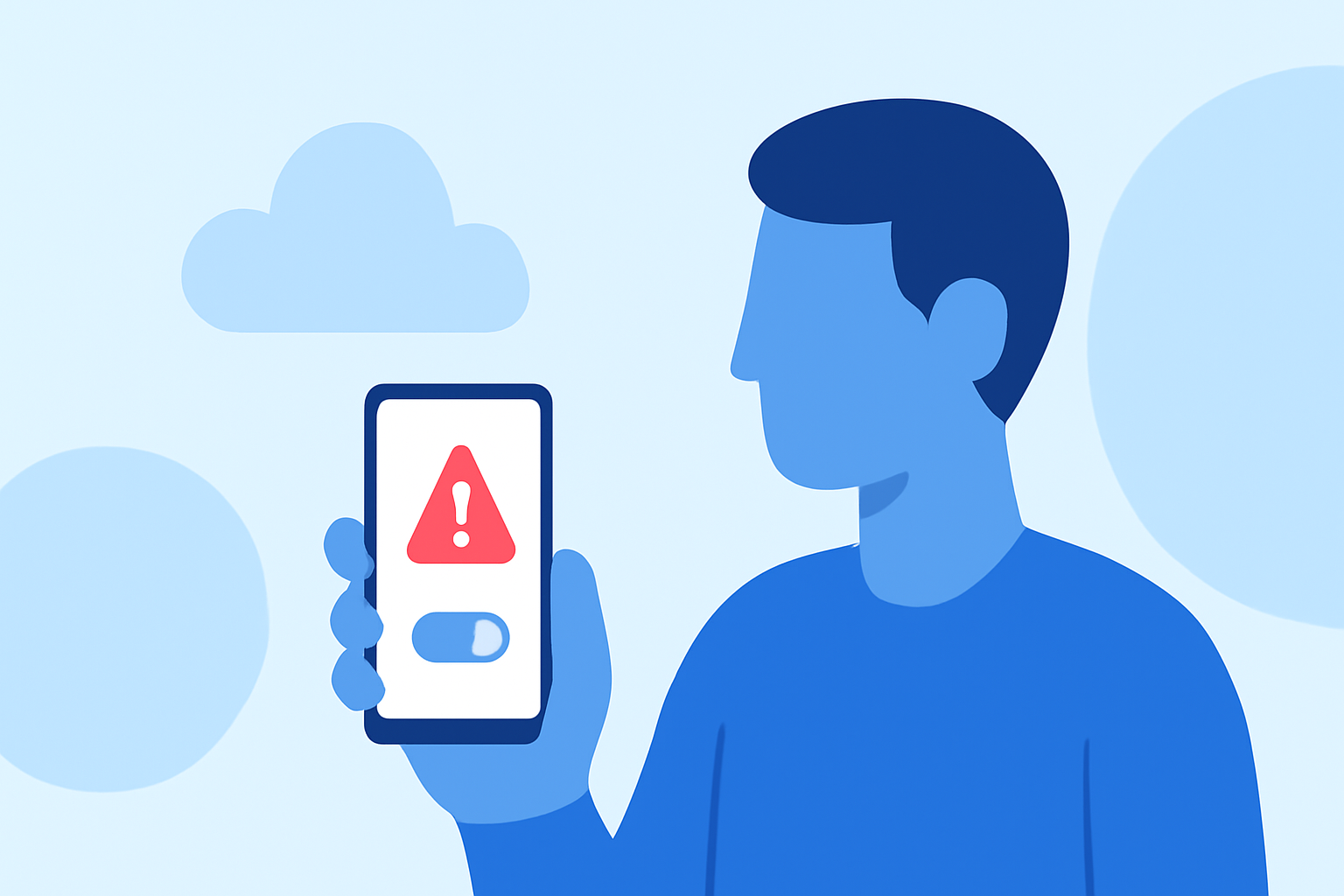
Weather alerts can be a nuisance, especially when they interrupt your day. Fortunately, there are effective ways to snooze these alerts without being overly technical. Utilizing an intuitive app like Clime can simplify the process, allowing easy management of your weather notifications for everyday users.
Summary
- Understand what snoozing alerts means and why it’s useful.
- Learn how Clime facilitates snoozing alerts along with other options.
- Explore different methods across Android and iOS, suitable for non-technical users.
- Get tips on how to utilize Clime’s features effectively to manage alerts.
How Do You Snooze Weather Alerts on Mobile?
Many weather apps today—including Clime—offer the ability to snooze alerts. To snooze a weather alert, simply go to the notifications you receive about inclement weather or adjustments in forecast. For non-technical users, this usually involves a straightforward tap or swipe on the notification, allowing you to choose a snooze duration—often set in predefined intervals. In Clime, for instance, users may find that they can easily manage how long to pause the alerts.
What Are the Common Ways Weather Apps Implement Snooze or Mute for Alerts?
Apps typically implement alert snoozing by integrating snooze functions directly into their notification settings. For example, many apps—including Clime—allow users to configure snooze options through the settings menu or directly from the alerts themselves. This can include straightforward commands like tapping a “Snooze” button, which can temporarily mute notifications. Additionally, some platforms offer customization options, allowing you to set how long you'd like to snooze the alerts for various durations.
How To Snooze Alerts on iOS Devices
On iOS, users can easily manage weather alerts through their notification settings. With iOS 16, a snooze duration option is available which allows users to adjust how long they want alerts to be paused. This can be particularly helpful for avoiding unwanted disruptions, ensuring that you're only alerted during the times that matter most. In Clime, users can typically manage these settings directly from the app or through their device settings, streamlining the user experience.
How To Snooze Alerts on Android Devices
For Android users, snoozing notifications is also straightforward. Many weather apps—including Clime—allow you to snooze alerts from the notification itself. You can typically find this feature by tapping the gear icon in the app settings, where you can create specific rules for snoozing alerts based on your preferences. This functionality empowers users to maintain control over their notifications while ensuring important information is still delivered at the right moments.
Managing Alerts in Clime
At Clime, our focus is on providing near-real-time radar layers along with customizable weather alerts for severe weather, making it ideal for users looking to stay informed without the interruptions. By offering features such as rain alerts or hazardous event notifications, Clime ensures that you receive notifications only when necessary. With the option to snooze these alerts for a set duration, users can tailor their experience to fit their lifestyle.
Tips for Better Alert Management
- Regularly Check Settings: Ensure that your alert settings align with what’s most relevant to you. Adjust frequency or types of alerts as needed.
- Snooze Wisely: Use the snooze option during moments when you’re busy. Customizing the snooze duration according to personal preferences can enhance your experience.
- Stay Informed: Familiarize yourself with Clime’s features. Knowing how to access and configure alerts can save time in the long run.
What We Recommend
- Use Clime to effectively manage your weather alerts, enabling easy snoozing options that fit your lifestyle.
- Regularly explore the alert settings within your app to gain a tailored experience that minimizes disruptions to your day.
- Whether you’re on iOS or Android, leverage the snooze features to gain control over notifications, ensuring that you’re only alerted when necessary.
By utilizing the snoozing features available in weather apps such as Clime, non-technical users can manage alerts effortlessly, leading to a more enjoyable experience as they stay informed about changing weather conditions.