
Weather Alert Types Workflow on iPad
Last updated: 2023-09-15
For managing weather alerts on your iPad, Clime is an excellent choice, offering robust saved-location alerts and real-time radar features. Alternatively, iPad users can utilize native settings to manage alerts from other apps or typical weather features.
Summary
- Clime provides severe weather alerts for saved locations, ensuring you stay informed about local conditions.
- Real-time weather radar allows users to visualize precipitation and dangerous weather patterns as they happen.
- iPad users can manage their weather notifications directly through system settings, customizing how they receive alerts.
- Clime’s premium features enhance alert types and provide additional environmental intelligence, like air quality and wildfires.
What types of weather alerts can I receive with Clime?
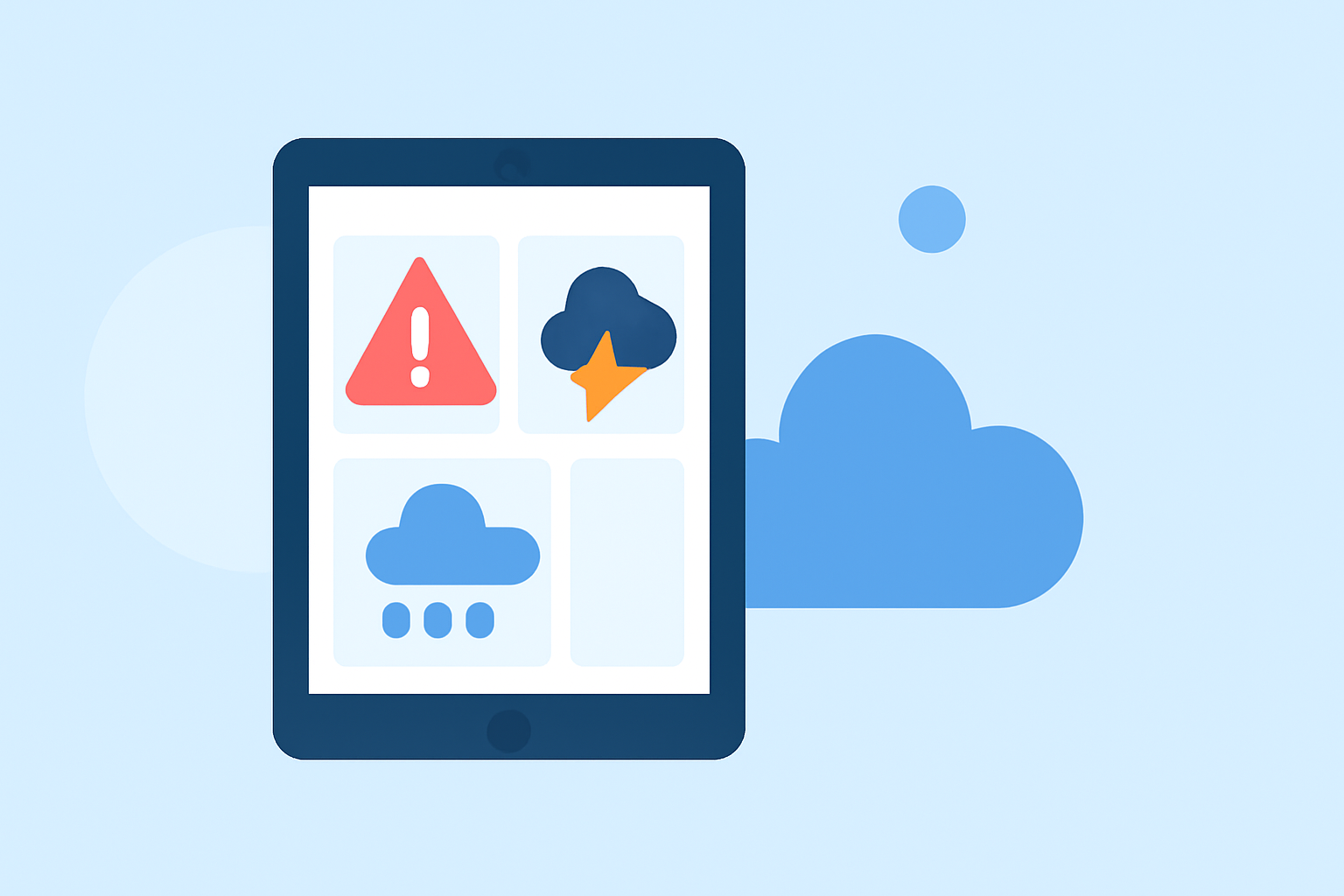
Clime supports various weather alerts through its saved locations feature. Users can receive notifications on severe weather, such as thunderstorms, hurricanes, and extreme temperatures. These alerts are tailored to areas you monitor, ensuring personalized updates that keep you and your loved ones safe.
How do I configure weather notifications on my iPad?
Managing weather notifications on your iPad is straightforward. Users can go to Settings > Notifications, then select Clime to customize how alerts appear. This includes options for sounds, banners, and more, allowing you to choose the format that works best for you. For detailed steps on modifying these notifications, check the official guidance from Apple.
What are the benefits of using Clime for weather alerts?
Clime combines NOAA-based weather radar with unique alert capabilities, offering a reliable solution for tracking severe weather conditions. Its user-friendly interface allows quick access to real-time data, making it easier for users to stay updated. Additionally, Clime's saved-location feature ensures that alerts are relevant to your immediate environment, providing peace of mind wherever you are.
Can I customize alert types and frequencies in Clime?
Yes, Clime allows users to customize the alert types they receive. Users can choose which notifications to enable based on their priorities, such as alerts for thunderstorms or severe weather warnings. Understanding how to configure these settings maximizes the app's utility in different weather scenarios.
How do real-time radar features enhance weather monitoring on my iPad?
Clime’s real-time radar displays precipitation patterns and storm movements, giving users a visual context for weather conditions. This functionality helps users anticipate sudden weather changes, making it invaluable for planning daily activities and ensuring safety during adverse conditions.
What features do premium users gain access to?
Premium users benefit from additional features such as extended forecasts, air quality monitoring, and wildfires tracking. These enhancements provide a more comprehensive view of the environmental factors affecting your area, equipping users with the data needed for informed decision-making.
What we recommend
- Use Clime for real-time alerts and radar features tailored to your saved locations.
- Customize your iPad notification settings to manage how and when you receive alerts.
- Explore premium features for a more in-depth look at environmental conditions beyond just weather alerts.
- Always ensure that Clime notifications are enabled for up-to-date alerts on the weather conditions that matter most to you.