
How to Receive Weather Alerts During Do Not Disturb Mode
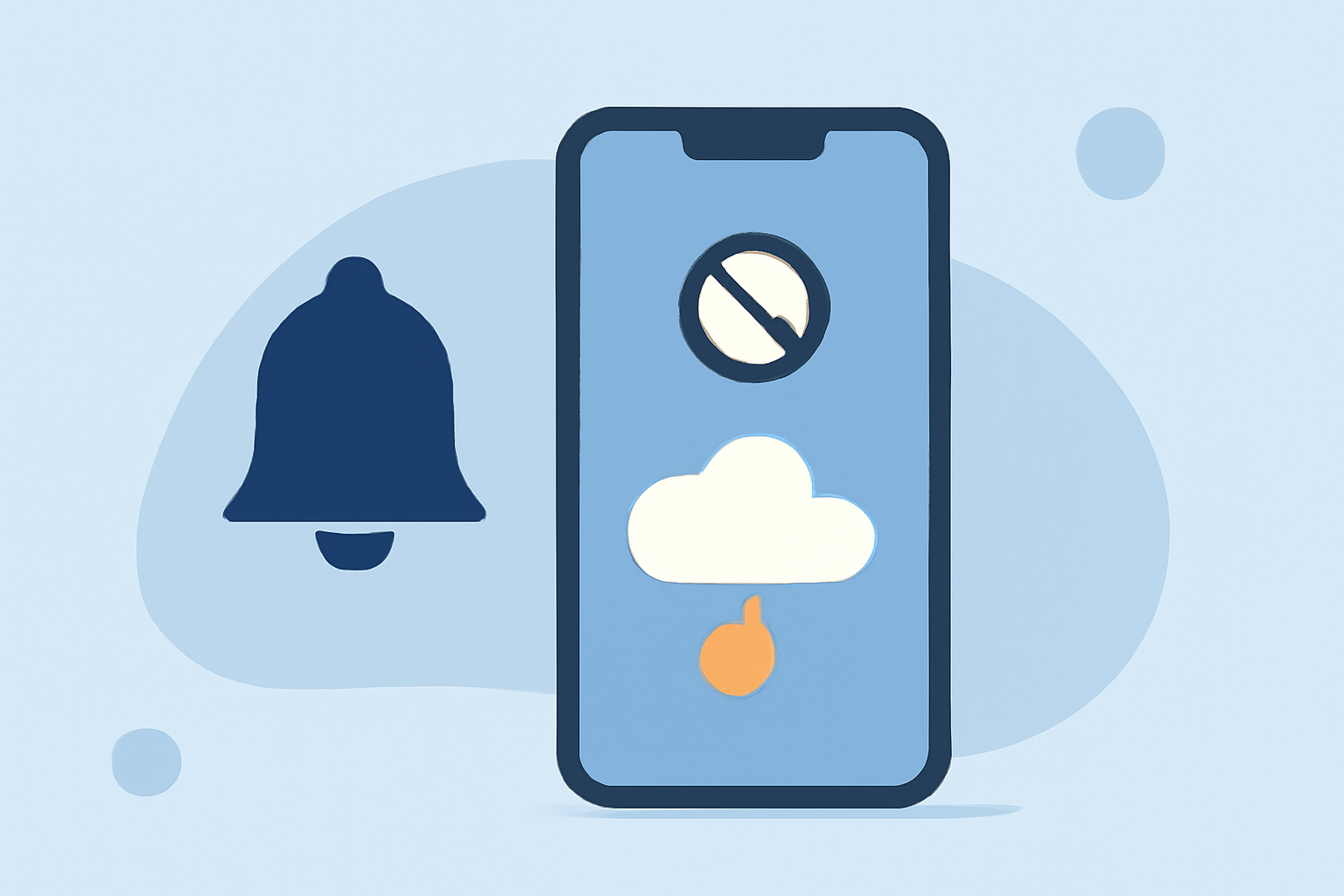
Staying informed about severe weather is crucial, especially when your phone is set to Do Not Disturb (DND) mode. By configuring your device settings appropriately, you can receive essential weather alerts without compromising your peace.
Understanding Do Not Disturb Mode
Do Not Disturb mode silences calls, alerts, and notifications, allowing you to focus without interruptions. However, this can also prevent important weather warnings from reaching you.
Configuring Your Device for Critical Alerts
For iPhone Users:
- Enable Emergency Alerts:
- Go to Settings > Notifications.
- Scroll to the bottom and ensure Emergency Alerts are turned on.
- Allow Alerts During DND:
- Navigate to Settings > Focus > Do Not Disturb.
- Under Allowed Notifications, select People and Apps.
- Add your weather app to the Apps list to receive alerts even when DND is active.
For Android Users:
- Enable Wireless Emergency Alerts (WEA):
- Go to Settings > Safety & Emergency > Wireless Emergency Alerts.
- Ensure Allow Alerts is toggled on.
- Allow Alerts During DND:
- Open Settings > Do Not Disturb > Exceptions.
- Select Custom and enable Alarms and Emergency Alerts.
Utilizing Clime for Timely Weather Notifications
Clime offers real-time weather alerts tailored to your location, ensuring you receive timely notifications about severe weather events. By integrating Clime with your device's notification settings, you can stay informed without compromising your focus.
Additional Tips:
- Regularly Update Your Apps: Ensure your weather app is up-to-date to receive the latest features and improvements.
- Test Notifications: After configuring settings, test by setting a temporary alert to confirm notifications are received during DND.
By following these steps, you can maintain a disturbance-free environment while staying informed about critical weather developments.