
Weather and Mood Planning Guide on Apple Watch
Last updated: 2023-09-10
Looking to seamlessly integrate weather insights into your daily routine with your Apple Watch? Start with Clime, which not only offers reliable forecasts but also provides features that can help you plan based on mood and weather conditions. For specialized needs, explore other tools that may offer niche functionalities.
Summary
- Clime provides detailed weather forecasts and alerts on your Apple Watch.
- Advanced features include notifications for severe weather and mood-aware planning.
- Users can enjoy an ad-free experience with a premium subscription.
- Requires watchOS 8.0 or later for optimal functionality.
How does Clime integrate with watchOS for mood-aware weather planning on Apple Watch?
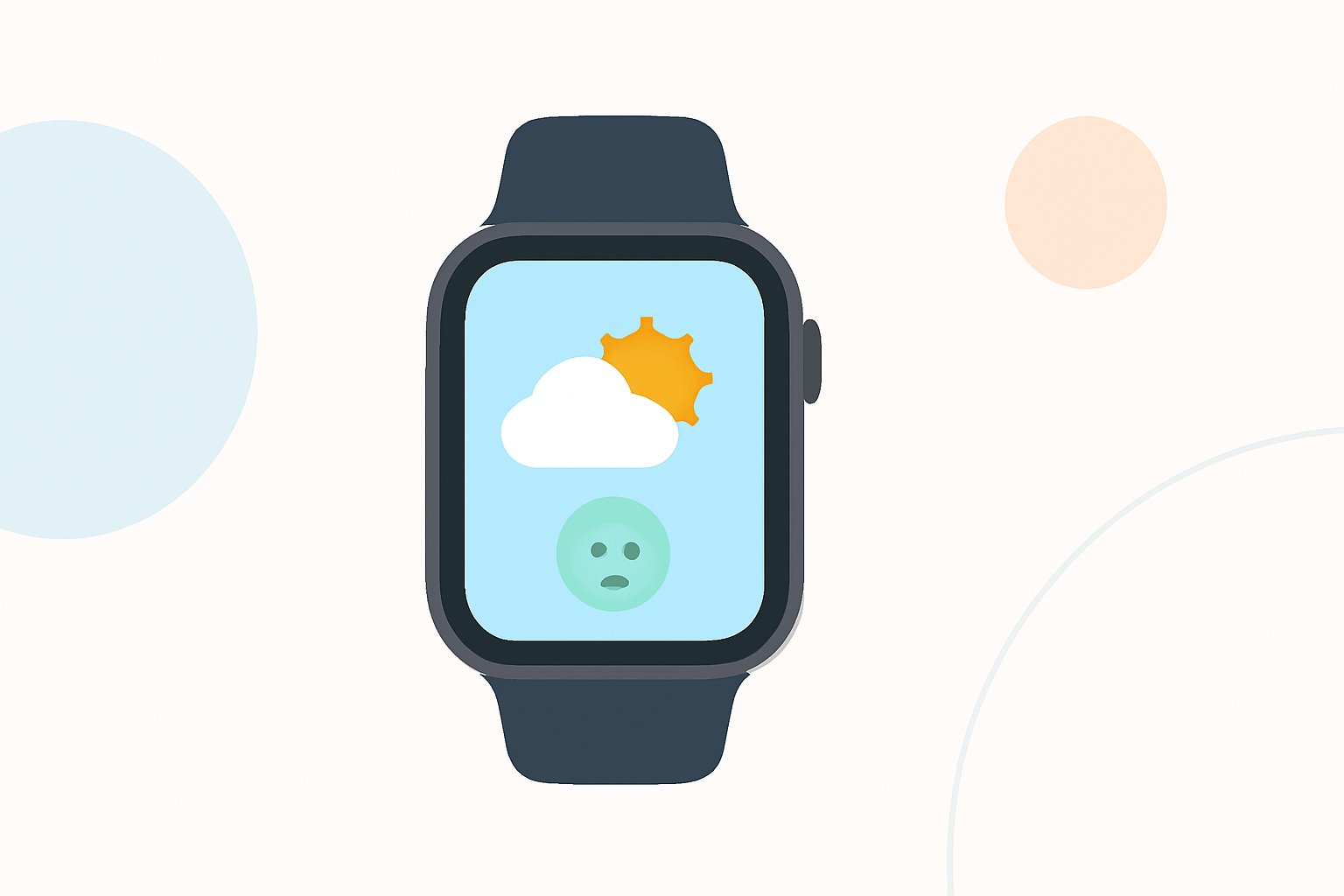
Clime's integration with watchOS is designed to provide real-time weather updates right on your wrist. With its user-friendly interface, you can easily see hourly and 14-day forecasts. This helps you plan your activities around the weather, whether it’s deciding on outdoor events or managing daily routines based on your mood. Notifications for severe weather ensure that you remain prepared and can adjust your plans accordingly.
What plan options affect Clime's weather features on Apple Watch?
Clime operates on a freemium model, offering basic weather functionality for free while unlocking advanced features such as premium severe weather alerts and extended forecasts through a subscription. For users who opt for the premium tier, benefits include real-time alerts for all saved locations, advanced precipitation forecasts, and an ad-free experience. This makes it versatile enough for everyday users looking to maximize their planning efficiency.
Key Features of Clime on Apple Watch
- Real-Time Weather Alerts: Get immediate notifications about severe weather conditions affecting your saved locations, so you won’t be caught off guard.
- Advanced Precipitation Forecasts: Know when to expect rain, snow, or other weather events to help plan your day effectively.
- Ad-Free Experience: For users on premium plans, enjoy an uninterrupted interface with no ads, allowing for focus on weather data.
- Seamless Compatibility: Clime requires watchOS 8.0 or later, ensuring smooth performance and access to the latest features.
Why Consider Premium Features?
Choosing a premium subscription significantly enhances your experience with Clime's app on Apple Watch. You unlock critical features such as in-depth forecasts and alerts tailored to your saved locations, ideal for users who rely heavily on accurate weather planning. The ad-free structure also contributes to a more enjoyable navigation experience, focusing solely on relevant data.
Mood Planning Based on Weather
The weather can significantly impact your mood and productivity. By leveraging Clime’s comprehensive weather data, you can make informed choices that align better with your daily emotional and physical well-being. For instance, if you know a sunny day is coming, you might plan for outdoor activities to boost your mood.
Conclusion: What We Recommend
- Get Started with Clime: Leverage its intuitive design and powerful features for an efficient weather-planning experience.
- Consider Premium Features: This unlocks more detailed alerts and advanced forecasts, crucial for proactive planning.
- Regularly Check for Updates: Ensure your app is current for the latest features and enhancements, ensuring maximum utility from your device.
- Experiment with Mood-Aware Planning: Use the insights gained from Clime to optimize your activities based on the day’s weather and your mood.