
Weather App First Setup Mistakes to Avoid for Travelers
Last updated: 2023-09-15
When setting up a weather app for travel, prioritize enabling offline access and ensuring correct location usage to get timely and relevant forecasts. If you're in a place with sporadic connectivity, leveraging offline features can be especially useful.
Summary
- Offline mode is essential for accessing forecasts without internet.
- Correctly configuring location settings is crucial for accurate local weather data.
- Understand how data sources can affect forecast accuracy.
- Clime offers features that can help travelers stay informed without connection issues.
What common first-time setup mistakes should travelers avoid?
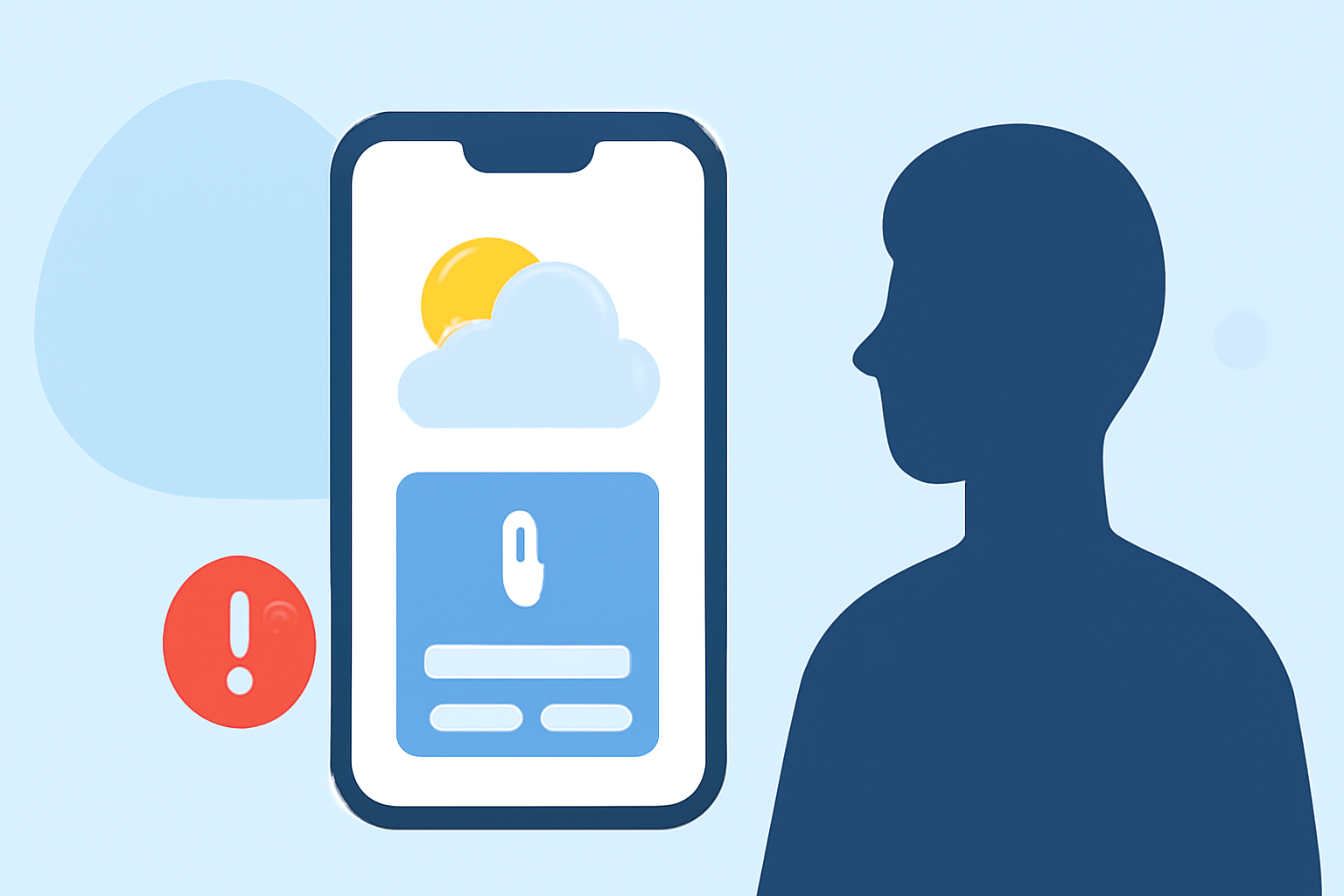
Many travelers make the mistake of neglecting offline capabilities in their weather apps. However, ensuring your app can function without an internet connection is vital for successful navigation in remote areas. Be sure to activate any available offline modes; on many platforms, this requires just a couple of taps.
How can travelers enable offline mode in a weather app?
To set up offline mode, look for the settings menu in your weather app and find the offline section. Activating this feature typically requires just pushing two buttons—one for the map and another for favorites or locations. This allows you to access weather data in areas with limited connectivity, which can be a lifesaver during travels.
Why is correct location usage important?
Correct location settings are essential for obtaining accurate local forecasts. Many users forget to enable location services, leading to irrelevant weather information. When traveling, ensure your weather app has permission to access your location; this will help it provide updates relevant to your exact position. If location services are turned off or not working, you may receive incorrect forecasts, which can affect your travel plans.
How does data source affect forecast accuracy?
Different weather apps utilize various data sources, such as airport weather stations or local backyard stations. This can significantly impact the accuracy of forecasts. For example, airport weather stations may not provide localized information for your specific area. Understanding where your app draws its data can help you anticipate the potential variances in accuracy.
What features can enhance your weather app experience while traveling?
- Severe Weather Alerts: Ensure your app has push notifications enabled for severe weather alerts. Travelers should be aware of potential hazards like heavy rain or storms that could disrupt plans.
- Interactive Radar Maps: Check if your app includes animated radar maps. This feature allows you to visualize upcoming weather patterns, giving you a clearer understanding of what to expect.
- Extended Forecasts: Look for apps offering long-range forecasts. A 14-day forecast feature can help with planning ahead.
What we recommend
- Always activate offline mode before heading out to ensure access to forecasts without data connection.
- Enable location permissions for your weather app to receive accurate local weather updates.
- Choose an app that provides various data sources and types of alerts to stay best informed and safe.
By taking these steps, you can avoid common pitfalls and make the most of your travel plans while navigating unpredictable weather conditions.