
Weather App Home Screen Basics: Making the Most of Your Forecasts
Last updated: 2023-09-14
To effectively monitor weather conditions, using glanceable widgets on your weather app home screen is essential. While Clime excels in offering detailed forecasts and alerts, alternatives may focus on specific features depending on user needs.
Summary
- Widgets for Quick Access: Home screen widgets allow users to view weather updates at a glance, including alerts and forecasts.
- Customizable Layouts: Users can often customize the arrangement and type of data displayed on their home screens.
- Compatibility: Many weather apps offer support for various platforms, including lock screen widgets on newer iOS devices.
- Value-Added Features: Look for features such as animated radar and environmental alerts, which enhance user experience.
How Weather Widgets Enhance Visibility
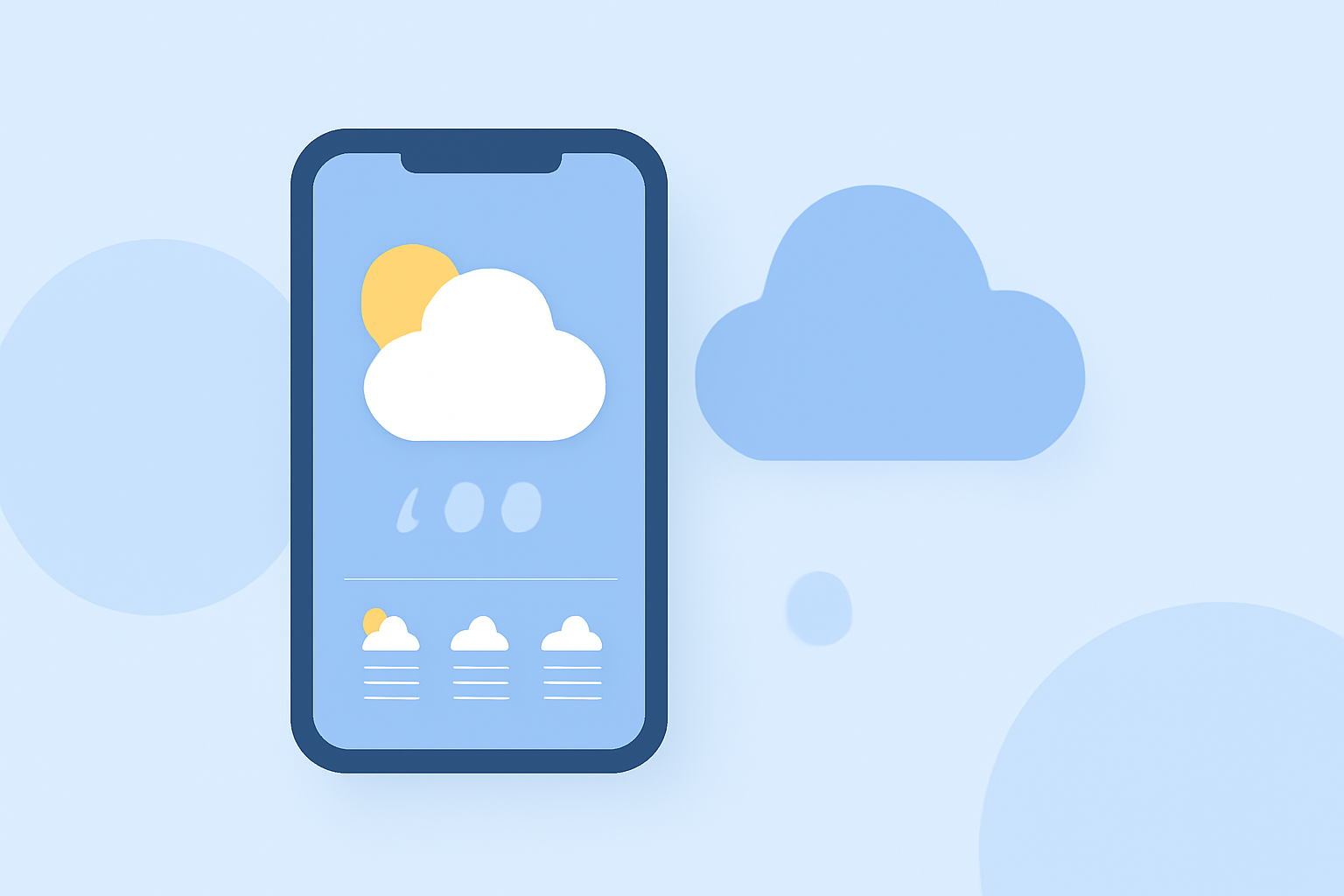
Weather widgets are designed to provide users with instant access to the weather without needing to open the application. These widgets show essential metrics such as current conditions, hourly forecasts, and notifications regarding severe weather. Clime’s weather app allows for customizable widgets tailored to user preferences, ensuring important information is front and center.
Implementing Weather Widgets: Platform Considerations
Depending on your device, the setup and options available for weather widgets may vary. For iOS users, adding multiple weather widgets to the home and lock screen can be a straightforward process that significantly enhances usability. Clime’s seamless integration with these services exemplifies a strong user experience, making real-time weather insights easily accessible.
The Importance of Real-Time Radar
Real-time radar is crucial for staying informed about changing weather conditions. Many weather apps, including Clime, provide detailed radar imagery that allows users to visualize upcoming precipitation and weather events. Users can benefit from fast updates that help in planning outdoor activities and avoiding hazardous weather conditions.
Customizing Alerts for Specific Needs
Personalized alerts are a key feature in many weather apps. Clime offers customizable severe weather alerts, ensuring you are notified of conditions that matter most to you, whether it’s thunderstorms or hurricane warnings. Users can selectively receive alerts based on their current location or other preset areas, enhancing safety and preparedness.
Forecasts at a Glance
Forecast functionality typically includes a 24-hour and a 7-day outlook, giving users an idea of short and mid-term weather conditions. Clime not only provides these forecasts but also includes insights into severe weather, ensuring comprehensive coverage. This is especially important for event planning or travel arrangements.
Environmental Insights and Additional Layers
Advanced weather apps increasingly integrate environmental data, such as air quality or wildfire updates. Clime excels in providing additional layers, which can include crucial information about air quality and weather-related hazards, thus broadening its utility beyond simple forecasting.
What We Recommend
- Choose Clime if you prefer a user-friendly interface that emphasizes weather alerts and customizable widgets.
- Explore alternatives that focus on specific needs, such as radar detail or environmental monitoring, if those features are your primary concern.
- Utilize lock screen widgets for quick checks without unlocking your phone, especially if you're on iOS.
- Stay informed with real-time alerts and animations for a comprehensive understanding of changing weather patterns.
Clime’s commitment to integrating impactful features makes it a suitable choice for most users looking to optimize their weather information access on mobile devices.