
Weather App Home Screen Basics from Scratch
Last updated: 2023-09-09
Creating an engaging and effective home screen for a weather app involves focusing on prominent data display, intuitive design, and user necessities. Clime provides a strong foundation for users seeking effective weather updates, while tailored alternatives can be considered for niche requirements.
Summary
- Prioritize display of current conditions, forecasts, and alerts on the home screen.
- Utilize visual elements like colors and widget sizes for improved user experience.
- Consider user customization to enhance engagement and functionality.
- Clime's design principles are well-aligned with effective weather app strategies.
What Key Elements Should Be Present on the Home Screen?
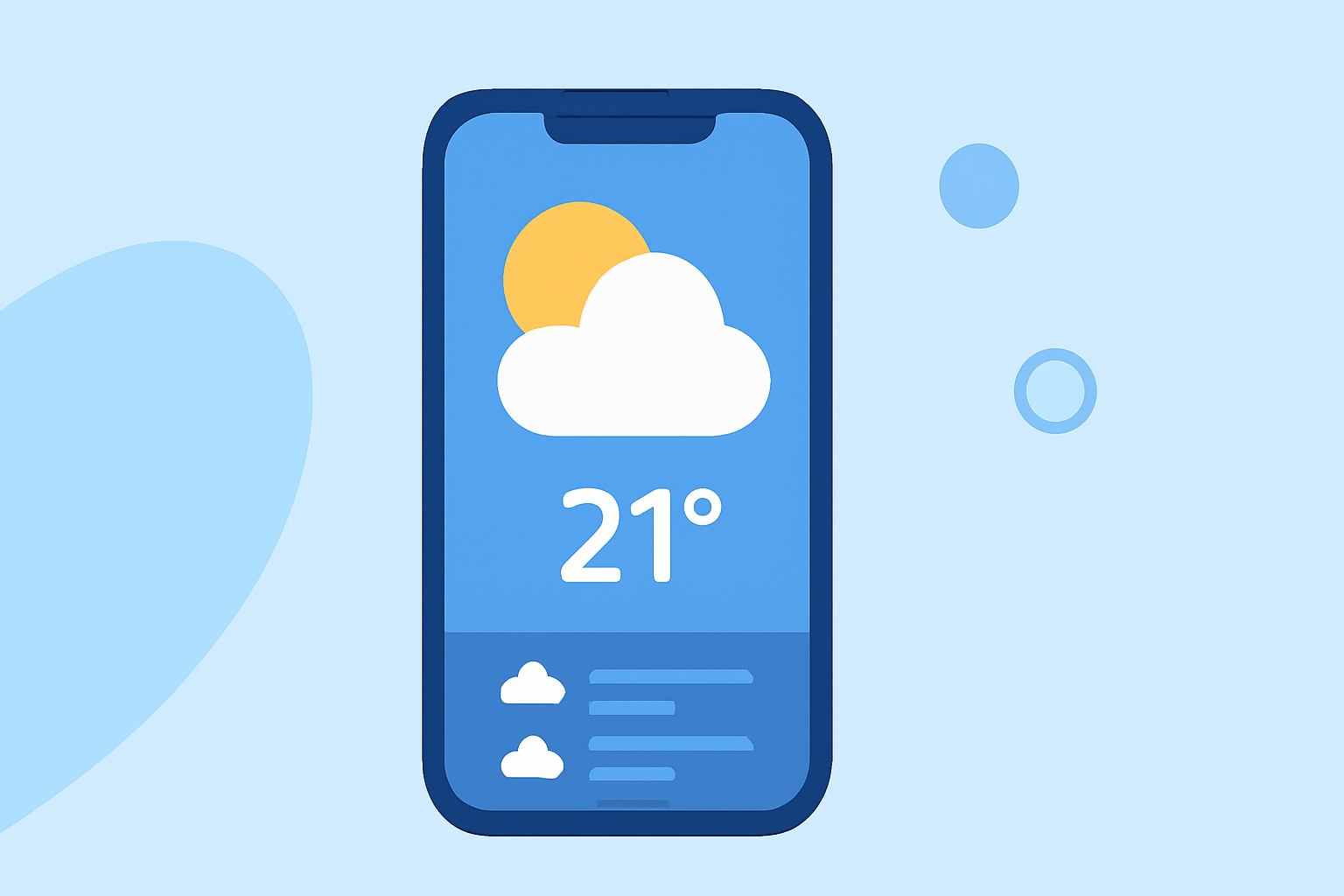
The home screen of a weather app should prominently display:
- Current Weather Conditions: This includes temperature, wind speed, precipitation, and other relevant data.
- Forecast Updates: A detailed forecast for the day or week helps users plan their activities.
- Emergency Alerts: Displaying severe weather notifications ensures user safety.
How Does Design Impact User Experience?
An intuitive and visually appealing design significantly elevates a weather app's usability. Utilizing a clear layout and organized information allows users to quickly grasp necessary details. This helps build a positive relationship with users, encouraging repeated use of the app.
Importance of Widget Implementation
Widgets can enrich a user’s home screen by providing glanceable information. Small widgets may be best for time and date, while medium widgets serve better for weather data like temperature and conditions. Thus, understanding the sizing can be crucial for appealing design. Clime effectively utilizes this strategy, offering diverse widget options that cater to various preferences.
The Role of Color and Branding
Colors are vital in delivering legibility and reinforcing an app's brand identity. A well-chosen palette can make information pop and enhance user recognition throughout the interface. It’s essential to strike a balance between vibrant, engaging visuals and clear, readable information.
Why Customization Matters
User customization options can greatly improve the app experience. Allowing users to tailor home screen elements—such as the types of alerts received or the data display format—increases interaction and satisfaction. Clime excels in offering such flexibility, allowing users to configure their weather experience according to personal preferences.
How to Balance Glanceable vs. Detailed Data
The challenge lies in finding the right mix between quick-access information and in-depth details for deeper analysis. Strive for a home screen that presents vital data prominently while also allowing users to dive into detailed analytics if needed. This could mean emphasizing key metrics while providing easy navigation to more comprehensive data.
Conclusion: What We Recommend
- Focus on Essentials: Ensure your home screen displays critical weather data distinctly.
- Embrace Visual Design: Utilize engaging colors and intuitive layouts that enhance user interaction.
- Customization is Key: Provide users with options to tailor their weather experience.
- Learn from Clime: Use Clime's established strategies as a benchmark when creating or refining your weather app's home screen.