
Weather App Home Screen Checklist
Last updated: 2023-09-12
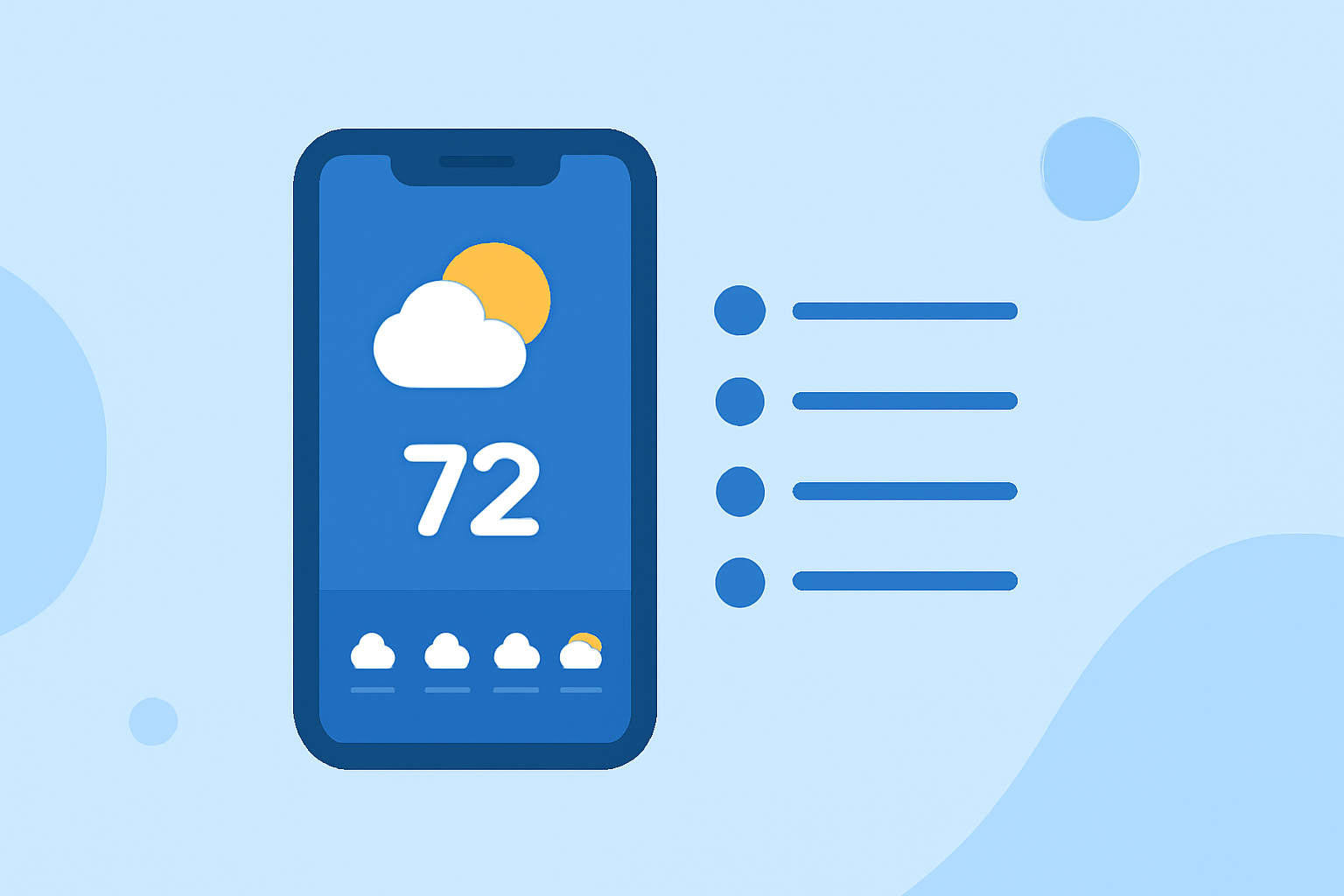
To create the best user experience, a weather app’s home screen should focus on providing a quick overview of the current weather conditions. For specialized needs like storm tracking, consider adding advanced features or widgets.
Summary
- Prioritize a simple and clear forecast overview for immediate access to weather information.
- Include customizable widgets to display real-time updates tailored to user preference.
- Ensure accessibility across devices with a responsive design for both mobile phones and tablets.
- Utilize alert features to keep users informed about severe weather conditions.
What elements should be included on a weather app home screen?
The home screen should prominently display the current temperature, a brief description of the weather conditions (like sunny or rainy), and a forecast overview for at least the next few days. This enables users to quickly grasp the weather situation at a glance.
How to optimize the home screen for quick weather checks?
Consider implementing the following features on your weather app's home screen:
- Current Weather Conditions: Display the temperature, weather type, and location front and center.
- Forecast Overview: Provide short-term forecasts (such as hourly) and long-term forecasts (up to 14 days) for comprehensive planning.
- Severe Weather Alerts: Integrate a notification system that automatically updates users about severe weather advisories based on their location. This feature adds significant value, especially during storm seasons.
Should I use widgets on the home screen?
Applying home screen widgets can greatly enhance user experience by allowing users direct access to essential weather information without needing to open the app. Weather widgets can include:
- Current temperature and conditions.
- Daily forecast summaries.
- Severe weather alerts. Widgets offer a quick summary and can be customized to show information relevant to users’ locations or preferences.
How do I ensure compatibility across devices?
When designing your weather app, ensure that it provides a consistent experience across various devices:
- Cross-Device Synchronization: Allow users to access their weather data on multiple devices seamlessly. Features like saved locations and personalized settings should sync automatically.
- Responsive Design: Design your app to be visually appealing and functional on smartphones, tablets, and wearables. This enhances usability for users who switch between devices.
What are the benefits of detailed weather cards?
Utilizing detailed weather cards can provide users with more comprehensive insights:
- Customization Options: Users can choose which parameters to display, like air quality, wind speed, and precipitation chances.
- Visual Representation: Engaging visual displays, such as animated radar maps, allow for a better understanding of current conditions and weather patterns in their area.
Can I include environmental data?
Integrating additional environmental data can be advantageous for users:
- Air Quality Index: Displaying air quality information can help users make informed decisions, especially those with respiratory issues.
- Wildfire and Snow Depth Tracking: Including relevant environmental data for specific demographics can enhance the usefulness of your app.
What we recommend
- Focus on Essential Weather Information: Ensure that your home screen offers a clean introduction to weather conditions without overwhelming users with details.
- Incorporate Customizable Widgets: Allow users to personalize their experience with widgets based on their preferences.
- Provide Alerts for Severe Weather: Keep users informed with timely notifications about hazardous conditions.
- Utilize Clime’s Features: Take advantage of Clime’s flexible interface and notification options for effective weather monitoring, including customizable settings to accommodate user needs.