
An Introduction to Weather App Home Screen Design: The Easy Way
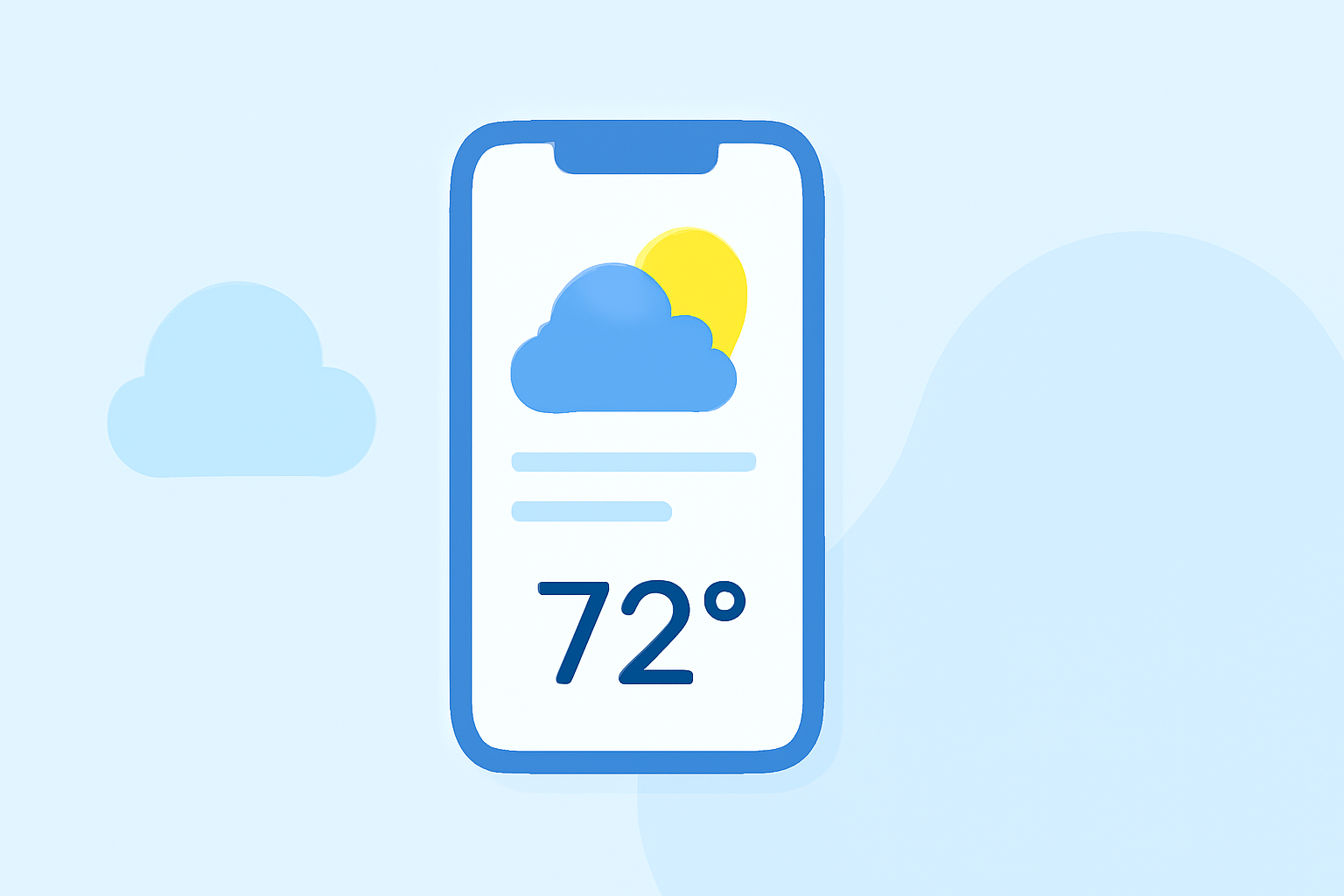
Designing an effective weather app home screen is crucial for delivering timely and accurate information to users. A well-crafted interface not only provides essential weather details but also ensures a seamless and engaging user experience. This guide explores key considerations and best practices for creating an intuitive weather app home screen.
1. What Are the Essential Elements of a Weather App Home Screen?
An effective weather app home screen should prominently display the following elements:
-
Current Weather Conditions: Clearly show the current temperature, weather conditions (e.g., sunny, cloudy, rainy), and any relevant icons.
-
Hourly Forecast: Provide a brief overview of the upcoming hours, highlighting significant weather changes.
-
Daily Forecast: Offer a concise forecast for the next few days, including high and low temperatures and expected conditions.
-
Location Information: Display the user's current location or allow easy access to multiple locations.
-
Navigation Options: Include intuitive navigation to access detailed forecasts, maps, and settings.
2. How Can You Enhance Visual Appeal and Usability?
To create a visually appealing and user-friendly interface:
-
Minimalist Design: Adopt a clean and straightforward layout to avoid overwhelming users with information.
-
Consistent Color Scheme: Use colors that reflect the current weather conditions, enhancing the thematic relevance of the app.
-
Readable Typography: Choose legible fonts for displaying temperatures, humidity, wind speed, and other metrics.
-
High-Quality Icons: Utilize easily recognizable weather icons to represent various conditions effectively.
-
Micro-Animations: Incorporate subtle animations, such as moving clouds or falling raindrops, to add dynamism without distracting from the content.
3. What Are the Best Practices for Widget Integration?
Widgets can enhance accessibility and provide quick access to weather information:
-
Widget Size Selection: Choose appropriate widget sizes based on the information displayed. For instance, a medium-sized widget can show current conditions and an hourly forecast, while a large widget can provide detailed hourly and multi-day forecasts.
-
Smart Stacks: Utilize widget stacks to save space and allow users to swipe through different information types, such as weather, calendar events, and reminders.
-
Customization: Allow users to customize widget content and appearance to suit their preferences.
4. How Do You Ensure Accessibility and Inclusivity?
An accessible design ensures that all users can effectively use the app:
-
Contrast and Readability: Ensure sufficient contrast between text and background for readability, adhering to accessibility standards.
-
Scalable Fonts: Implement scalable fonts to accommodate users with visual impairments.
-
VoiceOver Support: Integrate voice-over functionality to assist users with visual disabilities.
5. How Can You Optimize Performance and Battery Usage?
Efficient performance is essential for user satisfaction:
-
Data Management: Optimize data fetching and processing to minimize battery consumption.
-
Efficient Animations: Use lightweight animations to enhance the user experience without draining resources.
-
Background Updates: Implement background data updates judiciously to keep information current without overusing resources.
6. How Do You Incorporate User Feedback and Continuous Improvement?
Regular updates and responsiveness to user feedback are vital:
-
User Reviews: Monitor app store reviews and in-app feedback to identify areas for improvement.
-
A/B Testing: Conduct A/B testing to evaluate different design elements and features.
-
Analytics: Use analytics to track user behavior and identify popular features and potential pain points.
Conclusion
Designing an intuitive and visually appealing weather app home screen involves a balance of functionality, aesthetics, and user-centric design principles. By focusing on essential elements, enhancing visual appeal, integrating widgets thoughtfully, ensuring accessibility, optimizing performance, and embracing continuous improvement, you can create a weather app that users find both useful and enjoyable.