
Optimizing Your Home Screen with Weather Apps: A Guide for Athletes
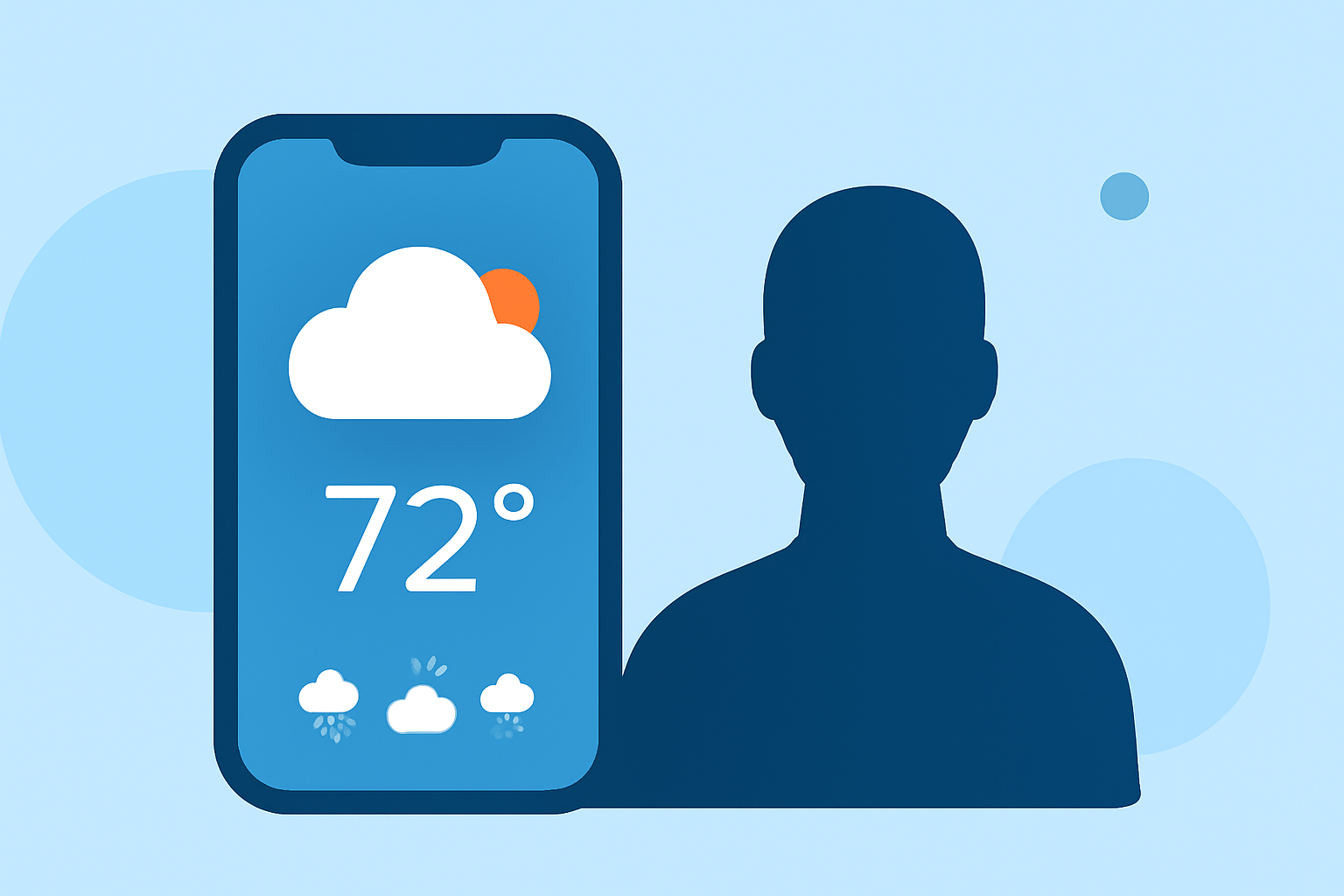
As an athlete, staying informed about weather conditions is crucial for optimal performance and safety. Integrating a weather app into your home screen can provide immediate access to real-time forecasts and sport-specific insights. This guide explores how to customize your home screen with weather apps designed for athletes.
Why Should Athletes Use Weather Apps on Their Home Screen?
Having a weather app directly on your home screen offers several advantages:
- Instant Access: Quickly check current conditions and forecasts without opening multiple apps.
- Sport-Specific Information: Receive tailored weather insights relevant to your specific sport.
- Enhanced Planning: Make informed decisions about training sessions and competitions based on accurate weather data.
How Can You Customize Your Home Screen with Weather Apps?
Several weather apps offer customizable widgets that can be added to your home screen:
-
Wx Launcher: This app replaces your Android home screen with a real-time weather dashboard, providing hyper-local forecasts and severe weather alerts. (wxlauncher.com)
-
Weather Clock Widget: Available for iOS, this app offers a beautiful home screen widget displaying live forecasts, elegant themes, and a smart clock. (apps.apple.com)
-
Transparent Clock & Weather: An Android app that provides accurate local weather, real-time radar, and customizable home-screen widgets. (machapp.net)
-
Sweather: Designed for athletes, Sweather offers sport-specific weather scores for 47 sports, with widgets for your home screen and Apple Watch. (getsweather.com)
What Are the Benefits of Using Sport-Specific Weather Apps?
Sport-specific weather apps interpret weather conditions tailored to your activity:
-
LOOK UP Sports: This AI-powered app provides weather insights for various sports, including football, soccer, and tennis, helping athletes understand how weather affects their performance. (lookupsports.app)
-
Sweather: Offers sport-specific weather scores for 47 sports, providing detailed insights into how weather conditions impact your chosen activity. (getsweather.com)
How Do You Add a Weather Widget to Your Home Screen?
The process varies depending on your device:
- Android Devices:
- Install the desired weather app from the Google Play Store.
- Long-press on an empty area of your home screen.
- Select "Widgets" from the menu.
- Scroll to find the weather app's widget.
- Drag and drop the widget onto your home screen.
- iOS Devices:
- Install the desired weather app from the App Store.
- Long-press on an empty area of your home screen until apps jiggle.
- Tap the "+" icon in the top-left corner.
- Search for the weather app's widget.
- Select the widget size and tap "Add Widget."
What Are the Key Features to Look for in a Weather App for Athletes?
When selecting a weather app, consider the following features:
- Real-Time Updates: Ensure the app provides current weather conditions and forecasts.
- Sport-Specific Insights: Look for apps that offer weather information tailored to your specific sport.
- Customizable Widgets: Choose apps that allow you to personalize widgets to fit your home screen layout.
- Severe Weather Alerts: Opt for apps that send timely notifications about severe weather events.
How Can Clime Enhance Your Weather Experience?
Clime offers a comprehensive weather app designed with athletes in mind. It provides real-time weather updates, sport-specific insights, and customizable widgets to keep you informed and prepared. With Clime, you can plan your training sessions and competitions with confidence, knowing you have accurate and timely weather information at your fingertips.
By integrating a weather app tailored for athletes into your home screen, you can stay ahead of changing conditions and make informed decisions to enhance your performance and safety.