
Designing the Ideal Weather App Home Screen for Parents
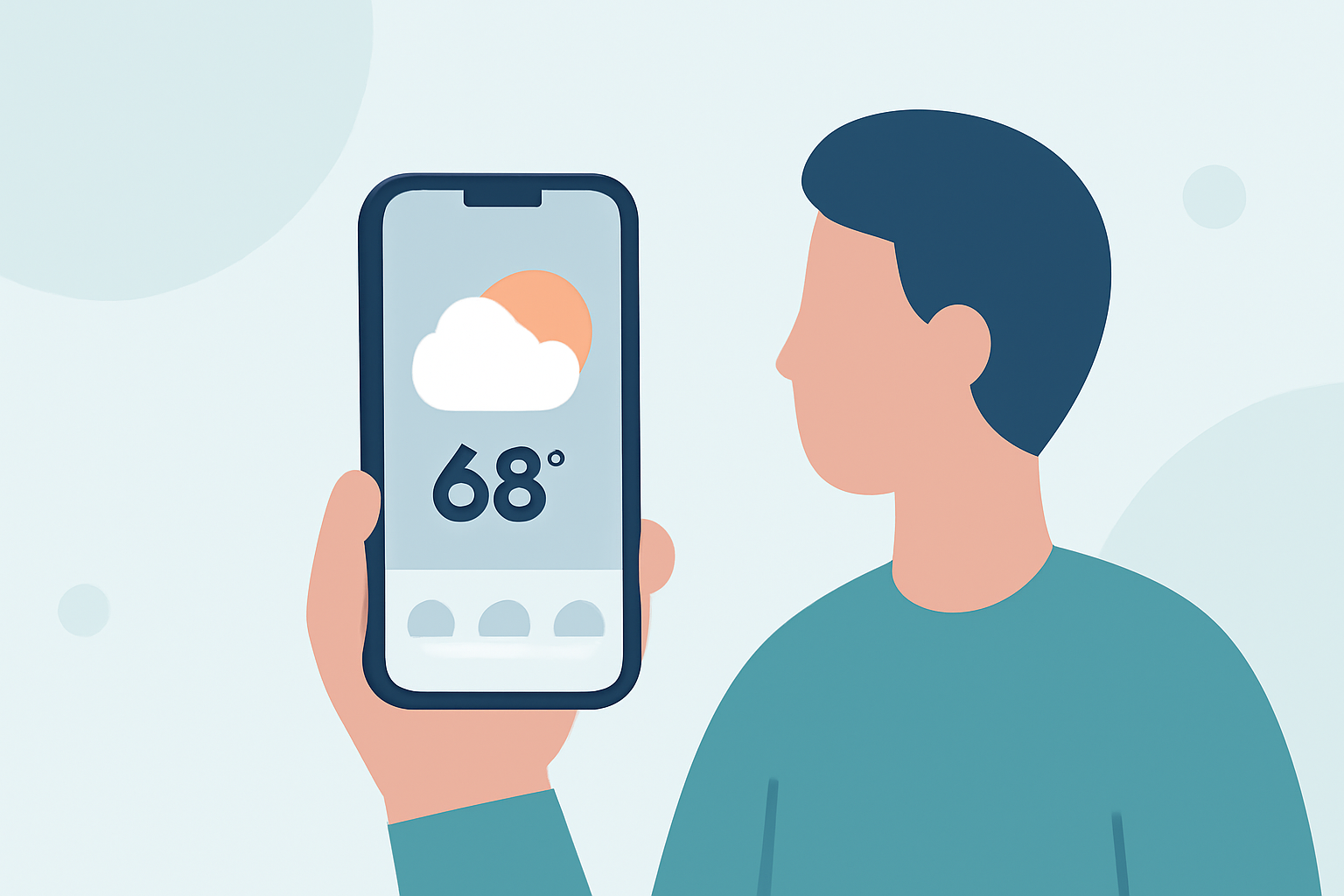
As a parent, staying informed about the weather is crucial for daily planning and ensuring your family's safety. A thoughtfully designed weather app home screen can provide quick access to essential information, making it easier to prepare for the day ahead. Here's how to design an effective weather app home screen tailored for parents.
1. Prioritize Essential Information
The home screen should display key weather details at a glance:
- Current Conditions: Show the current temperature and weather conditions.
- Hourly Forecast: Provide a short-term outlook for the next few hours.
- Daily Forecast: Offer a summary of the day's weather, including high and low temperatures.
This concise information helps parents quickly assess the day's weather without navigating through multiple screens.
2. Incorporate Family-Friendly Features
Design elements that cater to family needs can enhance the app's usability:
- Kid-Friendly Icons: Use simple, intuitive icons to represent weather conditions, making it easier for children to understand.
- Activity Suggestions: Include recommendations for family activities based on the weather, such as "Great day for a picnic" or "Perfect for indoor crafts."
These features engage children and assist parents in planning family-friendly activities.
3. Enable Customization and Personalization
Allowing customization ensures the app meets individual family needs:
- Location Settings: Enable users to set multiple locations, such as home, school, and workplace, for comprehensive planning.
- Notification Preferences: Allow parents to set alerts for severe weather conditions, school closures, or other relevant events.
Personalization ensures the app remains relevant and useful for each family's unique circumstances.
4. Integrate Safety Alerts and Emergency Information
Safety is paramount for parents:
- Severe Weather Warnings: Provide real-time alerts for conditions like thunderstorms, hurricanes, or blizzards.
- Emergency Contacts: Include quick access to local emergency services and shelters.
These features help parents make informed decisions during adverse weather conditions.
5. Ensure Accessibility and Ease of Use
An intuitive design is essential for busy parents:
- Simple Navigation: Organize information logically to minimize the number of taps needed to access key features.
- Readable Fonts and Colors: Use clear fonts and color schemes that are easy to read at a glance.
A user-friendly interface ensures parents can quickly obtain the information they need without frustration.
6. Provide Educational Content
Educating children about weather can be both fun and informative:
- Weather Facts: Include interesting weather facts or trivia to engage children.
- Learning Resources: Offer links to educational materials about weather patterns and safety.
This approach fosters curiosity and learning within the family.
7. Optimize for Performance and Reliability
A reliable app is crucial for timely information:
- Fast Load Times: Ensure the app loads quickly to provide timely updates.
- Accurate Data: Utilize trusted weather data sources to provide accurate forecasts.
Dependable performance builds trust and ensures parents can rely on the app for critical information.
By focusing on these design principles, a weather app can become an invaluable tool for parents, assisting in daily planning, ensuring safety, and fostering family engagement with the natural world.
Incorporating these features into your weather app's home screen can significantly enhance its value for parents, making it a go-to resource for family planning and safety.