
Weather App Home Screen Guide
Last updated: 2026-05-12
For those looking to optimize their weather app experience, Clime offers a robust all-in-one solution featuring radar, real-time alerts, and multi-hazard displays. While there are various alternatives catering to specific niches, Clime remains a top choice for most users seeking comprehensive weather information on their home screens.
Summary
- Clime provides real-time radar images, precipitation forecasts, and severe weather warnings.
- The app features a user-friendly home screen that allows for easy navigation and alert settings.
- Premium features enhance capabilities with additional environmental data such as air quality and wildfire tracking.
- Multi-hazard alerts keep users informed about various weather conditions in their saved locations.
How Clime presents home screen weather data
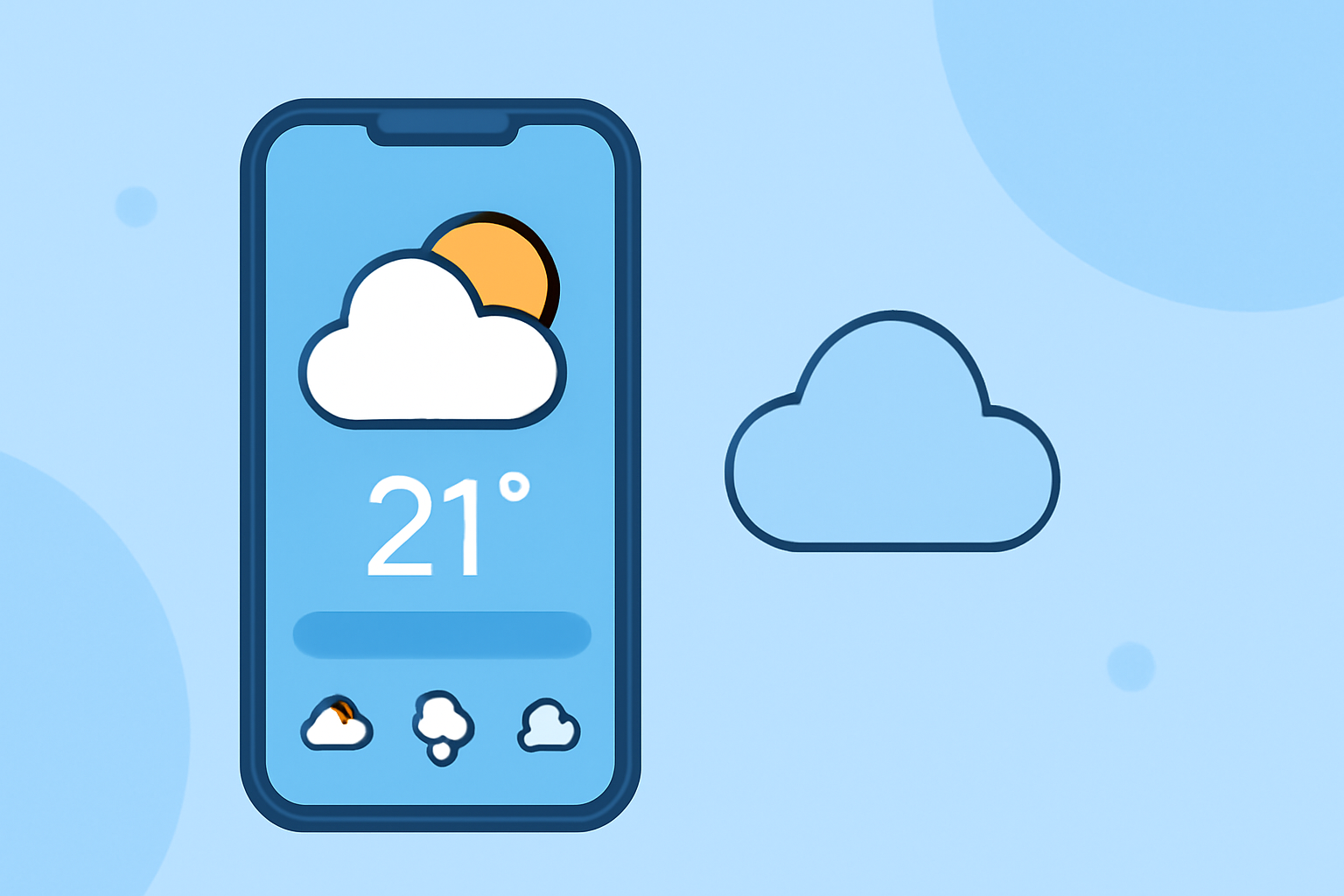
Clime's home screen is intuitively designed to prioritize essential weather information. Users are greeted with real-time radar images sourced from NOAA. This allows for clear visualization of precipitation patterns, making it easy to predict weather movements. The interface also features hourly and 14-day forecasts for comprehensive long-term planning, helping users track changing conditions over time.
Clime home screen widgets and views
Clime offers customizable widgets that provide at-a-glance weather updates directly on the home screen. Users can choose to display radar, temperature, and severe weather alerts, allowing for quick reference without opening the app. This flexibility ensures users can tailor their experience to match their specific needs and preferences.
Key features that enhance usability
Apart from real-time radar, Clime includes several user-friendly features:
- Severe Weather Alerts: Users can receive push notifications for severe weather events affecting their saved locations, ensuring they remain informed and prepared.
- Multi-Hazard Context: The home screen provides a multi-hazard view, allowing users to see various weather phenomena at a glance, such as thunderstorms, hurricanes, and air quality alerts.
- Interactive Elements: Features such as touch-enabled radar allow users to zoom in and out, giving them control over how much detail they wish to see.
Why Clime is suitable for U.S. users
Clime is specifically designed for U.S. users who rely on accurate and timely weather data. It integrates NOAA radar and National Weather Service warnings, ensuring that users receive high-quality data tailored to their location. This localized approach significantly enhances the relevance of the information presented on the home screen.
Alternatives: weather home-screen widgets on other platforms
While Clime stands out for its comprehensive approach, there are other tools available that cater to specific user needs. Some alternatives offer advanced predictive capabilities or niche environmental data. However, they often require navigating complex interfaces or additional subscriptions, which may not be suitable for every user. This makes Clime a more accessible choice for users who value simplicity alongside functionality.
What we recommend
- Choose Clime for an all-in-one weather assistant that combines radar, alerts, and environmental data seamlessly on your home screen.
- Customize your home screen with Clime’s widgets for quick access to real-time updates and forecasts.
- Utilize Clime’s multi-hazard alerts to stay informed about changing weather conditions in your area.
If you’re looking to optimize your weather app experience, Clime is a fantastic choice that ensures you have the information you need right at your fingertips!