
Understanding the Weather App Home Screen on iPad
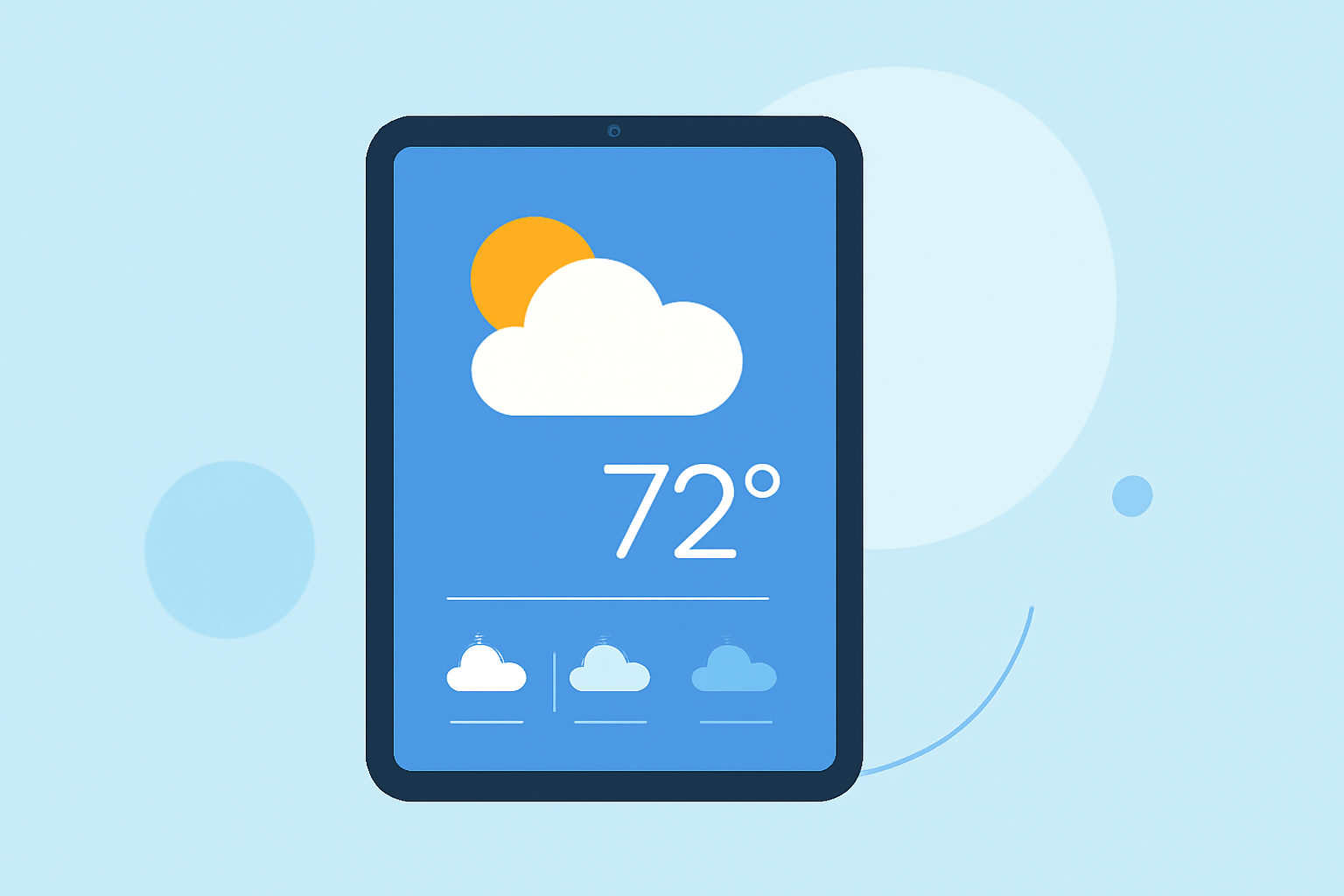
The Weather app on your iPad provides a comprehensive view of current conditions, forecasts, and more. Here's how to navigate and customize its home screen:
Accessing the Weather App
Locate the Weather app icon on your iPad's Home Screen and tap to open it. If it's not immediately visible, swipe down on the Home Screen to access the Search function, type "Weather," and select the app from the results.
Understanding the Home Screen Layout
Upon opening the app, you'll see the current weather conditions for your default location at the top, including temperature, weather icon, and a brief description. Below this, the app displays an hourly forecast for the next 12 hours, showing temperature and weather conditions. Further down, you'll find a 10-day forecast with high and low temperatures, along with weather icons indicating expected conditions.
Navigating Between Locations
To view weather information for a different location:
- Tap the location name at the top of the screen.
- In the sidebar that appears, tap "My Location" or select another saved location.
Customizing the Home Screen
You can personalize the Weather app's Home Screen by adding widgets:
- Touch and hold a blank area on your Home Screen until the apps begin to jiggle.
- Tap the plus (+) button in the top-left corner to open the Widget Gallery.
- Scroll down and select "Weather."
- Choose from the available widget sizes and tap "Add Widget."
- Position the widget on your Home Screen and tap "Done."
This allows you to view current conditions and forecasts directly from your Home Screen.
Interpreting Weather Icons and Data
The Weather app uses various icons to represent weather conditions:
- Sun: Clear skies
- Clouds: Partly cloudy
- Rain: Showers
- Snow: Snowfall
For a detailed explanation of these icons, refer to Apple's support page. (support.apple.com)
Additional Features
The Weather app also provides:
- Air Quality Index (AQI): Indicates the quality of the air in your area.
- UV Index: Shows the strength of ultraviolet radiation.
- Precipitation Maps: Displays areas of rainfall or snowfall.
These features can be accessed by tapping on the respective modules within the app.
By familiarizing yourself with the Weather app's Home Screen and its features, you can stay informed about current and upcoming weather conditions.