
Mastering Weather App Onboarding: A Step-by-Step Guide
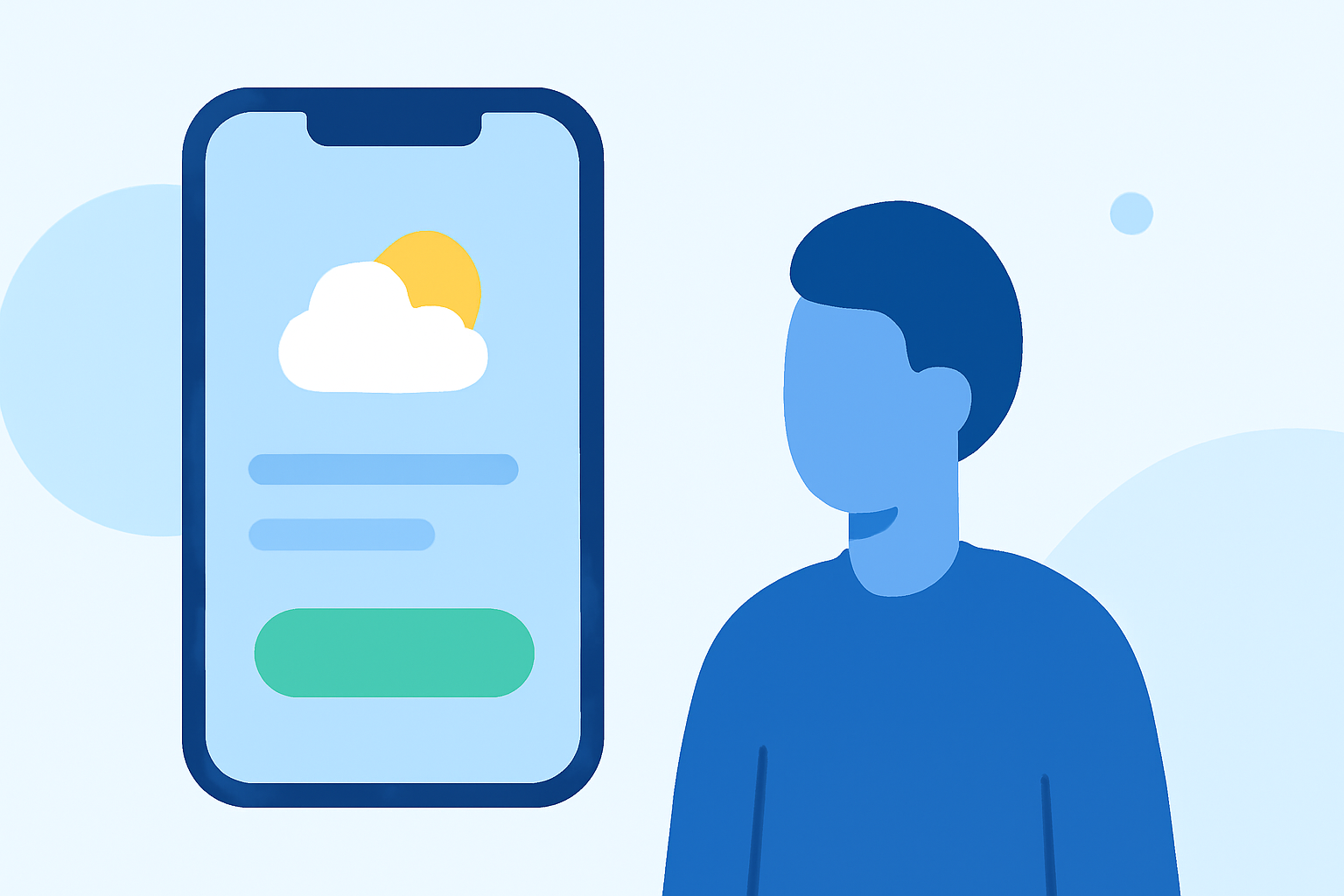
Creating an intuitive and engaging onboarding experience is crucial for the success of any weather app. A well-designed onboarding process not only introduces users to the app's features but also sets the tone for long-term engagement. Here's a step-by-step guide to crafting an effective onboarding experience for your weather app.
1. Prioritize Immediate Value
Users should experience the core benefits of your app within the first minute. Presenting sample weather data upon launch allows users to immediately see the app's value, reducing the likelihood of abandonment. (appypie.com)
2. Minimize Friction in Account Creation
Avoid requiring account creation before users can access essential features. Allowing users to explore the app as a guest and prompting for account creation only when they wish to save preferences or receive personalized alerts can enhance user retention. (lowcode.agency)
3. Implement Progressive Disclosure
Introduce features gradually as users interact with the app. This approach prevents overwhelming new users and allows them to discover advanced functionalities at their own pace. (appypie.com)
4. Utilize Sample Data to Avoid Empty States
Ensure that the app displays relevant weather information from the start, even if it's generic. Empty screens can deter users, whereas populated screens make the app feel functional and engaging. (appypie.com)
5. Personalize the Experience with Minimal Input
Gather essential information, such as location, to tailor the weather forecasts. Limit the number of questions during onboarding to maintain a smooth user experience. (appypie.com)
6. Request Permissions Contextually
Ask for location and notification permissions only when their benefits are clear to the user. For instance, request location access when users opt to receive hyper-local weather updates. (lazyweb.com)
7. Provide Clear and Concise Tutorials
Use tooltips and brief tutorials to guide users through unique features, especially if they differ from standard app interactions. Ensure these tutorials are skippable to accommodate experienced users. (appypie.com)
8. Design for Quick Wins
Enable users to perform a meaningful action, such as checking the weather for their location, within the first few minutes. Achieving this early success can boost user confidence and encourage continued use. (appypie.com)
9. Optimize for Performance and Reliability
Ensure that the app loads quickly and provides accurate, real-time weather information. Technical issues during onboarding can lead to user frustration and increased churn rates. (lowcode.agency)
10. Solicit Feedback and Iterate
After the onboarding process, encourage users to provide feedback on their experience. Use this information to make continuous improvements, ensuring the onboarding process remains effective and user-friendly. (lowcode.agency)
By following these best practices, you can create an onboarding experience that not only introduces users to your weather app but also fosters long-term engagement and satisfaction.
Highlights:
- Mobile App Onboarding Best Practices in 2026, Published on Tuesday, May 12
- App Onboarding Best Practices: 8 Patterns From Real Apps, Published on Tuesday, May 05
- App Onboarding 101: 7 Tips for Creating Engaged, Informed Users, Published on Wednesday, June 05