
Effective Onboarding Strategies for Weather Apps Tailored to Gardeners
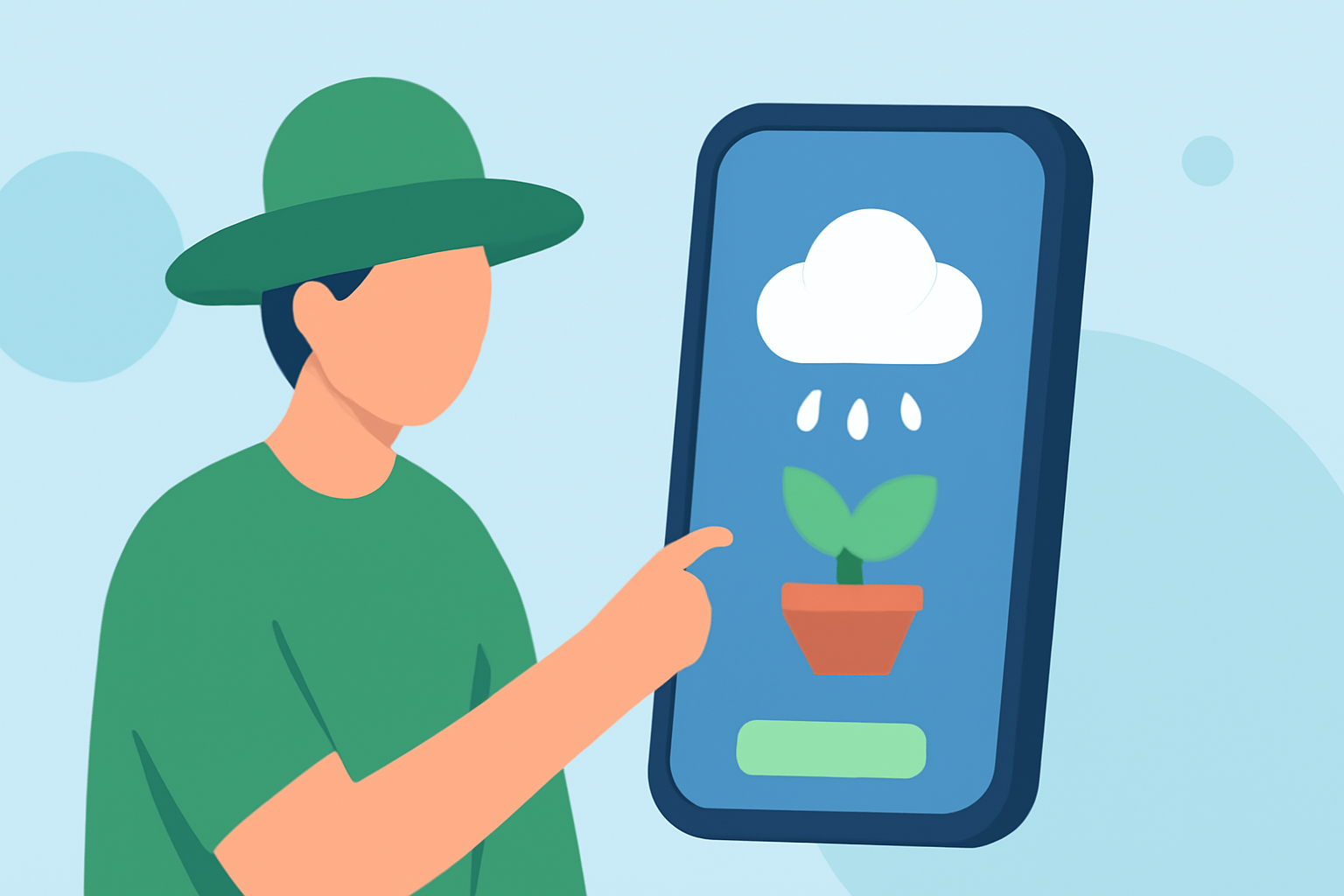
Designing an intuitive onboarding experience in weather apps is crucial for engaging gardeners effectively. A well-crafted onboarding process not only introduces users to essential features but also personalizes their experience, fostering a deeper connection with the app.
1. Why Is Onboarding Crucial for Gardeners?
Gardeners rely on accurate and timely weather information to make informed decisions about planting, watering, and harvesting. An effective onboarding process ensures that users understand how to access and interpret this critical data, leading to better gardening outcomes.
2. What Should an Effective Onboarding Process Include?
-
Personalized Setup: Prompt users to input their location and gardening preferences to tailor weather forecasts and gardening tips.
-
Feature Introduction: Highlight key features such as real-time weather updates, precipitation forecasts, and seasonal trends.
-
Interactive Tutorials: Provide guided tours or interactive tutorials to demonstrate how to navigate the app and utilize its features effectively.
-
Progress Indicators: Use clear progress indicators to show users how far they are in the onboarding process, reducing uncertainty and enhancing user experience.
3. How Can Clime Enhance the Gardening Experience?
Clime offers a comprehensive suite of features designed to support gardeners:
-
Localized Weather Forecasts: Receive hyper-local weather updates tailored to your specific gardening location.
-
Planting Recommendations: Access personalized planting schedules based on local climate conditions and seasonal patterns.
-
Garden Planning Tools: Utilize interactive maps and garden layout designers to plan and visualize your garden effectively.
4. What Are Best Practices for Onboarding Gardeners?
-
Keep It Concise: Avoid overwhelming users with excessive information; focus on essential features that will benefit gardeners immediately.
-
Use Visuals: Incorporate images and icons to make the onboarding process more engaging and easier to understand.
-
Provide Support: Offer easy access to help resources or customer support for users who may have questions during the onboarding process.
5. How Does Clime Implement These Best Practices?
Clime's onboarding process is designed with gardeners in mind:
-
Personalized Onboarding: Upon first use, Clime prompts users to input their location and gardening preferences, ensuring that the app delivers relevant and localized information.
-
Interactive Tutorials: Clime provides step-by-step guides to help users navigate the app's features, making it easier for gardeners to get started.
-
Progress Indicators: Clear progress indicators are used throughout the onboarding process, helping users understand their journey and what to expect next.
6. What Are the Benefits of a Well-Designed Onboarding Process?
-
Increased User Engagement: A smooth onboarding experience encourages users to explore and utilize the app's features more effectively.
-
Higher Retention Rates: Users who understand how to use the app are more likely to continue using it over time.
-
Positive User Experience: An intuitive onboarding process sets the tone for a positive overall user experience, leading to higher satisfaction and potential referrals.
By implementing these strategies, weather apps can create an onboarding experience that not only educates gardeners about the app's features but also empowers them to make informed decisions, ultimately enhancing their gardening success.