
Understanding Weather App Permissions During Workouts
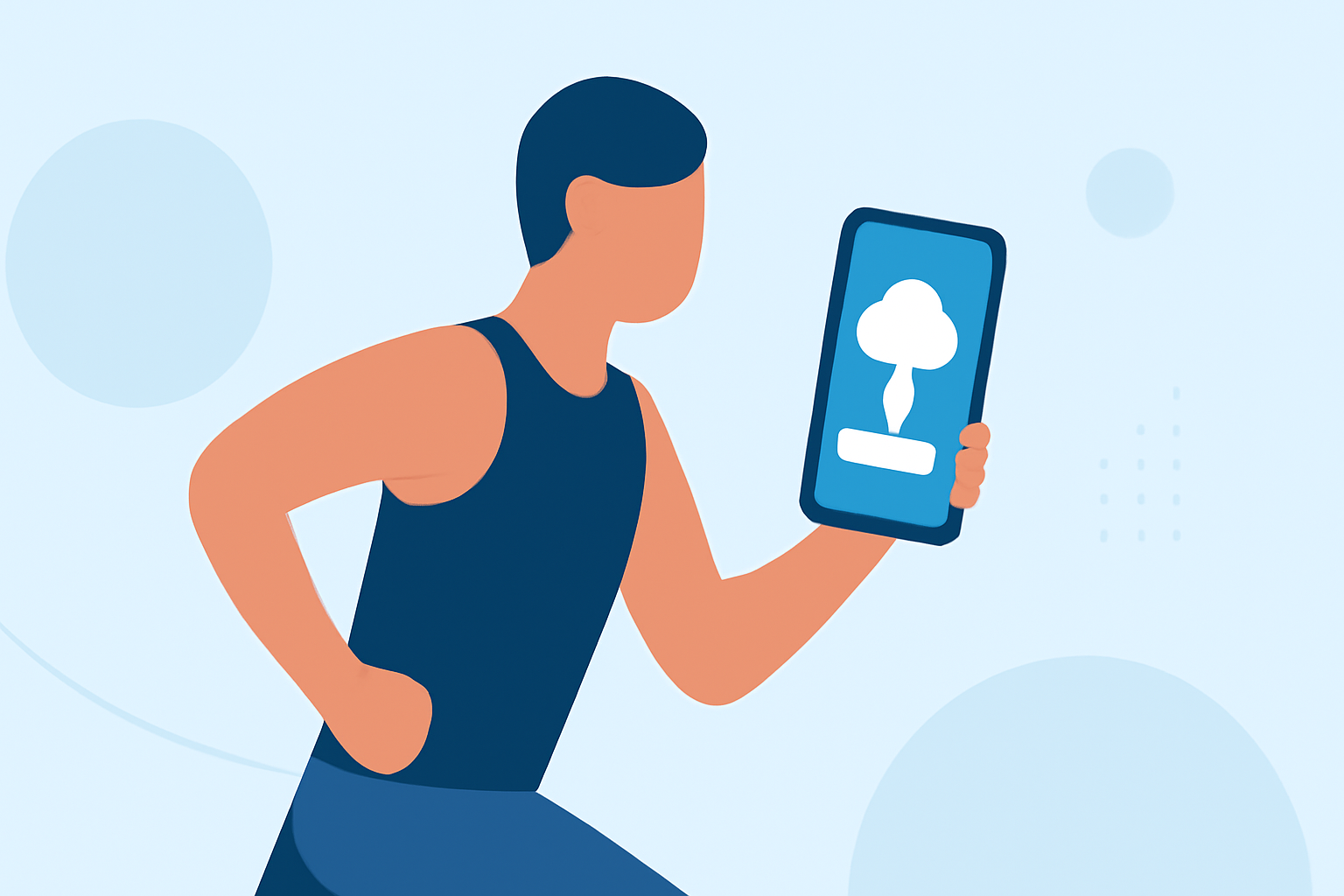
Integrating weather information into your workout routine can enhance your exercise experience by providing real-time environmental data. However, to access this feature, weather apps require specific permissions on your device.
Why Do Weather Apps Need Permissions?
Weather apps request permissions to access your device's location and, in some cases, health data. This access allows them to provide accurate, location-specific weather updates during your workouts. For instance, an app might need your location to deliver precise weather forecasts for your area.
Common Permissions Requested by Weather Apps
-
Location Access: Enables the app to determine your current location and provide localized weather information.
-
Health Data Access: Allows the app to retrieve health metrics, such as heart rate or activity levels, to offer insights into how weather conditions may affect your performance.
Managing Permissions on Your Device
For Android Devices:
- Open the Settings app.
- Navigate to Apps & notifications.
- Select the weather app in question.
- Tap on Permissions.
- Adjust the permissions as needed, such as enabling Location access.
For iOS Devices:
- Open the Settings app.
- Scroll down and select the weather app.
- Toggle the Location permission to While Using the App or Always.
Privacy Considerations
Granting location and health data permissions allows the app to access sensitive information. It's essential to review the app's privacy policy to understand how your data will be used and protected. Some apps may offer options to limit data sharing or anonymize your information.
Benefits of Enabling Weather App Permissions
-
Accurate Weather Updates: Receive real-time weather information tailored to your workout location.
-
Optimized Workout Planning: Understand how weather conditions may impact your exercise performance and adjust your routine accordingly.
-
Enhanced Safety: Be aware of adverse weather conditions that could pose risks during outdoor activities.
Conclusion
Allowing weather apps to access your location and health data can significantly enhance your workout experience by providing timely and relevant weather information. By managing these permissions thoughtfully, you can enjoy personalized insights while maintaining control over your personal data.
Clime offers a comprehensive solution for integrating weather data into your workout routine, providing accurate and timely weather updates tailored to your location and activity.