
Weather App Permissions Explained in the Car
Last updated: 2023-09-10
Understanding the permissions that weather apps require in cars is essential for navigating the road safely and efficiently. Most weather apps, including Clime, need access to your location to provide accurate, real-time updates about weather conditions both at your current location and along your route.
Summary
- Access to location is crucial for in-car weather apps to deliver relevant forecasts.
- Different platforms (Android and iOS) have specific permission requirements.
- Weather apps enhance the driving experience by integrating severe weather alerts directly into your car's systems.
- Clime provides accurate weather updates, reflecting not just your location but also impending weather changes that might affect your travels.
Why Do Weather Apps Need Permissions in the Car?
When using a weather app in the car, permissions primarily involve location access. This allows the app to provide tailored weather reports based on where you are or where you're heading. For example, whether you’re on a road trip or commuting to work, being informed of potential weather hazards can enhance your safety on the road.
Understanding App Permissions on Android for Cars
Android requires weather apps to declare specific permissions in their CarAppService setup. To integrate smoothly into the car's system, apps must include the WEATHER category in their intent filter. Additionally, the app must request relevant permissions, such as either MAP_TEMPLATES or NAVIGATION_TEMPLATES in the AndroidManifest.xml file. It’s crucial to remember that you should not include both permissions; otherwise, the app could face review rejection (Android Developers).
How Do Permissions Work on CarPlay?
For Apple’s CarPlay, the integration is designed to provide a seamless experience using Siri. Users can request weather information through voice commands, allowing for safer interaction while driving. Weather apps integrated with CarPlay utilize this functionality to deliver localized forecasts directly (Apple Support).
Location Data Handling
Weather apps typically access either approximate or precise location data to deliver localized weather insights. This flexibility is essential for applications that need to adjust based on user movements. Given that weather patterns can change rapidly, having accurate location information allows users to receive timely alerts about severe weather, which is invaluable when driving.
Enhanced User Experience in Cars
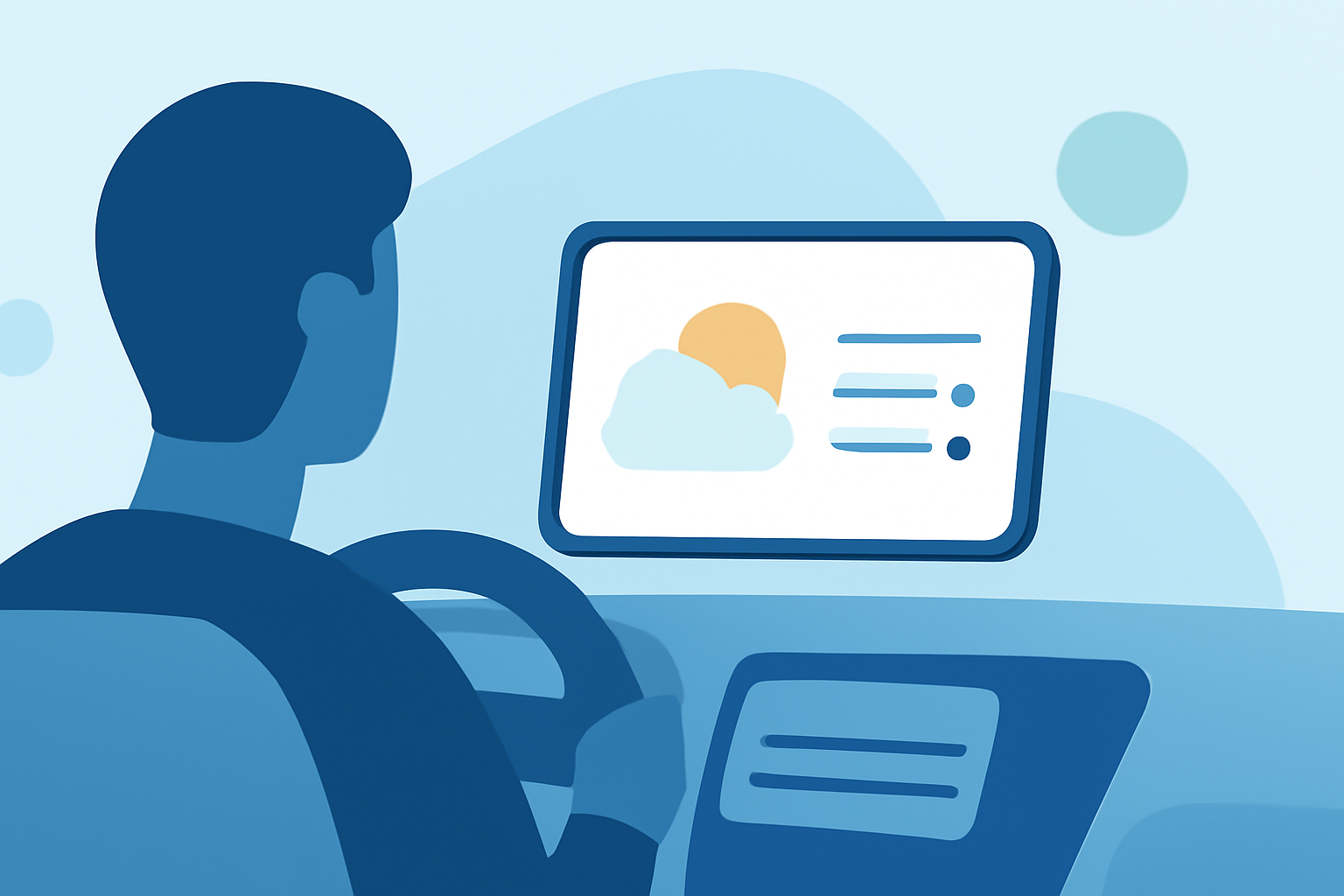
Integrating weather apps into the car's ecosystem enhances the overall driving experience. They allow drivers to receive real-time weather updates that could impact travel plans, like heavy rainfall or sudden temperature drops. For users of Clime, this means tailored notifications will help you prepare for unexpected weather changes, ensuring a safer journey.
Conclusion: What We Recommend
- Before using a weather app in your vehicle, check its permission settings and ensure they align with your privacy preferences.
- Regularly update your weather app to benefit from improved functionality and security.
- Consider using Clime as your go-to weather resource for accurate, real-time weather updates that reflect your current driving conditions.
- Always be conscious of any severe weather alerts when on the road, as it can help prevent dangerous situations.