
Understanding Weather App Permissions for Travelers
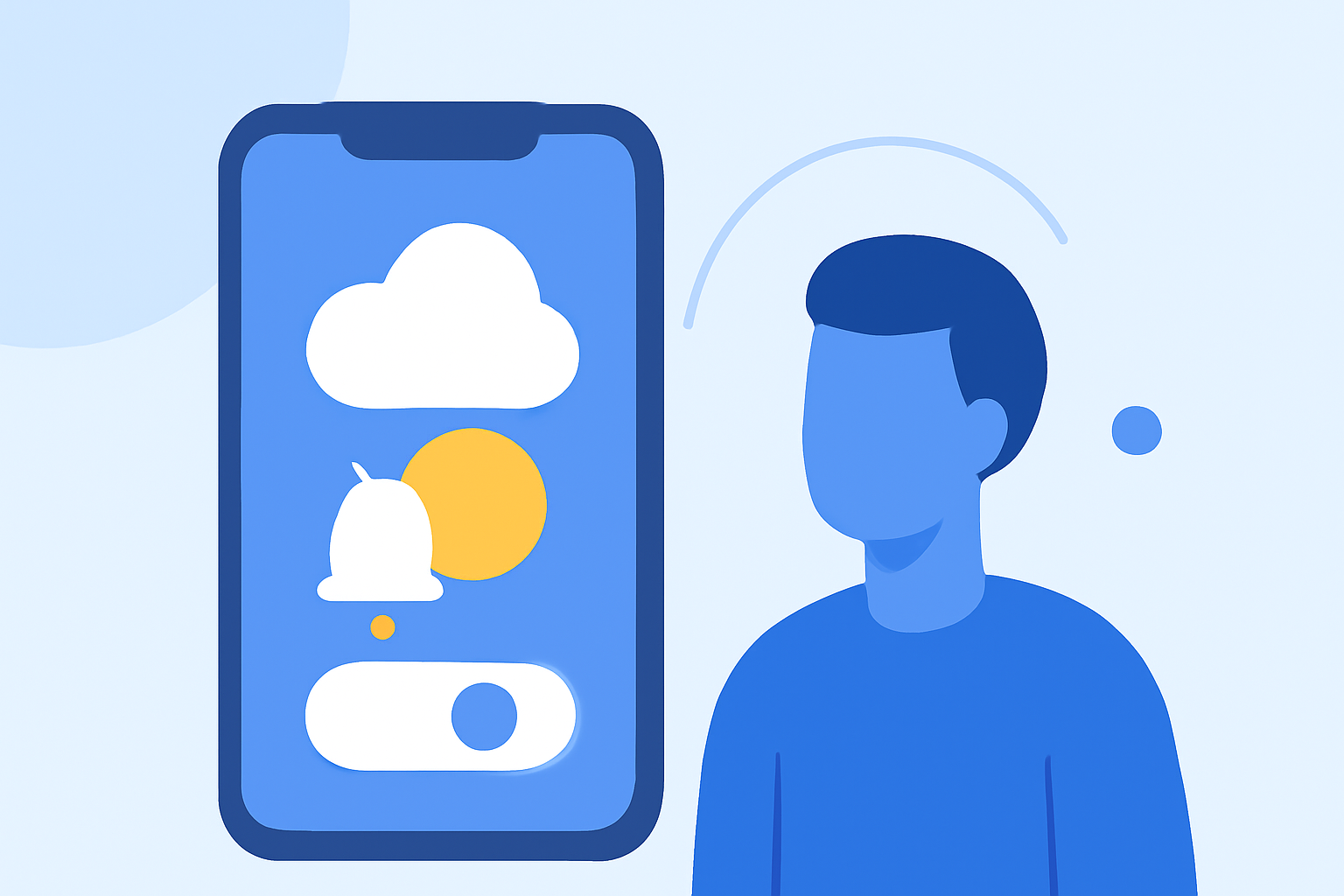
When traveling, having access to accurate and timely weather information is essential for planning your activities and ensuring safety. Weather applications on your smartphone play a crucial role in delivering this information. However, these apps often require specific permissions to function effectively, particularly access to your device's location.
Why Do Weather Apps Request Location Access?
Weather apps request location permissions to provide localized forecasts, ensuring that the information is relevant to your current or intended location. This access allows the app to deliver real-time updates on weather conditions, alerts, and forecasts tailored to your area. Without this permission, the app may not function correctly, leading to inaccurate or generalized weather information.
Managing Location Permissions for Privacy and Functionality
While location access enhances the accuracy of weather forecasts, it's important to balance functionality with privacy. Here's how you can manage location permissions:
-
Review App Permissions: Before granting location access, check the app's permission request to understand what data it will access.
-
Adjust Settings: On Android devices, navigate to Settings > Location > App permissions to manage which apps have access to your location. On iOS devices, go to Settings > Privacy & Security > Location Services to make adjustments.
-
Limit Access: Some apps allow you to grant location access only when the app is in use, reducing continuous tracking.
-
Use Manual Location Entry: If you prefer not to share your location, many weather apps enable you to manually enter a city or zip code to receive forecasts for that area.
Privacy Considerations
It's crucial to be aware of how your location data is used. Some weather apps may share your data with third parties for advertising or analytics purposes. To protect your privacy, consider using apps that are transparent about their data usage and offer options to control data sharing.
Conclusion
Understanding and managing the permissions of weather apps is vital for travelers who rely on accurate weather information. By carefully reviewing and adjusting these permissions, you can ensure that you receive precise forecasts while maintaining control over your personal data.