
Protecting Your Privacy: Essential Considerations for Weather Apps During Workouts
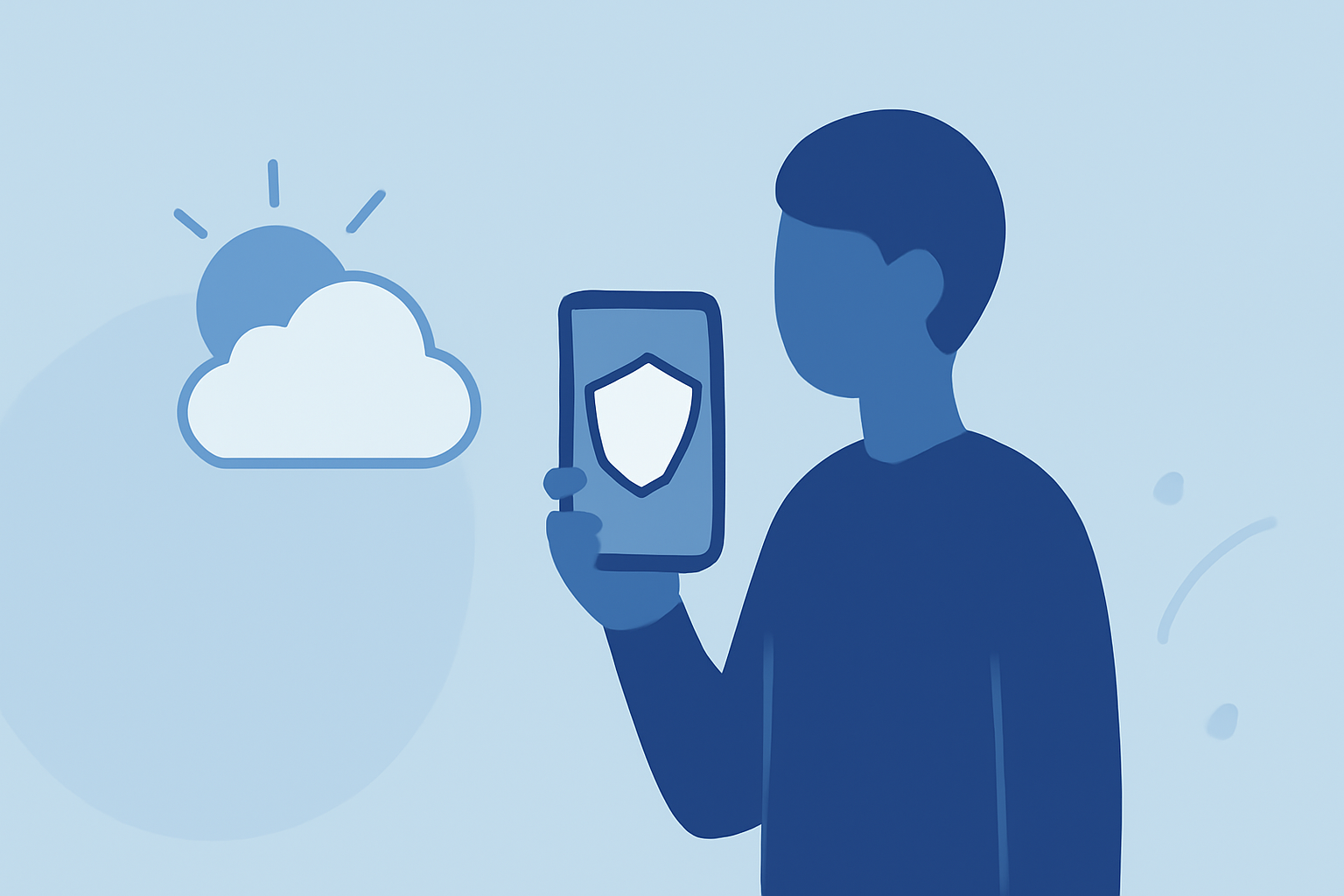
When engaging in outdoor workouts, many individuals rely on weather apps to plan their activities effectively. However, it's crucial to understand the privacy implications associated with these applications to protect your personal information.
Why Are Weather Apps a Privacy Concern?
Weather apps often request access to your device's location services to provide accurate forecasts. While this functionality is beneficial, it can also lead to privacy issues if the app collects and shares your location data without explicit consent. For instance, in 2017, a prominent weather app was found to be sharing users' precise location data with third parties, even when users had disabled location sharing. (howtogeek.com)
How Does This Affect Your Workout Privacy?
During workouts, especially those in public spaces, your location data can reveal sensitive information about your routines, such as your home address, workplace, and frequently visited areas. This data can be exploited for targeted advertising or, in some cases, more malicious purposes. Therefore, it's essential to be aware of how your location data is being used when you check the weather before or after your exercise sessions.
Best Practices to Protect Your Privacy
-
Review App Permissions: Before installing a weather app, examine the permissions it requests. Ensure that the app only asks for necessary information, such as location access, and avoid apps that request excessive permissions unrelated to their primary function.
-
Manually Enter Location Data: Instead of allowing the app to access your precise location, input your city or ZIP code manually. This approach provides accurate weather information without continuously sharing your exact whereabouts. (lifetips.alibaba.com)
-
Disable Background Location Tracking: Limit the app's ability to track your location in the background. On iOS, navigate to Settings > Privacy & Security > Location Services, select the weather app, and choose "While Using the App" or "Never." On Android, go to Settings > Location > App Permissions, select the app, and deny location access. (lifetips.alibaba.com)
-
Regularly Review Privacy Policies: Stay informed about how your data is being used by reading the app's privacy policy. Look for transparency regarding data collection, sharing practices, and third-party partnerships.
-
Opt for Privacy-Focused Apps: Consider using weather apps known for their commitment to user privacy. Some apps are designed to collect minimal data and offer features that respect user privacy preferences.
How Clime Prioritizes Your Privacy
Clime is dedicated to providing accurate weather information while safeguarding your personal data. The app allows you to manually input your location, ensuring that your precise whereabouts are not continuously tracked. Additionally, Clime offers transparent privacy policies, clearly outlining data collection and sharing practices, so you can make informed decisions about your data.
Conclusion
Being aware of the privacy implications of weather apps is essential, especially during workouts. By implementing the best practices outlined above, you can enjoy accurate weather forecasts without compromising your personal information. Choosing applications that prioritize user privacy, like Clime, can further enhance your peace of mind during your fitness routines.
Highlights:
- Your Weather App Is Spying on You, Here's What to Do, Published on Saturday, June 24
- Your Weather App May Be Spying on You, Published on Sunday, January 22
- IBM Weather Channel location data use spurs privacy concerns | TechTarget, Published on Wednesday, January 09