
Setting Up the Weather App on Your Wear OS Smartwatch
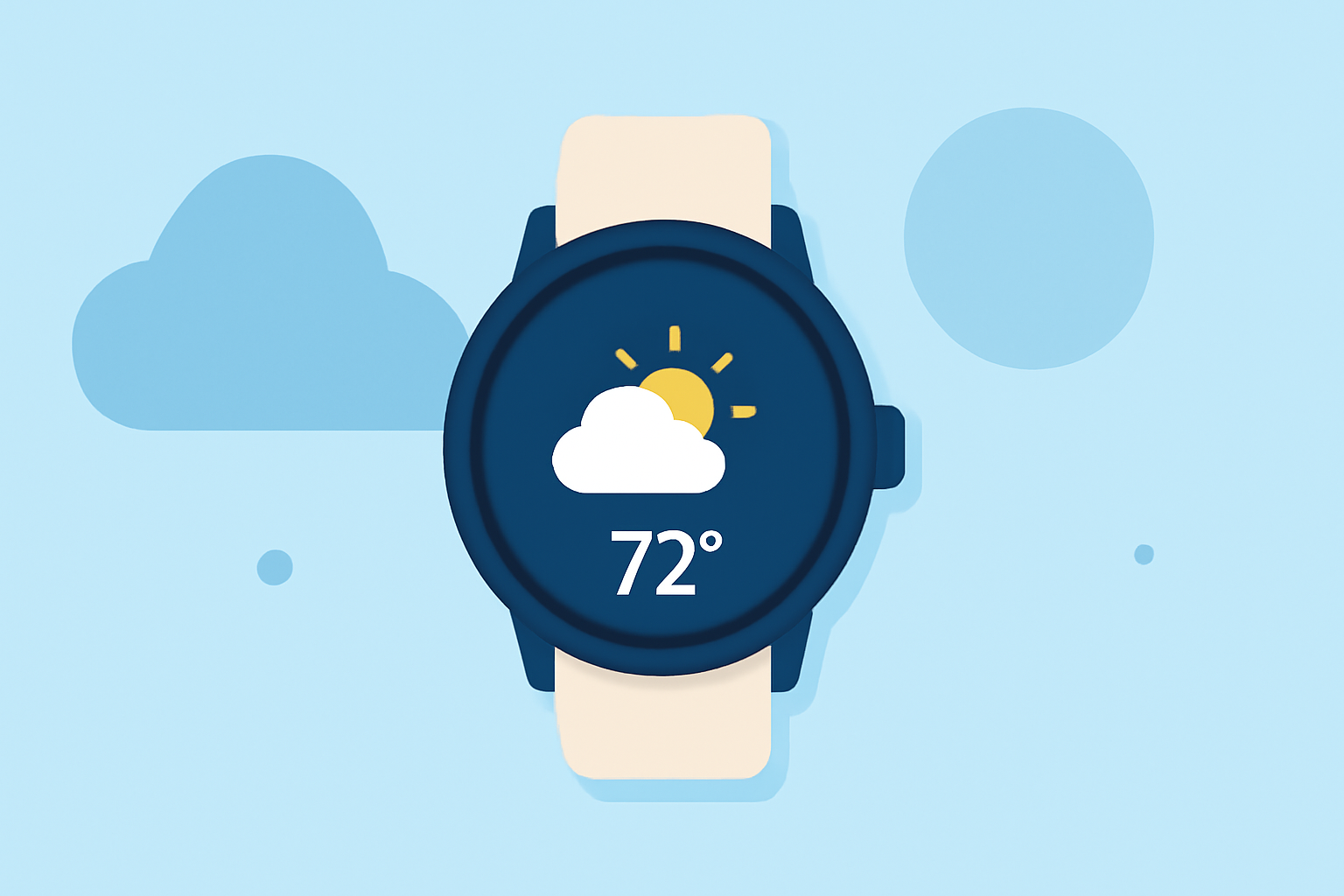
Setting up the Weather app on your Wear OS smartwatch allows you to access current conditions, forecasts, and more directly from your wrist. Here's a step-by-step guide to get you started:
1. Accessing the Weather App
-
Open the App: Locate and tap the Weather app icon on your smartwatch to view current conditions, hourly forecasts, and more.
-
View Details: Scroll to see hourly and daily forecasts, air quality index (AQI), precipitation, pollen levels, sunrise and sunset times, and UV index. (support.google.com)
2. Refreshing Weather Data
-
Automatic Updates: The app refreshes data periodically to provide the latest information.
-
Manual Refresh: To update manually, scroll to the bottom of the app and tap the refresh button. (support.google.com)
3. Adding the Weather Tile for Quick Access
-
Access Tiles: Swipe left or right on your smartwatch to view available tiles.
-
Add Weather Tile: Press and hold a tile, then select "Add Image" to add the Weather or UV Index tile for quick access to weather information. (support.google.com)
4. Utilizing Watch Face Complications
-
Customize Watch Face: Choose a watch face that supports complications to display weather information directly on your watch face.
-
Add Weather Complication: In the watch face settings, select the weather complication to show current conditions and forecasts.
5. Managing Location Settings
-
Enable Location Services: Ensure that location services are enabled on your smartwatch for accurate weather updates.
-
Set Preferred Location: If needed, manually set your location within the Weather app settings to receive localized forecasts.
6. Troubleshooting
-
Check Permissions: Verify that the Weather app has the necessary permissions, such as location access, to function correctly.
-
Update the App: Ensure that your smartwatch's software and the Weather app are up to date to avoid potential issues.
By following these steps, you can effectively set up and use the Weather app on your Wear OS smartwatch, keeping you informed about the latest weather conditions and forecasts.