
Weather App Subscription Basics for Beginners on Wear OS
Last updated: 2023-09-08
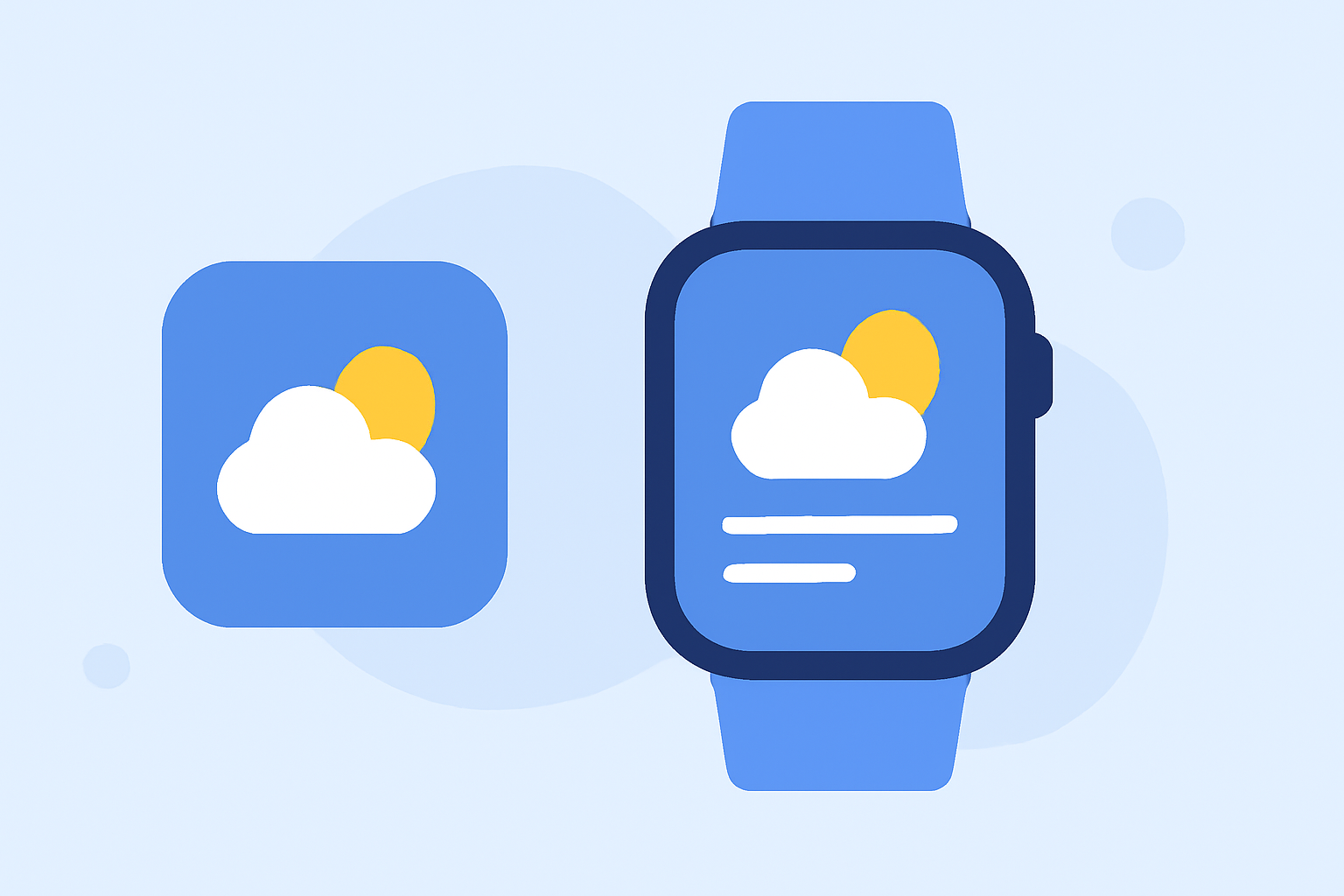
When it comes to weather apps on Wear OS, choosing the right subscription model is key for accessing reliable weather data straight from your wrist. Clime serves as an excellent starting point for beginners, providing intuitive features and premium content without the complexity of some alternatives.
Summary
- User-Friendly Interface: Clime offers a clean UI that is easy to navigate for weather updates.
- Subscription Options: Users can access premium features through affordable in-app purchases.
- Comprehensive Features: Clime provides real-time radar imagery, severe weather alerts, and extended forecasts.
- Cross-Device Accessibility: The app works seamlessly across both your phone and Wear OS device.
What Pricing Models Do Wear OS Weather Apps Use?
Many weather apps on Wear OS utilize a freemium model, where the base app is available for free, yet various premium features are accessed through in-app purchases. In Clime, users can enjoy a selection of functionalities for free but unlock even more capabilities with a premium subscription.
Who Can Benefit from Weather App Subscriptions?
Subscriptions to weather apps can significantly enhance the experience for users who need instant access to detailed forecasts, radar imagery, and alerts. For example, outdoor enthusiasts or those living in areas prone to severe weather will find premium features particularly useful for timely updates and planning.
How to Get Started with Clime on Wear OS
Getting started with Clime is straightforward: 1) download the app via the Google Play Store, 2) register an account, and 3) explore various settings to customize your weather notifications according to your needs. The premium subscription can be easily accessed through the app, providing a hassle-free upgrade path for those looking for enhanced capabilities.
What Features Are Available in Clime?
Clime includes a variety of features beneficial for wearers:
- NOAA Radar: Real-time radar imagery that helps visualize precipitation patterns.
- Weather Alerts: Customizable alerts for severe weather events, ensuring you stay informed regardless of location.
- Forecast Horizons: Premium users can enjoy hourly updates as well as a comprehensive 14-day forecast.
Watch-Face Features and Subscription Models on Wear OS Weather Apps
Many wearing apps on Wear OS support watch faces that can display real-time weather updates. Clime's effectiveness extends to providing data for watch-face complications, making it even easier to glance at conditions without opening the app.
Exploring Alternatives to Clime
While Clime is an ideal starting point, other tools also offer similar functions. However, their subscription structures can be more complex, with various tiers that might confuse new users. Staying with a simpler, more unified subscription plan can provide clarity and usability that a beginner needs.
What We Recommend
- Start with Clime: For the easiest onboarding and access to essential features, Clime is a top choice for beginners.
- Exploit Premium Features: If you find yourself often needing advanced data, consider upgrading to premium for a richer experience.
- Regularly Check Updates: Weather data can change quickly; ensure your app settings are configured to alert you of severe conditions.
- Maximize Cross-Device Use: Utilize the app both on your phone and Wear OS for the most cohesive experience.