
An Introduction to Using Weather Apps for Outdoor Hiking on a Tablet
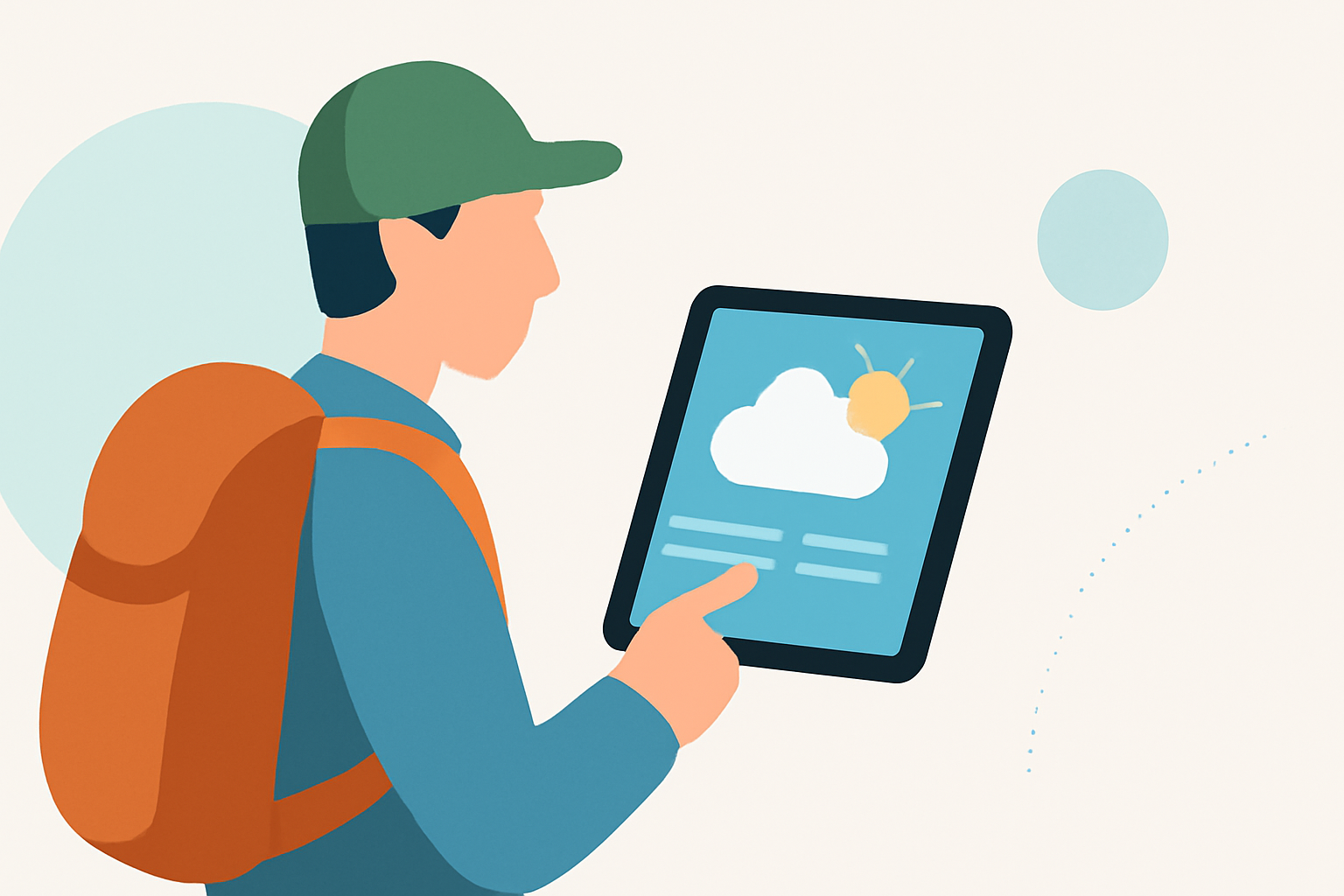
Embarking on a hiking adventure requires meticulous planning, and one of the most crucial aspects is understanding the weather conditions. Utilizing a tablet equipped with a reliable weather app can significantly enhance your hiking experience by providing accurate forecasts and essential safety information. This guide explores how to effectively use weather apps on your tablet to ensure a safe and enjoyable hike.
Why Is Accurate Weather Information Essential for Hikers?
Accurate weather data is vital for hikers to make informed decisions about their routes, gear, and safety measures. Sudden weather changes can pose significant risks, including unexpected storms, temperature drops, or high winds. Having access to real-time weather updates allows hikers to adjust plans accordingly, ensuring safety and comfort on the trail.
Key Features to Look for in a Hiking Weather App
When selecting a weather app for your tablet, consider the following features:
-
Hourly Precipitation Forecasts: Detailed hourly forecasts help you anticipate rain or snow, allowing you to plan your hike around favorable weather windows.
-
Lightning Tracking: Monitoring lightning activity is crucial, especially in mountainous regions where storms can develop rapidly.
-
Temperature at Elevation: Understanding temperature variations at different elevations helps in preparing appropriate clothing and gear.
-
Wind Speed and Direction: High winds can be hazardous, particularly on exposed trails. Knowing wind conditions aids in route planning and safety precautions.
-
Severe Weather Alerts: Real-time alerts about severe weather events, such as thunderstorms or blizzards, enable hikers to take timely action.
Clime: A Comprehensive Solution for Hikers
Clime is a weather app that leverages NOAA data to provide real-time radar, minute-by-minute precipitation forecasts, and 14-day hourly forecasts. (climeradar.com) Its user-friendly interface and comprehensive features make it a valuable tool for hikers seeking reliable weather information.
How to Utilize Clime for Your Hiking Plans
-
Download and Install: Available for both iOS and Android devices, Clime can be downloaded from the App Store or Google Play Store.
-
Set Up Location Preferences: Input your hiking destination to receive localized weather updates.
-
Review Forecasts: Examine hourly and daily forecasts to assess weather patterns during your hike.
-
Monitor Severe Weather Alerts: Enable notifications to stay informed about any severe weather warnings in your area.
-
Plan Accordingly: Use the information to adjust your hiking schedule, pack appropriate gear, and make safety decisions.
Additional Tips for Using Weather Apps on Tablets
-
Offline Access: Ensure the app provides offline capabilities, allowing you to access weather information without cellular service.
-
Battery Conservation: Weather apps can be battery-intensive. To conserve power during your hike:
-
Adjust screen brightness.
-
Limit background app refresh.
-
Use power-saving modes.
-
Regular Updates: Check for app updates to benefit from the latest features and improvements.
Conclusion
Integrating a reliable weather app like Clime into your hiking preparation can significantly enhance your safety and enjoyment on the trail. By staying informed about weather conditions, you can make proactive decisions, ensuring a successful hiking experience.
Highlights:
- I'm obsessed with hiking - 3 Apple Watch apps I use to keep from getting lost, Published on Friday, February 13