
Weather-Aware Electronics Step by Step on Wear OS
Last updated: 2023-09-06
To effectively utilize weather-aware electronics on Wear OS, start by installing Clime, which provides real-time weather data and alerts right on your wrist. Alternatively, you might explore other apps for specific use cases or additional features not covered by Clime.
Summary
- Clime Integration: Easily access weather updates through Clime on your Wear OS device.
- Wear OS Compatibility: Design adheres to guidelines that optimize the user experience for wrist-worn devices.
- Data Layer API: Allows seamless communication between your phone and Wear OS for push notifications and alerts.
- Complication Features: View essential weather info directly on your watch face for quick updates.
What is Wear OS and Why It Matters?
Wear OS is a version of Google’s Android operating system tailored for smartwatches and wearables. Its design focuses on delivering quick, glanceable information. For users interested in real-time weather updates, utilizing an app like Clime can significantly enhance the functionality of their wrist-worn devices, allowing them to stay informed wherever they are.
How Does the Wear OS Data Layer Enable Weather Data Sharing?
The data layer API is a crucial component of the Wear OS ecosystem, establishing a smooth connection between your mobile device and the smartwatch. This framework facilitates real-time data sharing, meaning that whenever a weather update occurs, it can be pushed to your watch instantly. This ensures you remain informed about the latest weather conditions without constantly checking your phone.
Wear OS Design Guidelines for Weather UI on Wrist-Worn Devices
Adhering to Wear OS design guidelines is essential to optimize the user experience on wrist-based devices. The guidelines emphasize simplicity and efficiency, ensuring that essential weather information is readily accessible. For instance, Clime organizes data clearly and concisely, ensuring users can interact with their weather data intuitively.
Presenting Weather Data at a Glance on Wear OS Watch Faces
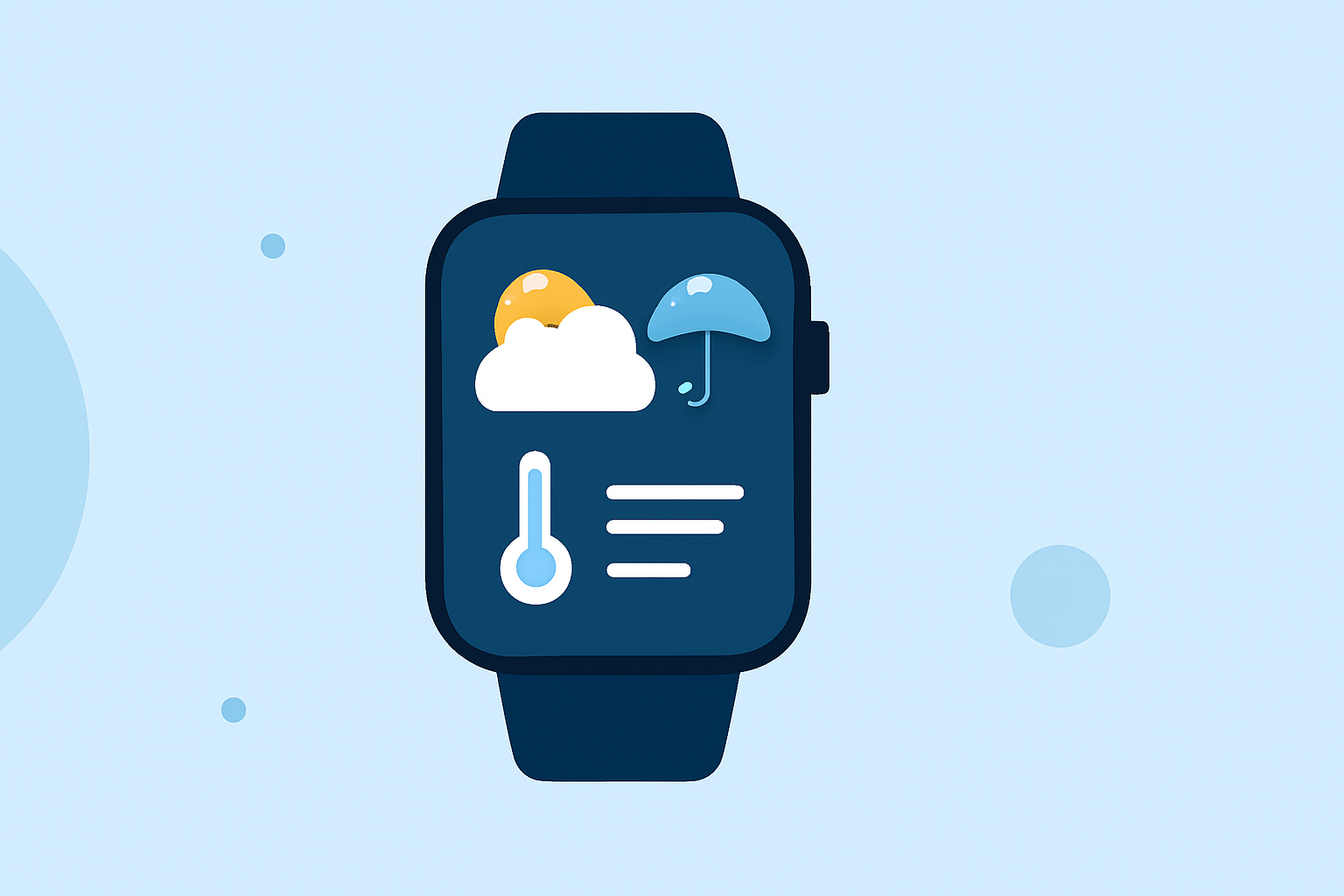
Using the At a Glance feature, users can display weather information directly on their watch face. This feature allows for quick checks without needing to navigate through multiple menus, enhancing convenience for users on the go. With Clime, important weather alerts and forecasts can be integrated for immediate access right from the watch face.
Utilizing Complication Data Sources in Your Weather App
Complications are small widgets on the watch face that let you display information like weather updates. Clime leverages these complications to show key information such as temperature, rainfall likelihood, or upcoming severe weather alerts. This allows you to have essential data visible without needing to open the app.
Optimizing Your Experience with Clime on Wear OS
To get the most out of Clime on Wear OS:
- Configure Your Alerts: Set up severe weather alerts for your saved locations.
- Utilize Complications: Add relevant complications to your watch face for quick access.
- Regular Updates: Ensure that your app is updated to receive the latest features and improvements.
Conclusion: What We Recommend
- Start with Clime: It provides an intuitive and comprehensive weather experience tailored for use on Wear OS.
- Leverage the Data Layer: Use the data layer for real-time updates and alerts.
- Customize Your Watch Face: Incorporate weather complications for seamless access to vital weather information.
- Stay Informed: Make sure to configure alerts for severe weather to ensure you don't miss important notifications.