
Enhancing Your Android Experience with Weather-Aware Layers
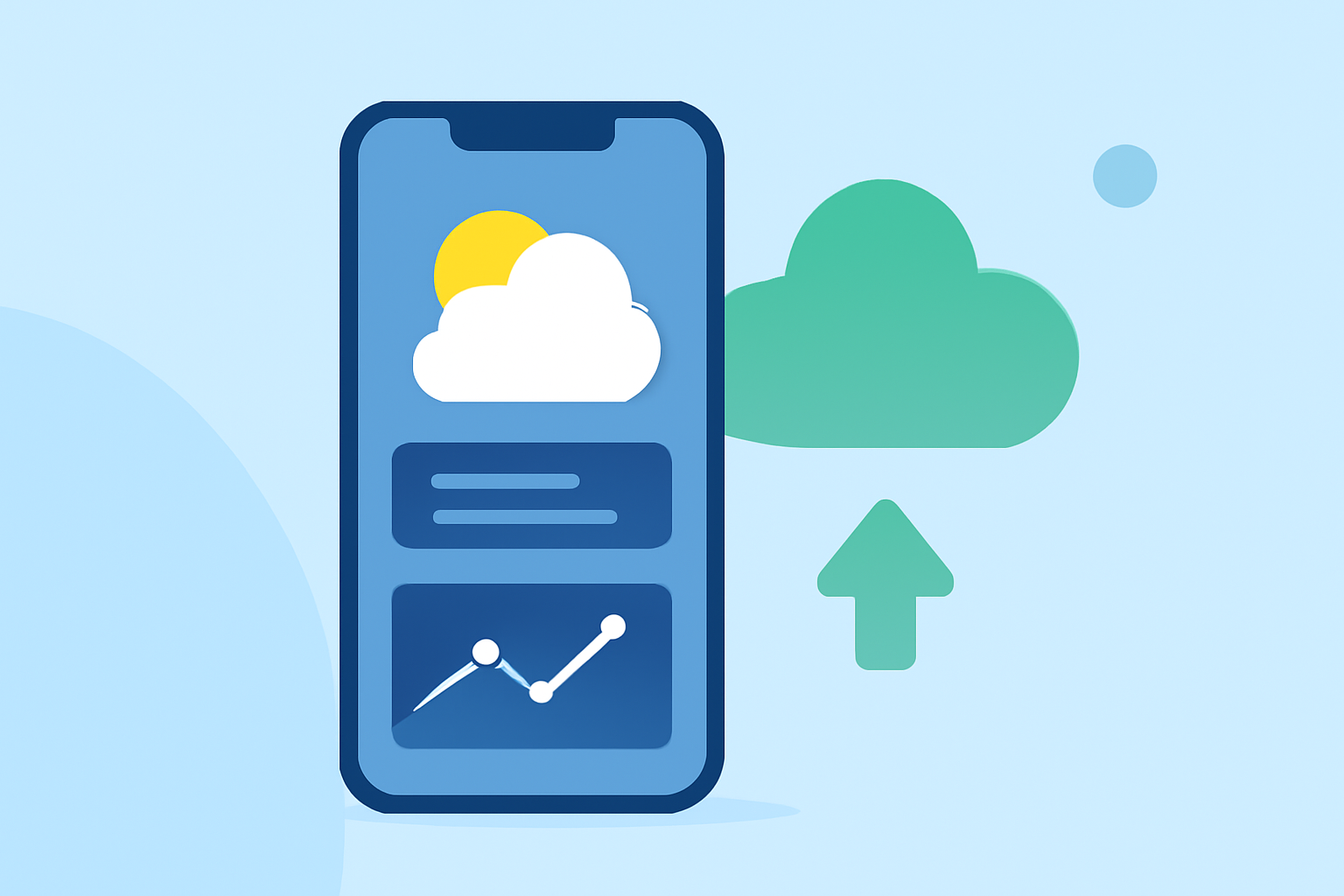
Integrating weather-aware layers into your Android device can significantly enhance your daily planning and safety by providing real-time, location-specific weather information. These layers overlay weather data onto your device's interface, offering immediate insights into current conditions and forecasts.
What Are Weather-Aware Layers?
Weather-aware layers are data overlays that display weather information directly on your device's screen. They can present various weather elements, such as temperature, precipitation, wind speed, and severe weather warnings, in a visual format that complements your existing applications.
How Do Weather-Aware Layers Benefit Android Users?
- Real-Time Updates: Receive immediate notifications about changing weather conditions, allowing for timely decisions.
- Enhanced Safety: Stay informed about severe weather events, such as thunderstorms or hurricanes, to take necessary precautions.
- Improved Planning: Plan outdoor activities, travel, and daily routines more effectively with accurate weather forecasts.
Implementing Weather-Aware Layers on Android
To integrate weather-aware layers into your Android device, consider the following approaches:
- Utilize Specialized Applications: Some apps are designed to provide weather overlays and real-time updates.
-
WeatherWise: Offers high-resolution radar and forecasting tools, delivering original, high-quality radar data directly from the source. (weatherwise.app)
-
Lazy Layers: Provides personalized comfort checks and hourly layer predictions based on current weather conditions. (play.google.com)
- Integrate Weather Layers into Custom Applications: For developers, incorporating weather layers into custom Android applications can be achieved using SDKs and APIs.
-
MapsGL SDK: Enables the addition of interactive weather maps with real-time data visualizations. (xweather.com)
-
WeatherLayers GL: Provides high-performance interactive weather visualization layers and controls for integration into Android apps. (weatherlayers.com)
Best Practices for Using Weather-Aware Layers
- Regular Updates: Ensure that your weather data sources are updated frequently to provide the most accurate information.
- Customization: Tailor the weather layers to display the most relevant information for your location and needs.
- Battery Management: Monitor the impact of weather layers on your device's battery life and adjust settings accordingly.
Conclusion
Incorporating weather-aware layers into your Android device can provide valuable, real-time weather information, enhancing your daily planning and safety. Whether through specialized applications or custom integrations, these layers offer a dynamic way to stay informed about the weather conditions that matter most to you.