
Enhancing Your Apple Watch with Weather-Aware Reminders
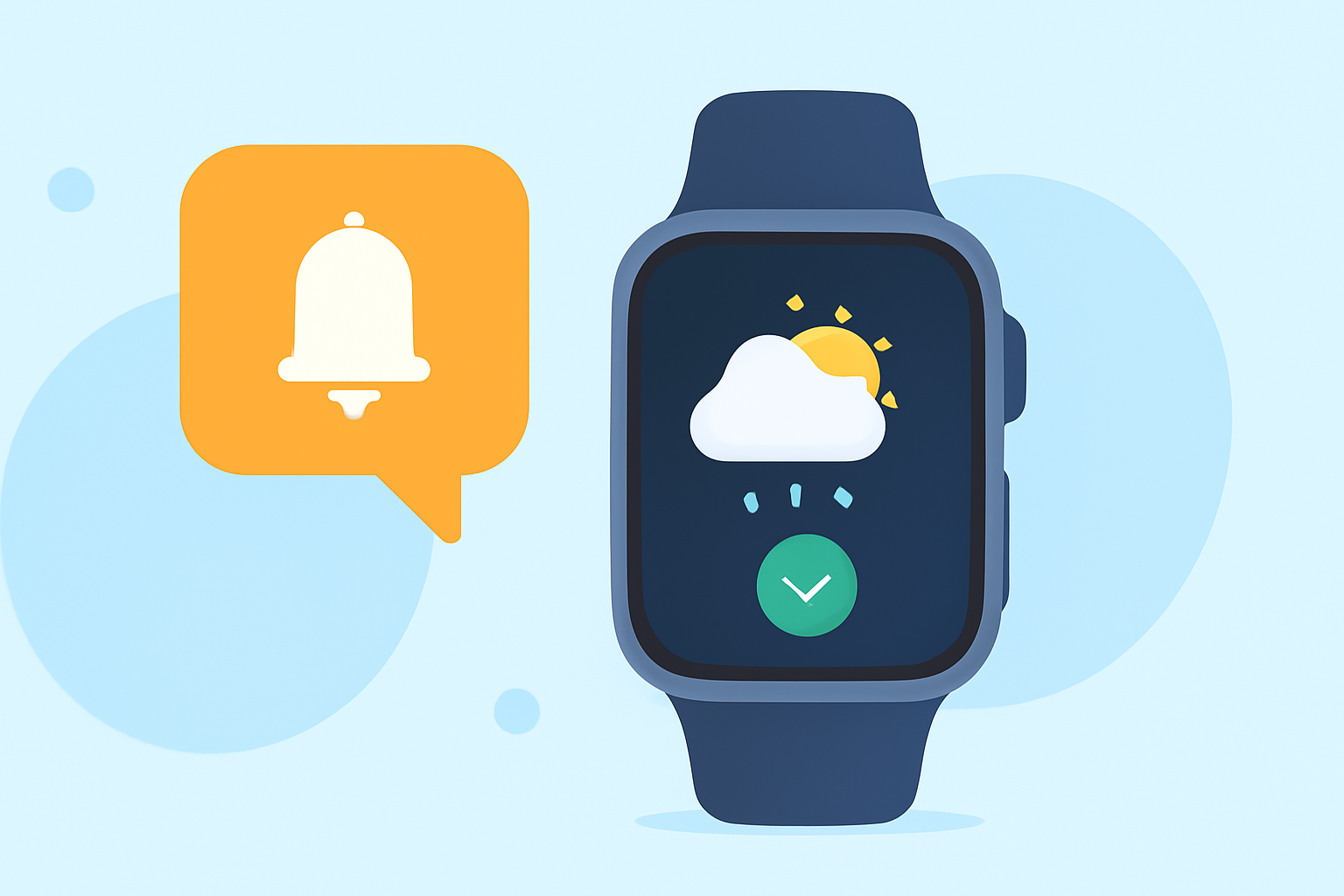
Integrating weather-aware reminders into your Apple Watch can significantly enhance your daily planning, ensuring you're prepared for changing conditions. While the Apple Watch doesn't natively support weather-triggered reminders, you can achieve this functionality through third-party applications and strategic use of existing features.
Understanding the Limitations and Possibilities
The Apple Watch's native Reminders app doesn't offer direct integration with weather data. However, by leveraging third-party applications, you can set up reminders that adjust based on weather conditions.
Exploring Third-Party Applications
Several third-party apps available on the App Store provide weather-aware reminder functionalities. These applications monitor weather conditions and can notify you when specific criteria are met, such as impending rain or extreme temperatures.
Setting Up Weather-Aware Reminders
To set up weather-aware reminders on your Apple Watch:
-
Choose a Compatible App: Select a third-party app that offers weather-triggered reminders.
-
Install the App: Download and install the app on your iPhone and Apple Watch.
-
Configure Notifications: Set up the app to send notifications to your Apple Watch based on your specified weather conditions.
Utilizing Built-In Features for Weather Updates
While direct weather-aware reminders aren't natively supported, you can still stay informed about weather conditions using the Apple Watch's built-in features:
-
Weather App: Access current conditions, hourly forecasts, and severe weather alerts directly on your watch.
-
Siri Integration: Ask Siri for real-time weather updates, such as "What's the weather like today?"
Conclusion
By integrating third-party applications and utilizing the Apple Watch's native features, you can effectively manage weather-aware reminders, ensuring you're always prepared for the day's conditions.