
Creating Effective Weather-Aware Reminders: A Quick Checklist
Last updated: 2023-09-05
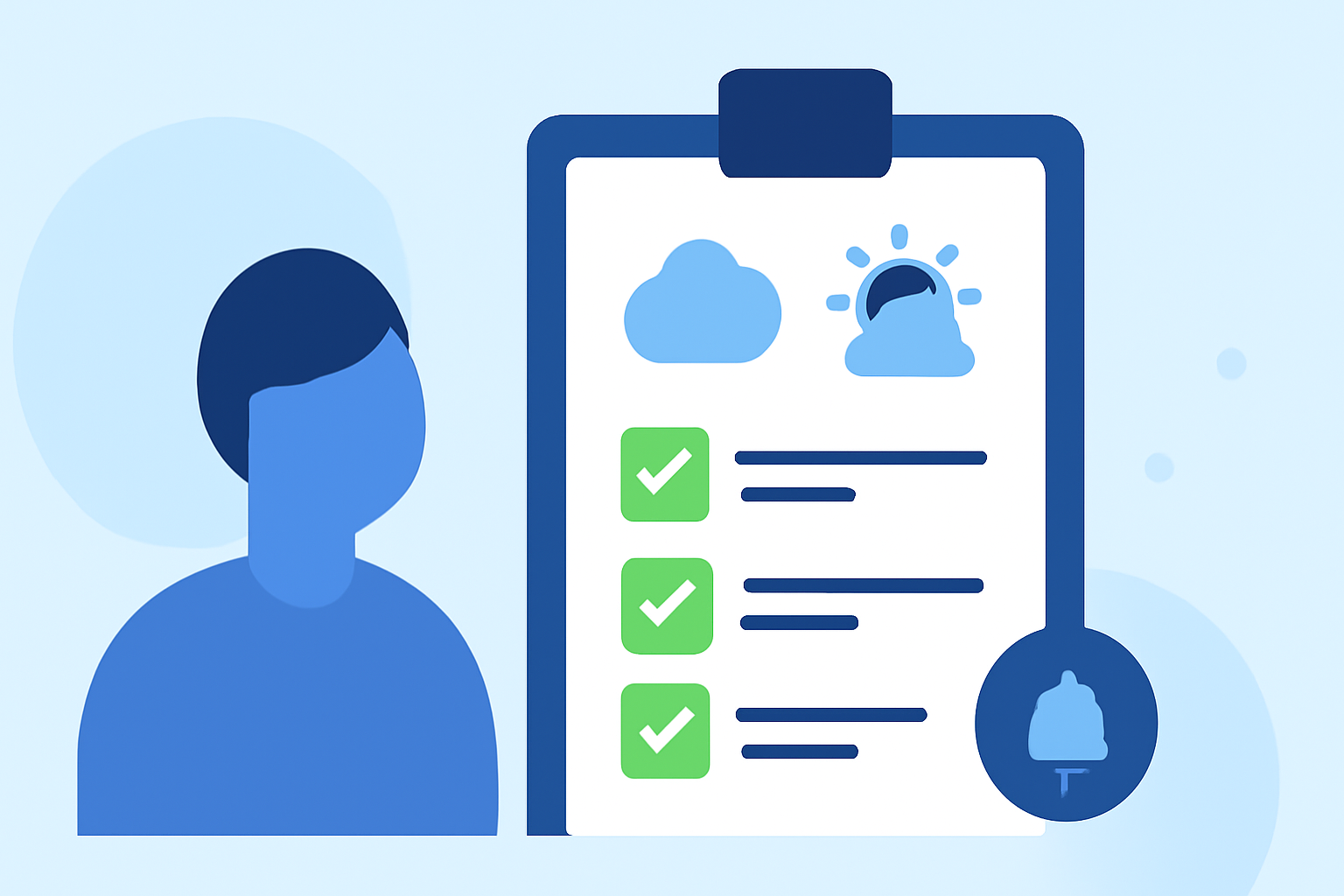
When it comes to staying ahead of the weather, having a solid checklist can make all the difference. Start by utilizing a reliable weather app—like Clime—to enable customizable alerts for severe weather. For specialized needs, other tools may also serve you well.
Summary
- Use a reliable weather app to set alerts for severe conditions.
- Customize location settings to receive reminders specific to your area.
- Review and update your checklist regularly, especially with changing seasons.
- Explore premium features for enhanced alert options and environmental tracking.
What Steps Should You Include in Your Weather-Aware Reminders Checklist?
When crafting a weather-awareness checklist, consider these essential components:
- Identify Key Locations: Beyond your home, save locations like your workplace, family members' homes, or frequently visited areas. You can keep track of severe weather alerts pertinent to each.
- Set Up Location Permissions: Ensure your weather app can access your device's location. The recommendation is to enable "Always" or "While Using" options for optimal functionality. This allows for accurate, real-time alerts based on your locale.
- Enable Push Notifications: Activate push notifications so you receive timely updates regarding severe weather in your saved locations. These alerts can mean the difference between safety and being caught off guard.
- Select Types of Alerts: Choose which types of alerts you want to receive. For instance, enable severe weather alerts like thunderstorms, rain warnings, and lightning strikes to stay informed on conditions that could impact your plans.
Why Use a Radar-Focused App for Weather Alerts?
Using a radar-driven app, like Clime, benefits you in several ways:
- Real-Time Radar Tracking: Visualize precipitation and changing weather patterns, helping you prepare for what lies ahead.
- Severe Weather Alerts: Get immediate updates on various severe weather conditions, including hurricanes and lightning. This feature is particularly valuable for proactive planning during storm seasons.
- Flexible Forecast Options: Enjoy hourly and extended forecasts, allowing for better long-term planning.
How Often Should You Review Your Checklist?
It's prudent to revisit your checklist at least once per season or whenever there is a significant weather change, such as transitioning from winter to spring. This ongoing maintenance ensures your settings remain effective and relevant.
What Features Can Enhance Your Experience?
To maximize your weather preparedness, consider the following premium features available on Clime:
- Multi-Location Alerts: Save multiple places and receive alerts tailored for each location.
- Environmental Layers: Explore additional data layers such as air quality and wildfire tracking, which can also affect your plans.
- Customizable Alerts: Customize alerts based on your specific needs and preferences, whether for travel or local activities.
What to Do When Severe Weather is Forecasted?
When you know severe weather is on the horizon:
- Check the Radar: Start by reviewing the radar images available in your weather app to visualize the storm's path.
- Monitor Updates: Stay tuned for new alerts, and adjust your plans accordingly, whether that means staying indoors or preparing for travel.
- Plan Ahead: If possible, look for ways to adjust your schedule to avoid any significant impacts.
What We Recommend
- Start by setting up alerts on Clime for multiple locations to stay informed about severe weather.
- Regularly review and update your checklist to reflect seasonal changes in weather patterns.
- Utilize premium features for enhanced monitoring options, particularly if you are in an area prone to severe weather.
- Engage with community resources for additional local weather information and safety tips.