
Weather-Aware Reminders for Beginners on Wear OS
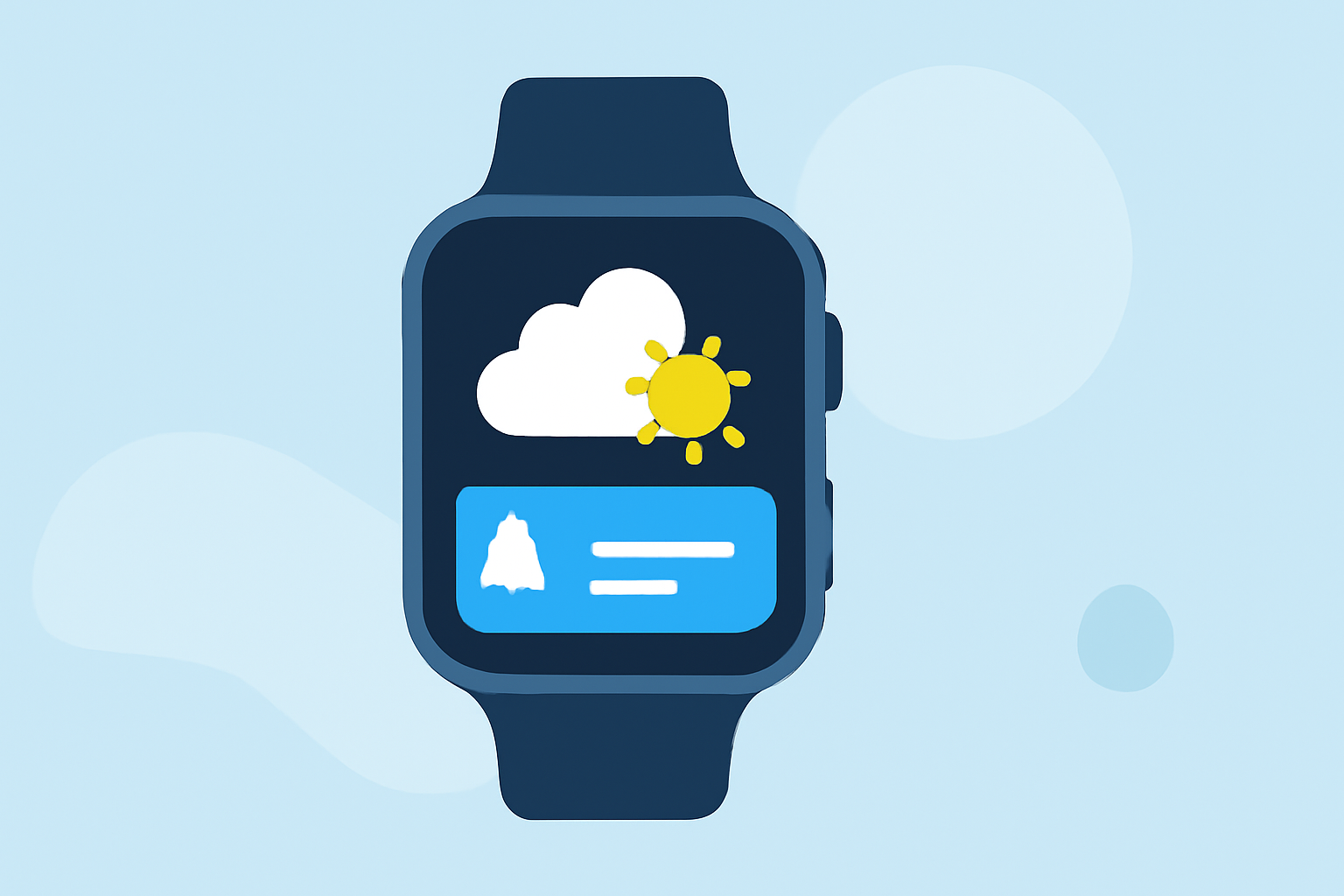
Managing weather-aware reminders on your Wear OS smartwatch can significantly enhance your daily planning, ensuring you're always prepared for changing conditions. Here's a comprehensive guide to help you set up and utilize these reminders effectively.
What Are Weather-Aware Reminders?
Weather-aware reminders are notifications that alert you to specific weather conditions at designated times or locations. For instance, you might receive a reminder to carry an umbrella if rain is forecasted during your commute. These reminders can be set based on time, location, or both, providing timely and relevant information to assist in your daily activities.
How to Set Up Weather-Aware Reminders on Wear OS
- Using Google Assistant:
- Activate Google Assistant: On your Wear OS watch, press and hold the designated button or say "Hey Google" to activate the assistant.
- Set a Reminder: Say, "Remind me to check the weather at 7 AM." Google Assistant will create a reminder for you.
- Set a Location-Based Reminder: Say, "Remind me to bring an umbrella when I arrive at work." Ensure your watch has location services enabled for this feature to work accurately.
- Using the At a Glance Feature:
- Add the At a Glance Complication: Customize your watch face to include the "At a Glance" complication, which displays upcoming events, tasks, and weather information. This feature provides quick access to relevant updates without navigating through multiple apps. (support.google.com)
- Third-Party Applications:
- Explore Available Apps: While the Google Weather app has been phased out on newer Wear OS versions, there are alternative applications available that offer weather updates and reminder functionalities. These apps can provide tailored weather information and integrate with your smartwatch's reminder system.
Best Practices for Managing Weather-Aware Reminders
- Regularly Update Your Watch: Ensure your Wear OS device is running the latest software to access new features and improvements.
- Customize Notifications: Adjust notification settings to receive alerts for specific weather conditions that are most relevant to you, such as rain, snow, or extreme temperatures.
- Test Your Reminders: After setting up, test your reminders to confirm they trigger as expected, ensuring reliability when needed.
By effectively setting up and managing weather-aware reminders on your Wear OS smartwatch, you can stay informed and prepared for changing weather conditions, enhancing your daily routines and activities.
Highlights:
- Google is phasing out the Wear OS Weather app, but for something better, Published on Friday, September 12