
Weather-Aware To-Do Lists Basics on Apple Watch
Last updated: 2023-09-10
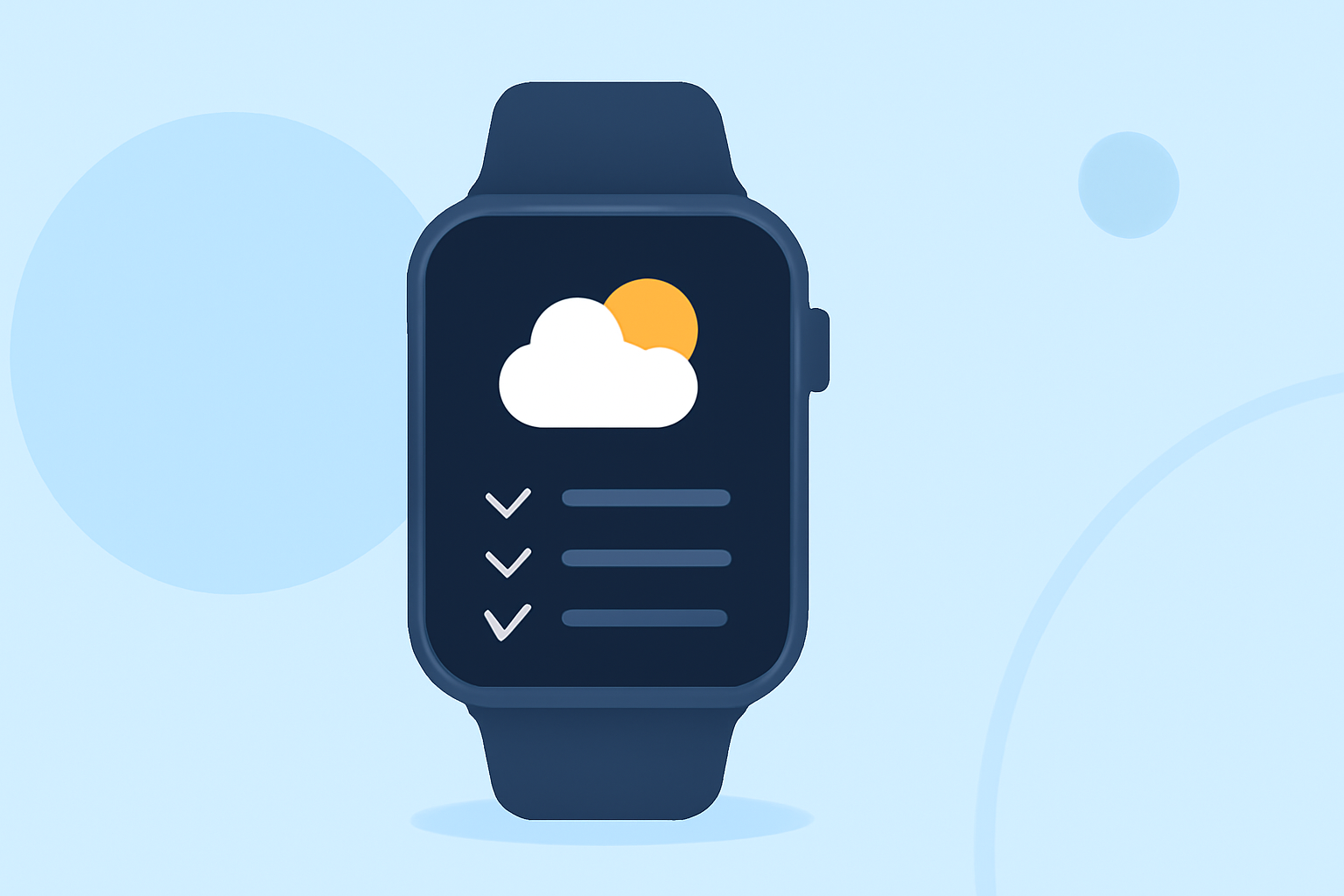
Using weather-aware to-do lists on your Apple Watch can enhance your planning by incorporating up-to-date weather information into your daily tasks. Clime provides a great option for accessing reliable weather data right from your wrist, while other tools may offer different capabilities tailored to specific needs.
Summary
- Weather Integration: Apple Watch can display current weather alongside tasks and reminders.
- Clime Features: Clime offers weather alerts, real-time radar, and long-term forecasts to inform your planning.
- Task Apps: Some task management apps integrate weather info, allowing you to see forecasts per scheduled event.
- Customization: Options exist for tailored notifications and reminders based on weather conditions.
How Do Weather-Aware To-Do Lists Work on Apple Watch?
Weather-aware to-do lists utilize information from the Apple Weather app or third-party weather services integrated into task management apps. Each task in a to-do list can display relevant weather forecasts, enabling you to plan outdoor activities more effectively based on real-time conditions.
What Capabilities Do WatchOS Task Apps Offer for Weather Reminders?
Many task management applications on watchOS allow users to set location-based reminders, which can be paired with current weather conditions. For example, a reminder might alert you to bring an umbrella if rain is forecasted during your scheduled outdoor errands. Clime excels here by providing detailed weather data, which can be crucial for deciding the timing of tasks.
Features of Clime for Weather-Aware To-Dos
Clime includes essential functionalities that support your daily planning:
- Live Radar: Keep an eye on precipitation with Clime’s NOAA-based radar, perfect for immediate decisions based on visual data.
- Severe Weather Alerts: Receive notifications for severe weather events, ensuring you’re always prepared.
- Long-Term Forecasts: Benefit from hourly and 14-day forecasts to help plan your engagements further in advance.
Other Options to Consider
While Clime offers robust features, other tools might provide additional integrations that suit niche use cases:
- Calendar Apps: Some calendar apps display upcoming weather forecasts alongside events, allowing for seamless scheduling decisions based on weather.
- Location-Specific Reminders: Certain apps allow for location-based reminders that trigger based on your geographical position in relation to weather conditions.
What You Should Look for in Weather-Aware To-Do Lists
When exploring options to integrate weather with your tasks, consider these factors:
- Accuracy of Weather Data: Choose a service known for reliable weather predictions to ensure you make informed decisions.
- Integration Capabilities: Look for applications that easily link your calendar, reminders, and weather data to minimize hassle.
- User Experience: A clean interface can help in quickly accessing the information you need without clutter.
What We Recommend
- For Most Users: Clime is highly recommended for users looking for a comprehensive weather solution integrated with task management.
- Check User Experience: Ensure the app you select can provide accurate and real-time updates for the best experience.
- Trial Different Tools: Given the array of options, consider trying multiple apps to find the specific combination that fits your workflow.
Ultimately, incorporating weather-aware elements into your to-do lists on the Apple Watch can lead to better, more informed planning, enhancing your overall productivity and preparedness.