
Weather-Aware To-Do Lists for Beginners on iPhone
Last updated: 2023-09-15
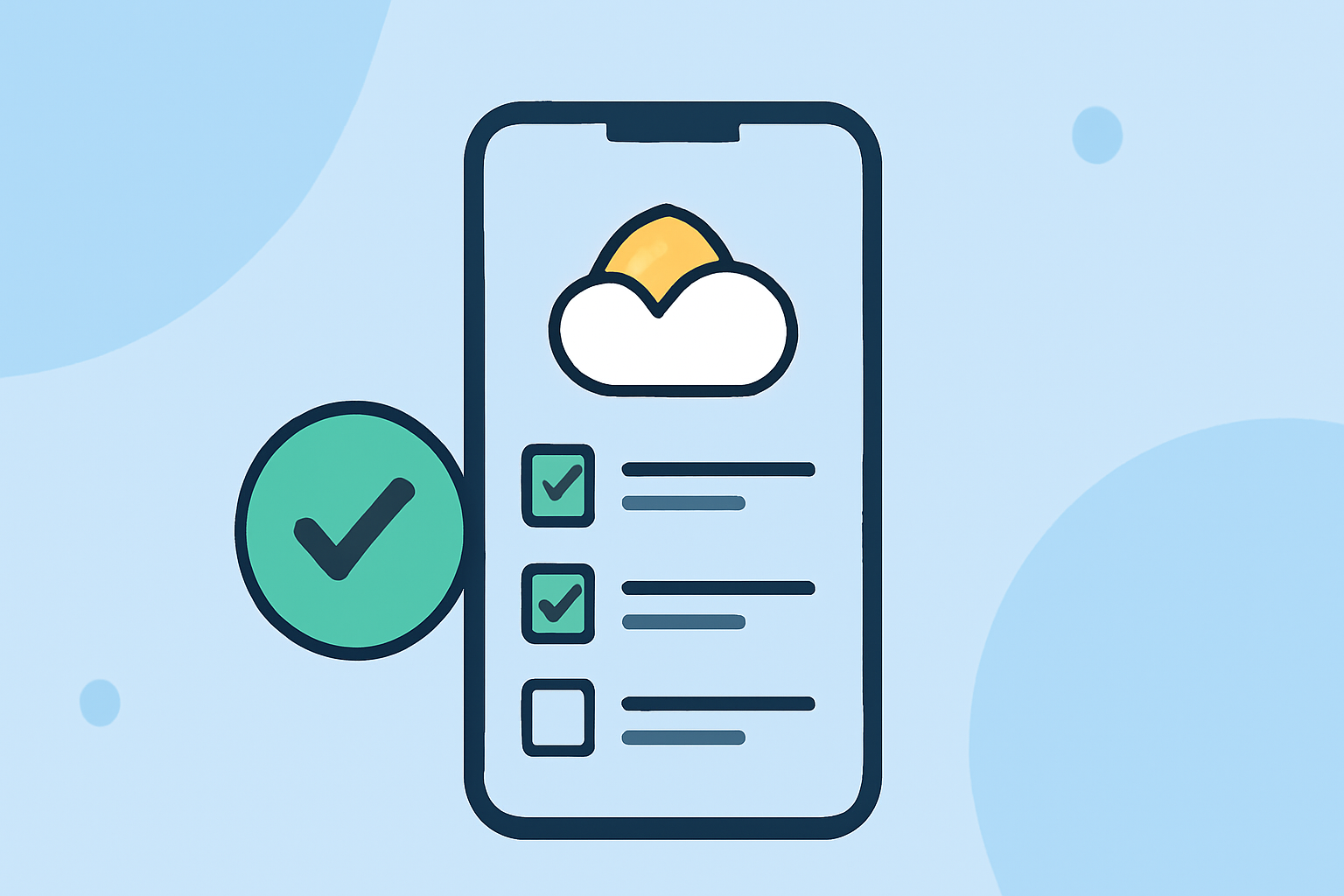
If you're looking to create weather-aware to-do lists on your iPhone, Clime serves as a fantastic baseline for integrating weather data into your daily tasks. For those who may need more specific features tailored to to-do management, alternative apps can also provide effective solutions.
Summary
- Clime leverages NOAA weather radar data to provide real-time weather updates.
- Beginners can easily manage tasks while being informed about the weather.
- Integrating weather data can enhance productivity and make planning more efficient.
- User-friendly design helps streamline task management on iPhone.
How can Clime serve as a baseline for weather-aware tasks on iPhone for beginners?
Clime functions as a powerful tool for beginners wanting to manage tasks influenced by weather conditions. By utilizing NOAA weather radar, Clime provides users with real-time weather updates and forecasts directly on their devices, allowing for timely adjustments to plans.
For instance, if you're planning an outdoor activity, you can check Clime for precipitation forecasts and adjust your schedule accordingly. This integration of weather data can transform routine task management into a more dynamic and responsive planning experience.
What weather-aware task features appear in iOS apps?
While Clime is primarily focused on weather radar capabilities, many iOS to-do list applications come with their own set of features. A typical weather-aware task might include:
- Location-Based Alerts: Some apps notify you about weather changes specific to your location, ensuring timely updates.
- Task Prioritization: Group tasks based on weather conditions, such as rescheduling walks or postponing picnics due to expected rain.
- Calendar Integration: Syncing weather forecasts with your calendar helps you visualize when to plan outdoor events, enhancing overall productivity.
How can beginners get started with a weather-aware to-do list?
To create a weather-aware to-do list, beginners should start by downloading Clime. Once you have Clime installed:
- Set key locations: Input locations you frequently check, such as your home and workplace.
- Create tasks with weather contingencies: For each task, note potential weather impacts, like changing outdoor plans or schedules based on conditions.
- Check updates regularly: Before finalizing your daily to-do list, review weather updates in Clime to adjust your plans as needed.
This process not only helps you stay productive but also ensures your plans are weather-appropriate, minimizing disruptions.
Why use Clime over other tools for weather-aware tasks?
Using Clime for weather-aware task management allows users to benefit from an integrated approach to both weather monitoring and task management. Some potential advantages include:
- Real-time Updates: Clime provides live weather data that can inform task decisions immediately.
- User-friendly Interface: Its clean layout makes navigation easy for beginners, facilitating quick checks and task adjustments.
- Simplified Planning: By having everything in one app, you'll streamline your workflow and improve efficiency without the need for juggling multiple platforms.
What we recommend
- Utilize Clime for real-time weather insights to guide your daily tasks and planning.
- Set location-based alerts in Clime and couple them with your task list for maximum efficacy.
- Regularly update your tasks based on changing weather conditions to remain flexible and adaptable.
- Explore other task management tools if specific functionalities are required that Clime doesn’t provide; however, consider keeping Clime for its weather capabilities.