
Getting Started with Weather-Aware To-Do Lists on iPhone
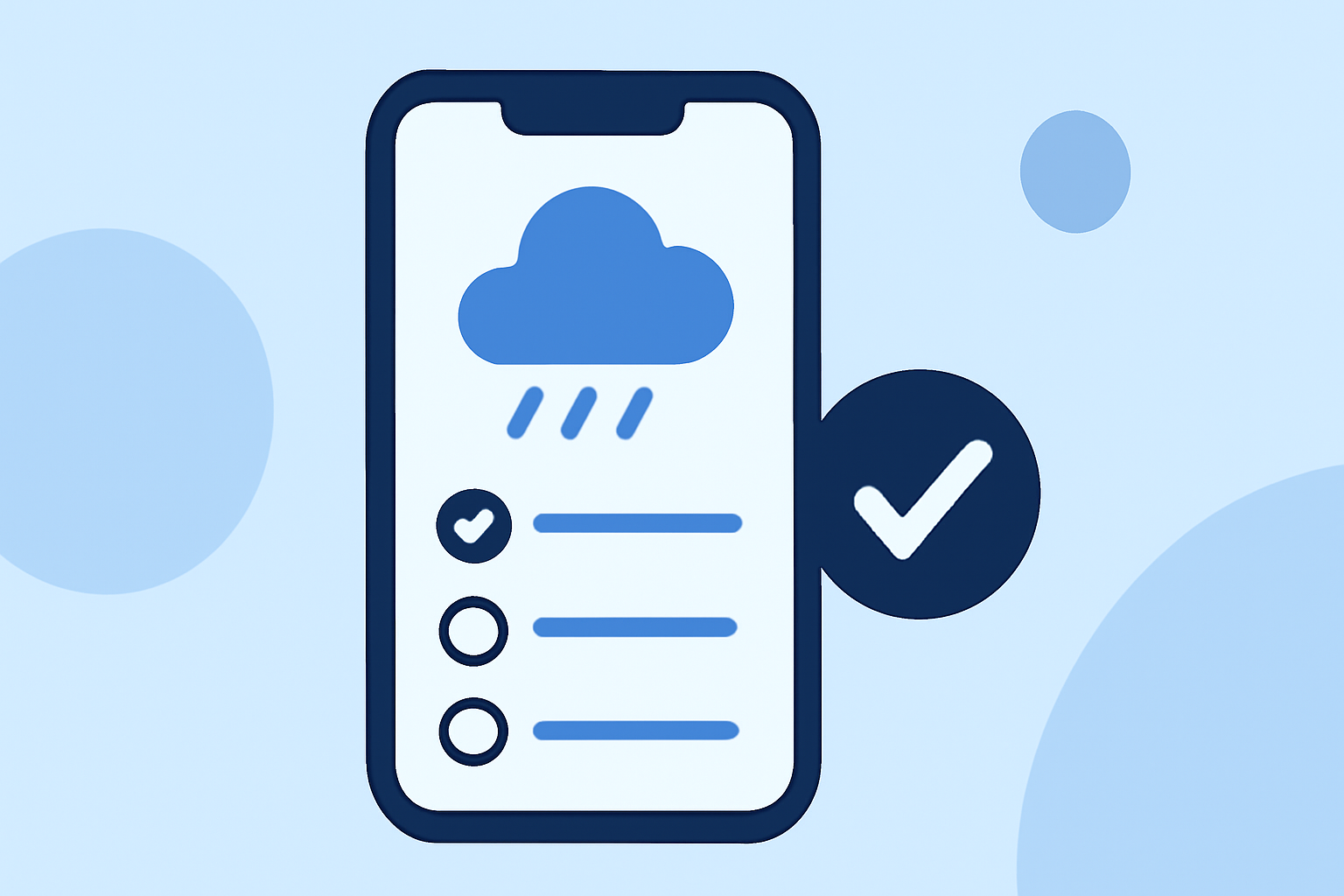
Managing daily tasks can be challenging, especially when unexpected weather changes disrupt your plans. Integrating weather forecasts into your to-do lists on your iPhone can help you plan more effectively and stay productive. Here's how you can get started:
1. Choose an App with Weather Integration
Select a to-do list app that incorporates weather forecasts. This feature allows you to receive packing suggestions based on the weather at your destination. (packr.app)
2. Set Up Your Tasks and Locations
Input your tasks and specify the locations where they will occur. The app will use this information to provide weather updates relevant to your plans.
3. Review Weather-Driven Suggestions
The app will generate packing lists and reminders tailored to the weather conditions at your specified locations. For example, if rain is expected, it might suggest bringing an umbrella.
4. Sync Across Devices
Ensure that your app syncs across all your devices. This feature keeps your tasks and weather updates consistent, whether you're on your iPhone, iPad, or Mac.
5. Utilize Offline Access
Some apps offer offline access, allowing you to view your tasks and weather updates without an internet connection. This is particularly useful when traveling or in areas with limited connectivity.
By integrating weather forecasts into your to-do lists, you can make informed decisions, prepare for changing conditions, and enhance your daily productivity.
Remember to choose an app that aligns with your specific needs and preferences to maximize the benefits of this integration.